
The Austin MacWorks Official Blog
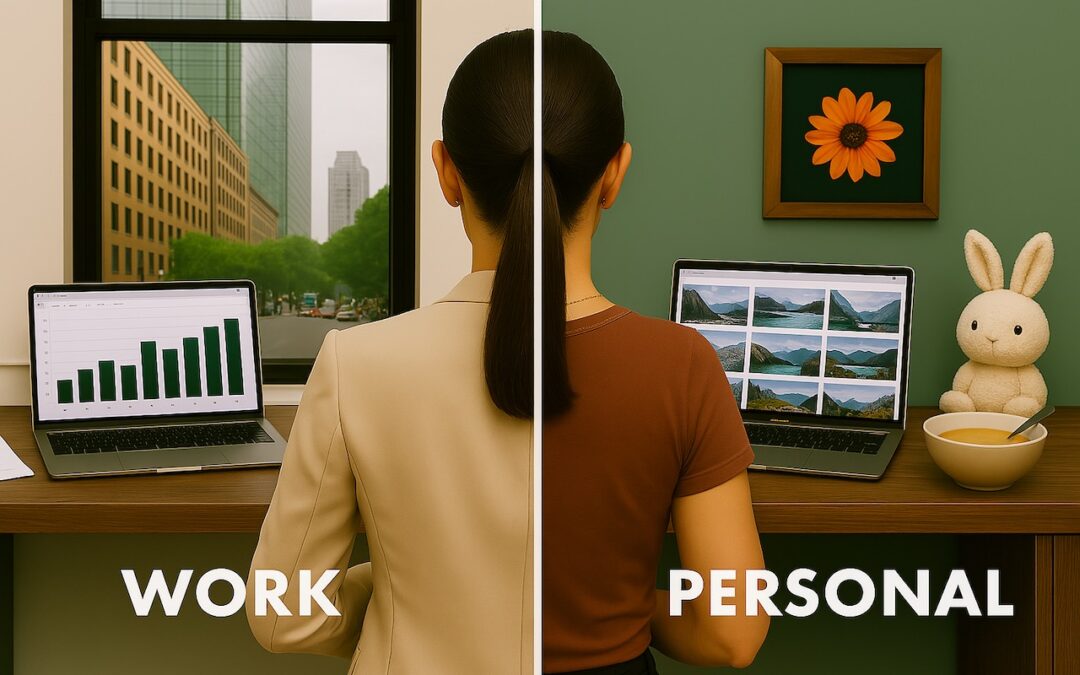
Keep Your Browsing Organized with Browser Profiles
Tired of juggling work and personal tabs in one browser? Learn how browser profiles can keep your online life organized and distraction-free, plus get step-by-step tips for setting them up in Safari, Chrome, and Firefox.

Apple Says More Personalized Siri Will Be Delayed
If, like us, you’ve been eager to try the Apple Intelligence-enhanced version of Siri that Apple announced at its Worldwide Developer Conference in 2024, we’re sorry to say that we all have longer to wait.

Working with Time Zones in Apple’s Calendar Apps
Managing time zones in Apple’s calendar tools is straightforward if you remember two key points. Our article clarifies your options and explains how to handle common scenarios.

Share Wi-Fi Network Passwords Using QR Codes
While Apple’s automatic sharing of Wi-Fi passwords feels like magic, it doesn’t work in every situation. For a more reliable manual approach, use the Show Network QR Code feature in the new Passwords app.
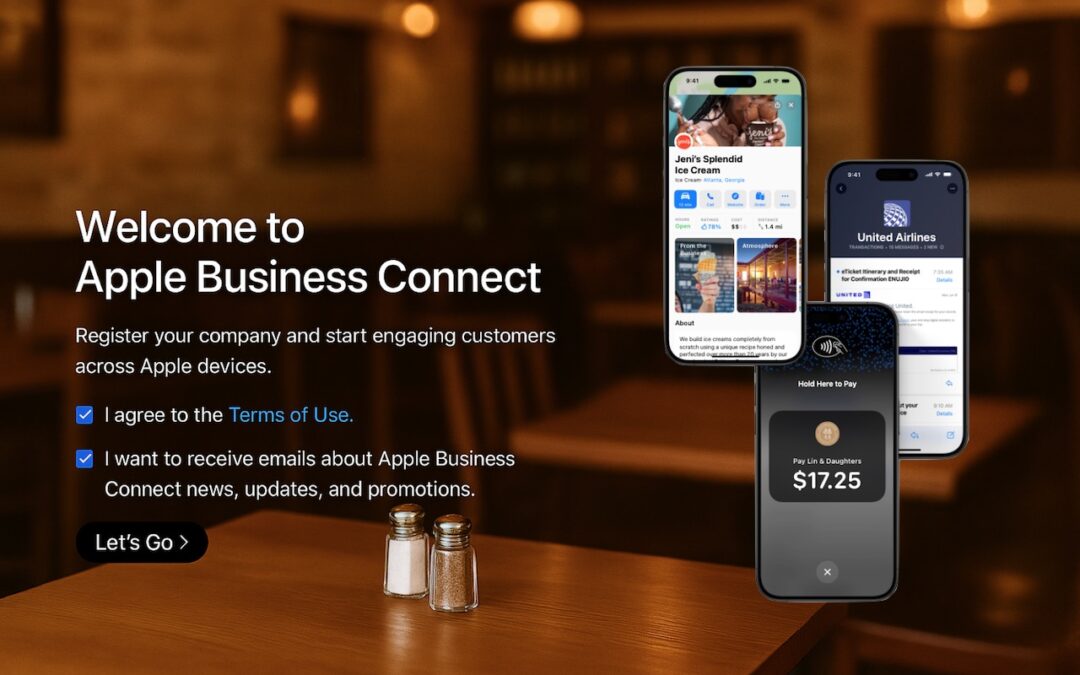
Run a Business? Sign Up with Apple Business Connect
Discover how Apple Business Connect helps businesses stand out in apps like Maps, Spotlight, Calendar, and Wallet. From custom Place Cards to branded email, Apple Business Connect can enhance your brand and help you reach your audience more effectively.
HomePods Can Alert You of Smoke and Carbon Monoxide Alarms
Apple’s HomePods can recognize the sound of a nearby smoke or carbon monoxide alarm and notify your iPhone, alerting you when you’re away and allowing you to inform emergency services and neighbors.
Super insightful and fresh perspective.
Well explained and easy to follow.
So glad I stumbled upon this.
Looking forward to your next post!
Truly a masterpiece of content.