
The Austin MacWorks Official Blog
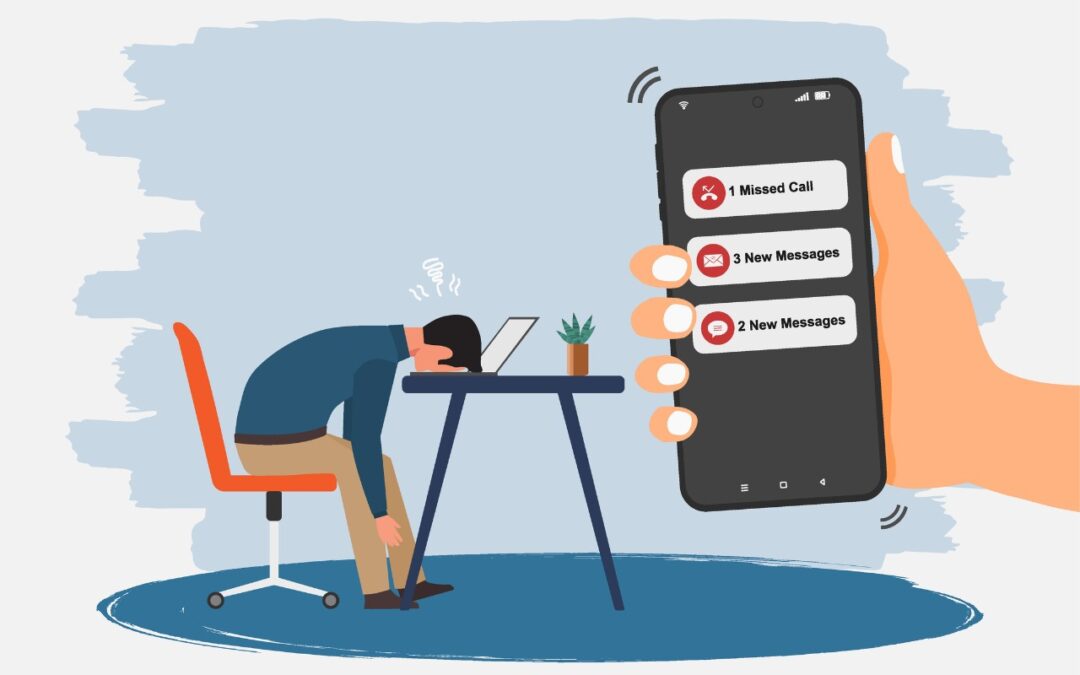
Don’t Miss Calls and Texts: How to Use New Phone and Messages Filtering
Buried by spam calls and texts—but worried about missing something important? Learn how Apple’s new Phone and Messages apps can screen and filter calls and texts without causing you to miss that doctor’s call or delivery text.
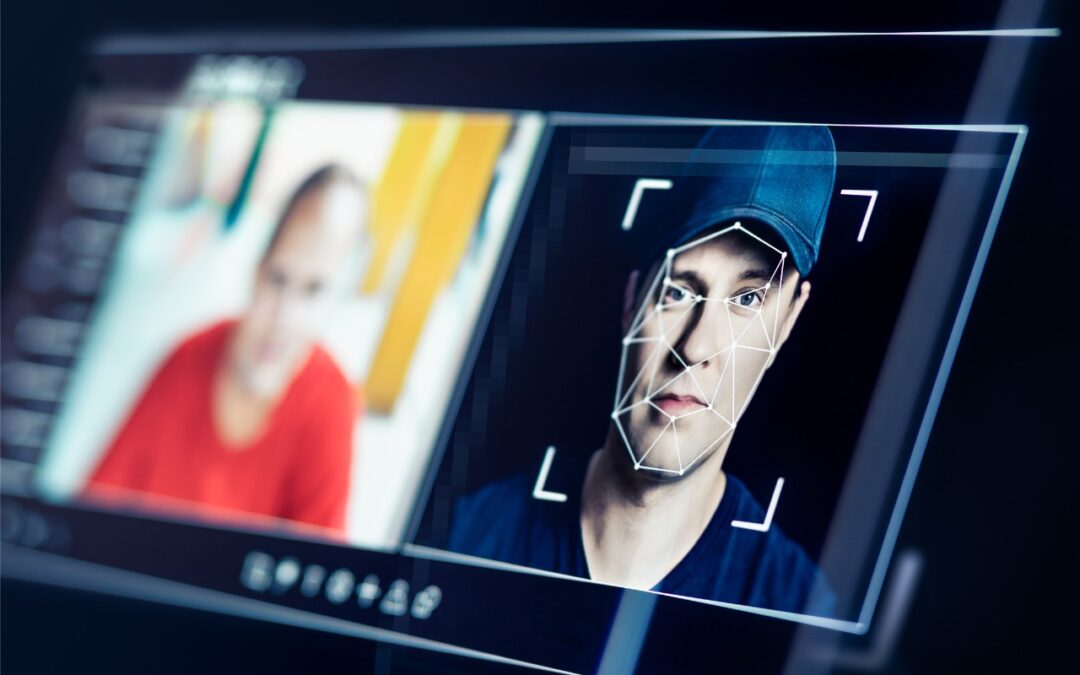
Be Alert for Deepfake Phishing Scams
Phishing has a new face—literally. Scammers can now use AI tools to fake voices and videos that look real. Before you act on an “urgent” request, look for audio or visual clues and verify through another channel.
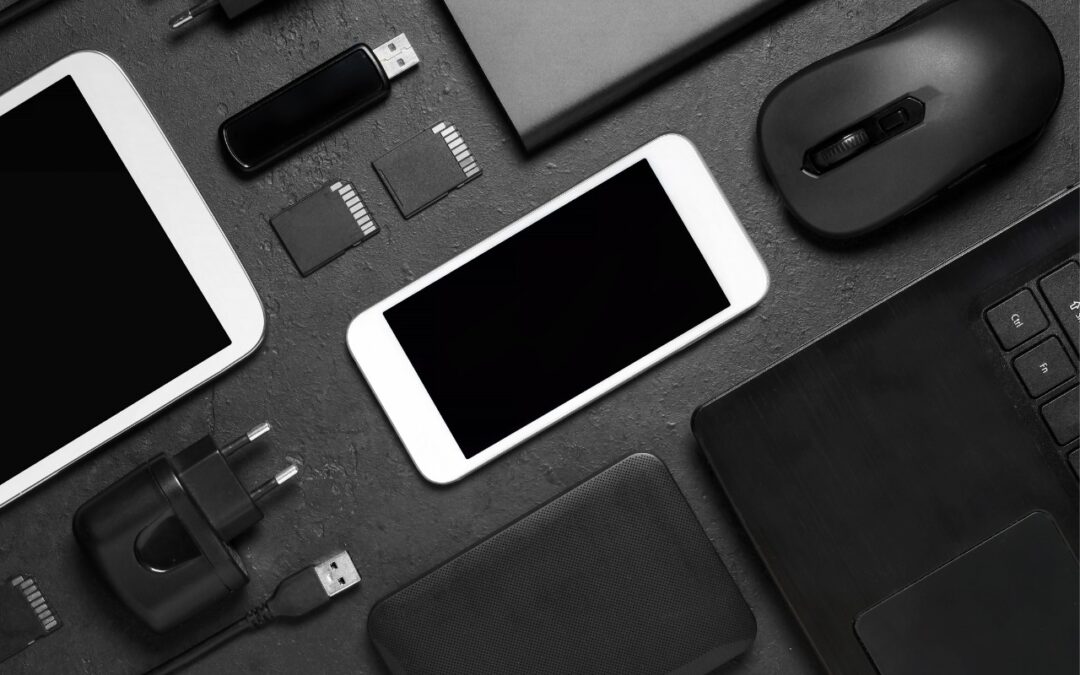
A Few of Our Favorite Things: 2025 Tech Edition
Shopping for an Apple enthusiast this holiday season? Or maybe your own tech setup needs an upgrade? Check out our curated list of peripherals across multiple categories—from storage to chargers to keyboards.

Canva’s Free Affinity App Takes on Adobe Creative Cloud
Could you cut your design costs? Canva’s new Affinity app for macOS and Windows is free but offers features comparable to Adobe Photoshop, Illustrator, and InDesign. Try it and see if it’s enough to replace Creative Cloud.
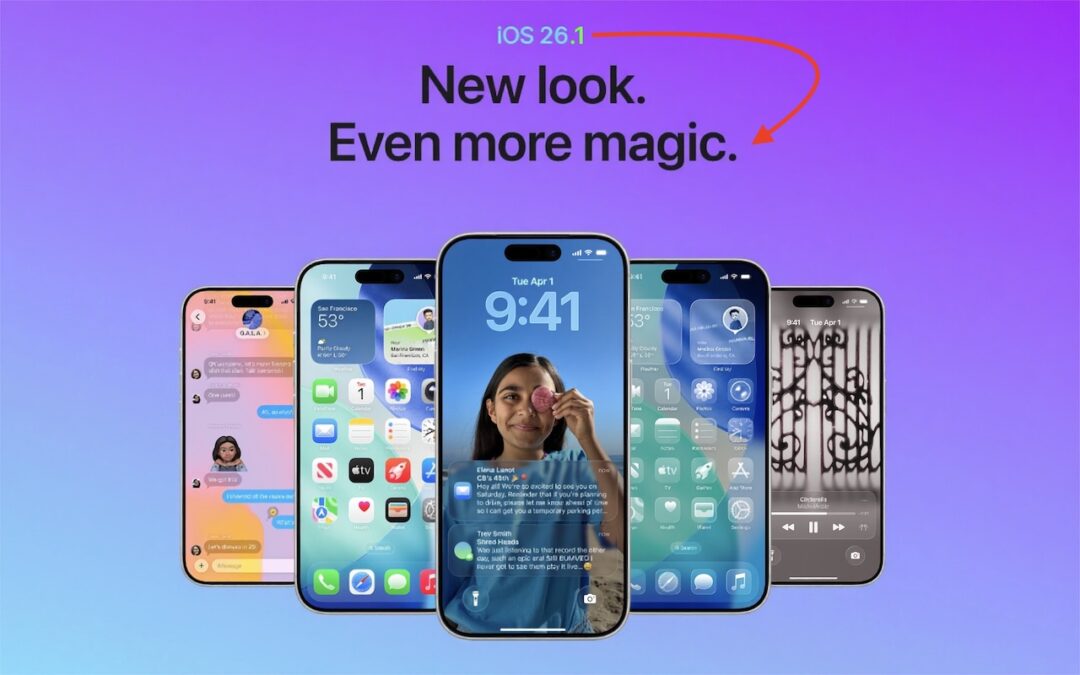
New Features in iOS 26.1
Struggling with Liquid Glass transparency or accidental camera launches? iOS 26.1 addresses both and adds a safer slide‑to‑stop alarm control, swiping to switch songs in Music, Background Security Improvements, and more Live Translation languages.
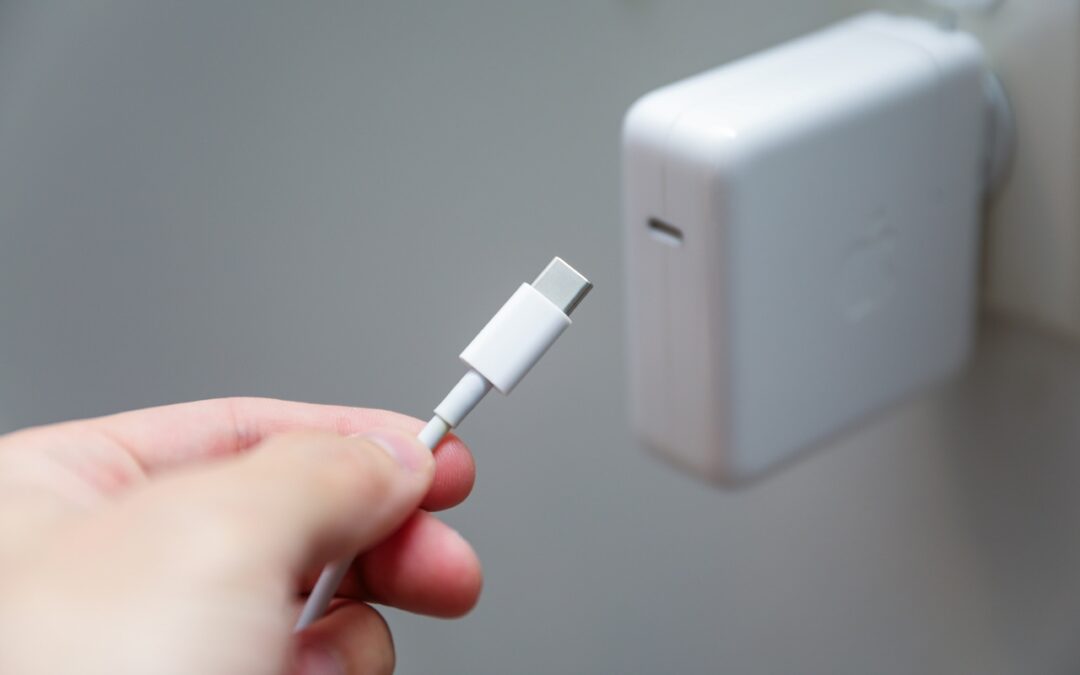
Charge Your MacBook with the Right Power Adapter
Lost your MacBook charger? Don’t grab just any USB power adapter—using one that’s too weak can result in no charging, glacial charging, or battery drain while you work. Here’s the minimum wattage you need for each MacBook model.
A week might be too short if IT approval is still pending. I'd treat "keeping your old iPhone for a…
Awesome tech breakdown on "When Should You Upgrade to macOS 27 Golden Gate, iOS 27, iPadOS 27, watchOS 27, tvOS…
I’ve used Chrome’s built-in screenshot tool, but opening DevTools every time gets a bit tedious. I recommend FullPage Capture, it’s…
This is such an important reminder. I've been in meetings where an AI notetaker silently joined and recorded everything, and…
Awesome tech breakdown on "When Should You Upgrade to macOS 27 Golden Gate, iOS 27, iPadOS 27, watchOS 27, tvOS…