
The Austin MacWorks Official Blog
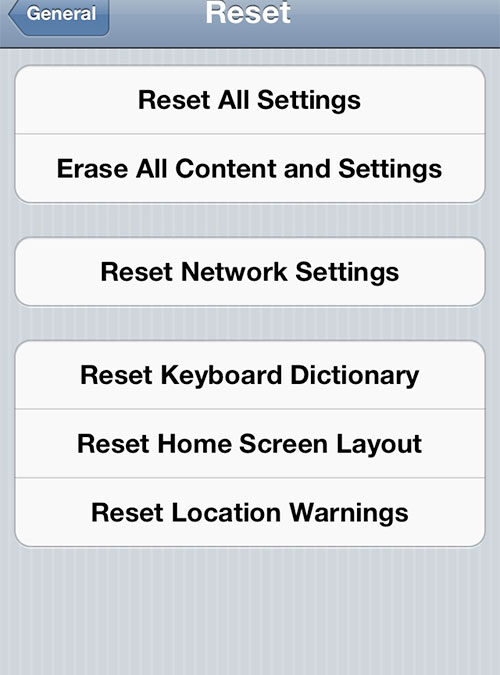
How to Erase Your iPhone or iPad
Before you sell your iPhone or iPad, you'll want to securely erase all your personal data from the device. Here are easy steps to do that: Back up your device on iCloud or iTunes. Otherwise, you won’t be able to get your stuff back. Make sure you turn off “Find my...
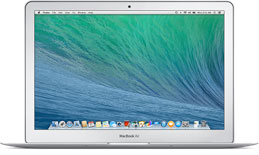
Apple Introduces New MacBook Airs
Last week, Apple quietly introduced its cheapest MacBook ever. The company put two new MacBook Airs on its website on Tuesday: an 11-inch laptop and 13-inch laptop, each available with either 128 GB or 256 GB of storage. The 11-inch MacBook Air with 128 GB of storage...
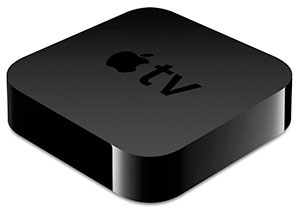
Apple TV Tips & Tricks
Enjoy fabulous and helpful tips and tricks for your Apple TV, from Austin MacWorks: Use your Apple remote to highlight an icon on your Apple TV, then press and hold the round button until it begins to shake. Then use the navigation controls on your remote to move the...

Mac Tips and Tricks
Enjoy these great Mac tips and tricks from Austin MacWorks: Hold the Option key and press any of the Brightness, Mission Control, or Volume buttons to bring up the respective System Preferences panes. Your Dock can be resized by clicking and dragging the line between...

iOS 7 Tips and Tricks
Check out these fabulous iOS 7 tips and tricks from Austin MacWorks: Notifications can now be accessed by swiping down from the top of the screen, locked or unlocked. You can change which notifications are listed and in what order by accessing the Notifications...
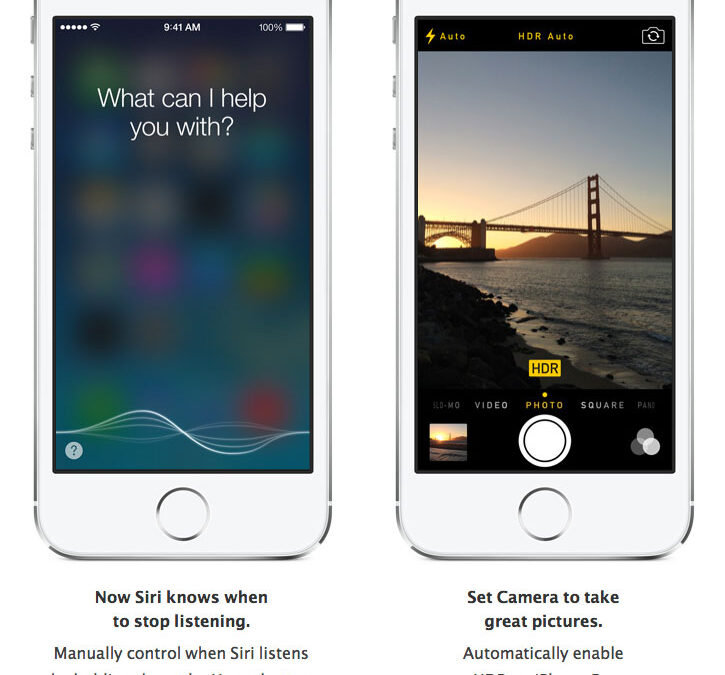
iOS 7.1 is Here
Have you updated to iOS 7.1? Here's the scoop from Apple: Other changes: Touch ID fingerprint recognition is improved. An occasional Home screen crash bug has been fixed. iPhone 4 users will enjoy improved responsiveness and...
Super insightful and fresh perspective.
Well explained and easy to follow.
So glad I stumbled upon this.
Looking forward to your next post!
Truly a masterpiece of content.