
The Austin MacWorks Official Blog
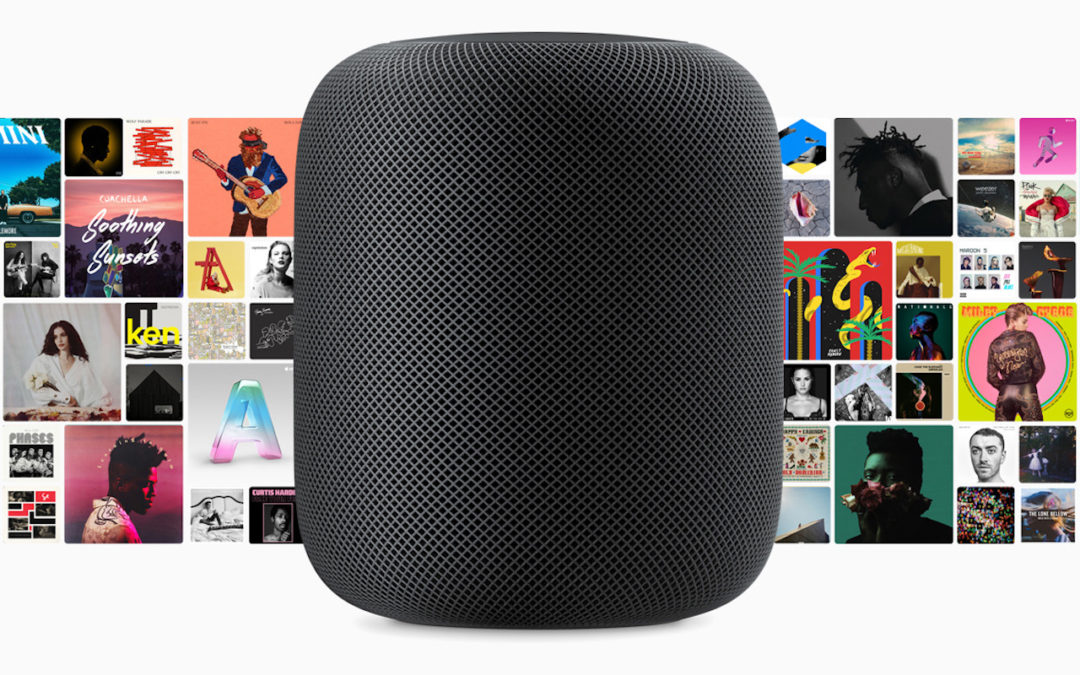
Apple’s HomePod Smart Speaker Coming Soon
Apple’s long-awaited HomePod will ship in the US, UK, and Australia on February 9th for $349. You can get it in space gray or white.
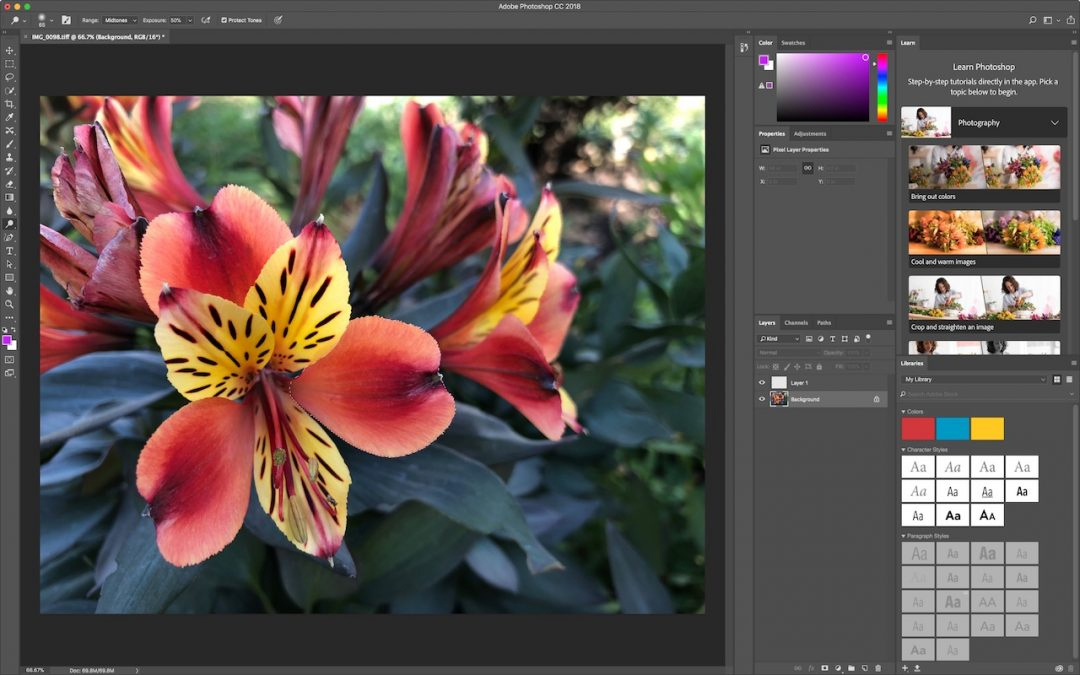
Looking for More Image Editing Power than Photos Can Provide?
The latest version of Photos brings back a feature from iPhoto that lets you edit any image with any editor on your Mac.

How to Split Restaurant Checks with Apple Pay Cash
Learn how to split check or request money from friends and family with Apple Pay Cash.
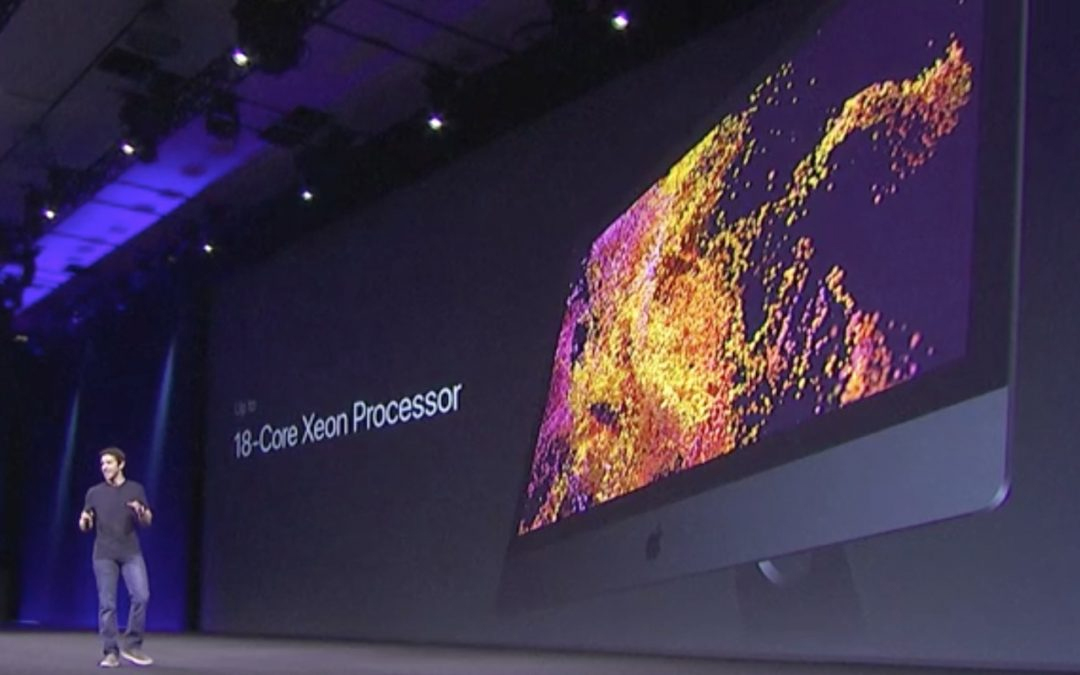
Who Should Buy the New iMac Pro?
Available now, Apple’s new iMac Pro is the most powerful Mac ever. Other than its price tag, what’s special about the iMac Pro, and should you buy one?

Five Things You Should Never Do with Passwords (and Three You Should)
Learn how to keep your passwords safe now at Austin MacWorks.

Learn How You Can Adjust Web Site Behavior with Safari’s Site-Specific Settings
On your Mac, learn how to make the most of Safari’s site-specific settings. Now on Austin MacWorks.
Super insightful and fresh perspective.
Well explained and easy to follow.
So glad I stumbled upon this.
Looking forward to your next post!
Truly a masterpiece of content.