
The Austin MacWorks Official Blog

Apple Moved Control Center in iOS 12 on the iPad—Here’s Where to Find It
To bring up Control Center, swipe down from the upper-right corner of the screen—use the Wi-Fi and battery icons as a reminder.

Have You Noticed That Mojave’s Dock Shows Recent Applications?
In Mojave, the Dock has a new feature: a list of apps you’ve used recently that aren’t on your default Dock. Icons for these apps appear between your Dock’s default apps and any documents or folders that you’ve added.

Understanding Dark Mode in macOS 10.14 Mojave
Apple is promoting macOS 10.14 Mojave’s new Dark mode heavily. Read on to learn if it might be for you, how you can tweak its contrast settings, and what problems you might encounter.

iOS 12’s Screen Time Feature Helps You Manage Your iPhone Usage
Are you addicted to Facebook, Twitter, or the latest hot game on your iPhone? If you’re unhappy with how much you use social media or play games, iOS 12’s new Screen Time feature can help you exercise more self-control.
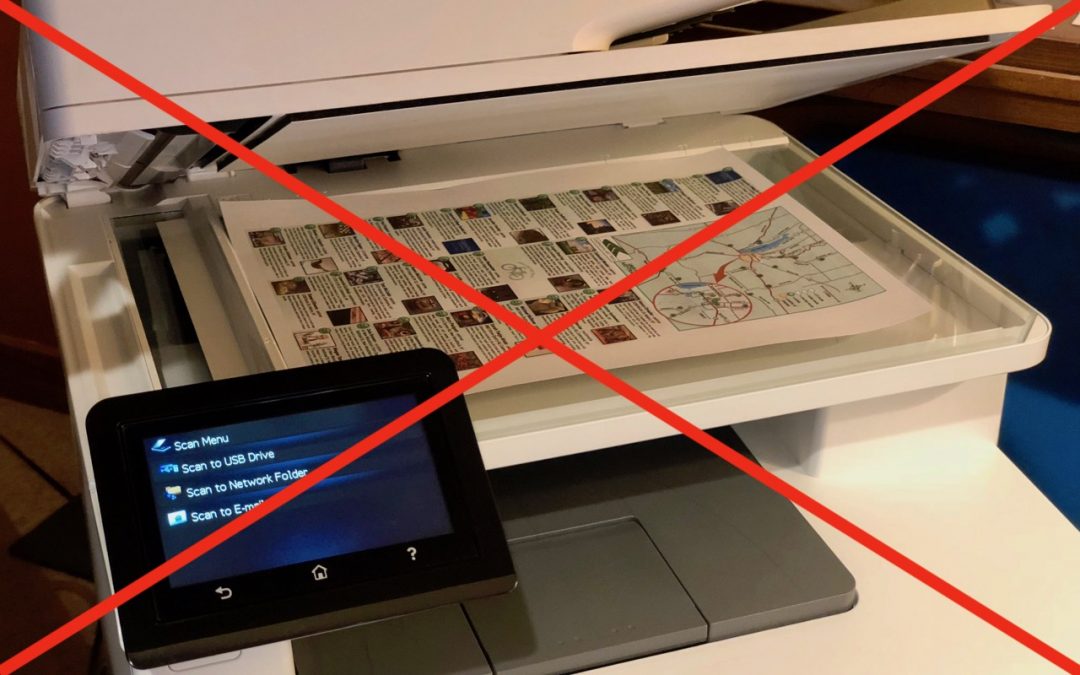
Use Continuity Camera to Scan Documents and Take Photos Right into Mac Documents
One of the most impressively handy features of macOS 10.14 Mojave is Continuity Camera. It lets you take pictures or scan documents with an iPhone or iPad and have those images show up immediately on your Mac. Learn how to use it now at Austin MacWorks!

Make Safari Tabs Easier to Identify by Adding Icons
Safari now shows you favicons — so it’s easier to keep your tabs straight.
Super insightful and fresh perspective.
Well explained and easy to follow.
So glad I stumbled upon this.
Looking forward to your next post!
Truly a masterpiece of content.