
The Austin MacWorks Official Blog
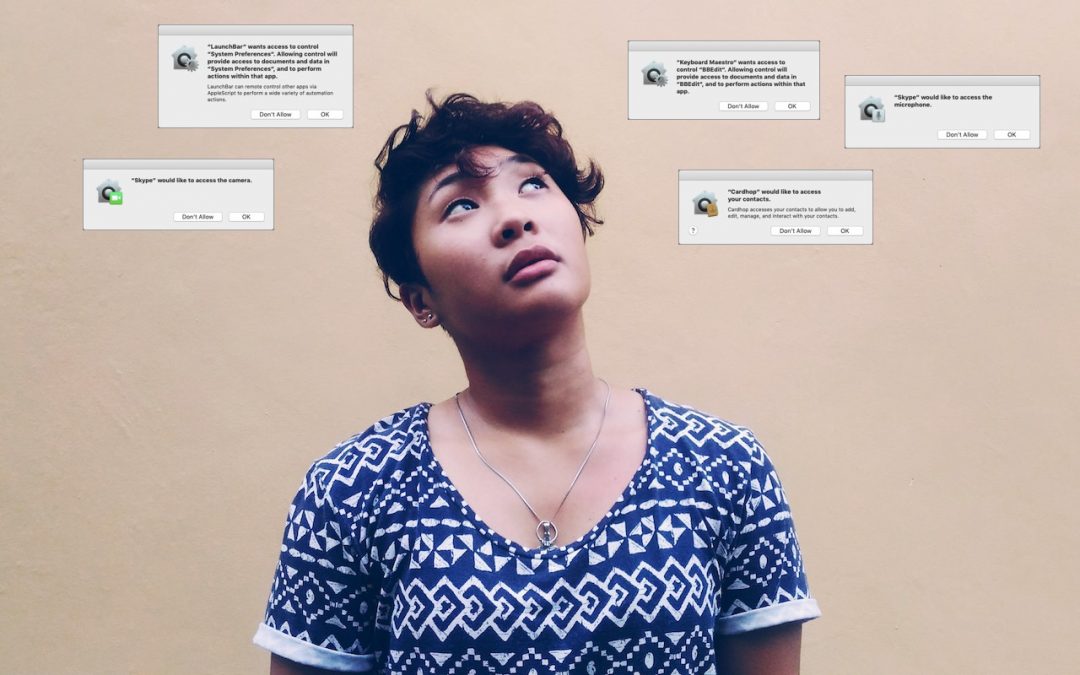
What Are All These New Privacy Request Dialogs in Mojave?
macOS 10.14 Mojave changes how privacy works on the Mac by making apps ask for permission to use the camera, microphone, and quite a bit more. Here’s how this works and what you should do when prompted.
Need to Limit How Much Your Kids Use Their Devices? Use Screen Time in iOS 12
Giving your kid an iPad or iPhone can be both a blessing and a curse, but with iOS 12’s new parental controls in Screen Time, you can limit use by time and app, and do it entirely from your iOS device.

Here’s How to Make Screenshots and Screen Recordings with Mojave’s New Interface
Have a question about something that happened on your Mac? Take a screenshot or make a screen recording to help tech support! It’s easier than ever in macOS 10.14 Mojave.

So What Are All Those Stacks of Notifications in iOS 12?
Learn how the new notification stacking — or grouping — feature works in iOS 12.
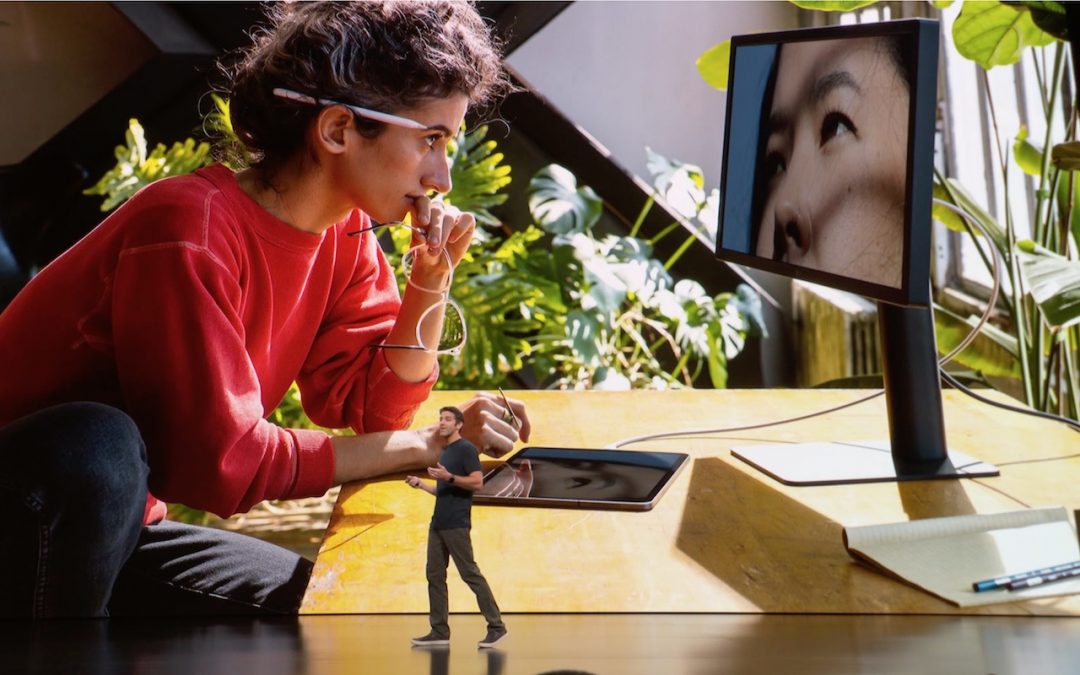
Apple Updates the MacBook Air and Mac Mini, and Revamps the iPad Pro
Apple has updated the MacBook Air and Mac mini, and the company also released a significantly improved iPad Pro. Head over to our blog for all the details!
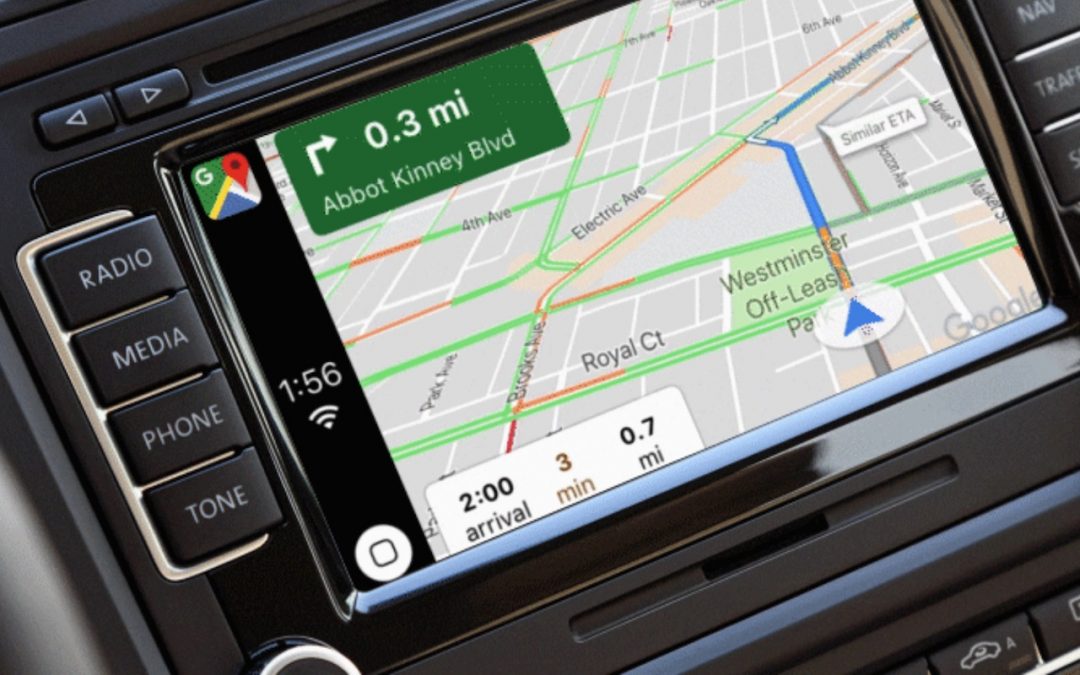
Finally! iOS 12 Lets You Use Google Maps or Waze in CarPlay
Once you upgrade your iPhone to iOS 12 and update to the latest version of Google Maps or Waze for iOS, you’ll be able to use those apps on your CarPlay screen.
Super insightful and fresh perspective.
Well explained and easy to follow.
So glad I stumbled upon this.
Looking forward to your next post!
Truly a masterpiece of content.