In iOS 12.4, Apple introduced a new way to migrate your data directly from one iPhone to another. Learn more now.
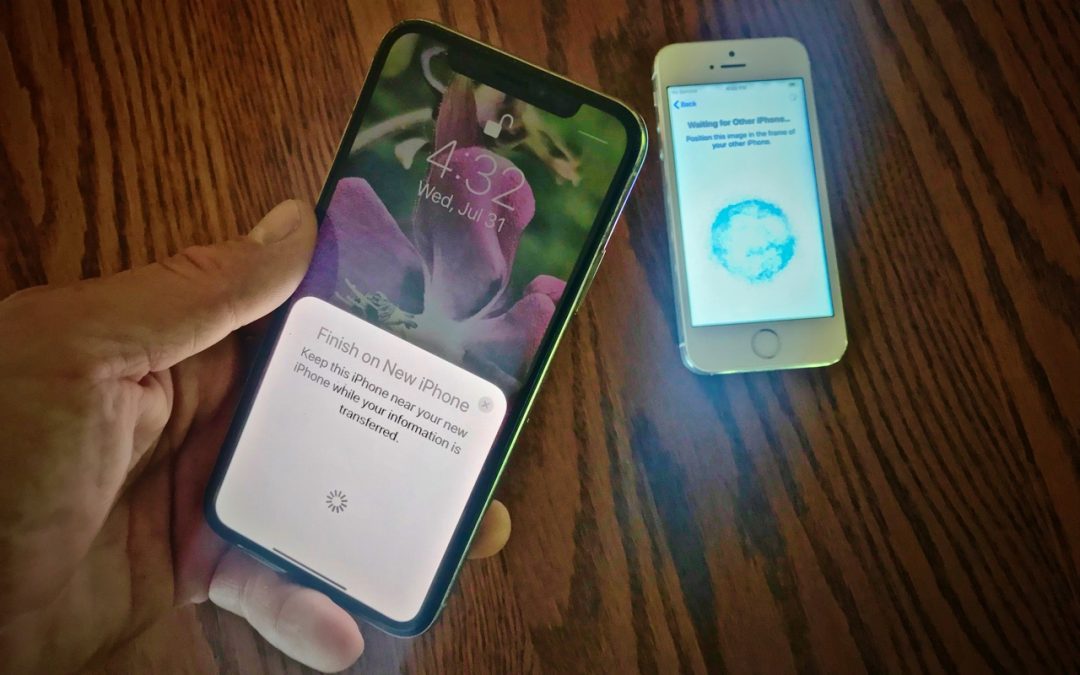

In iOS 12.4, Apple introduced a new way to migrate your data directly from one iPhone to another. Learn more now.
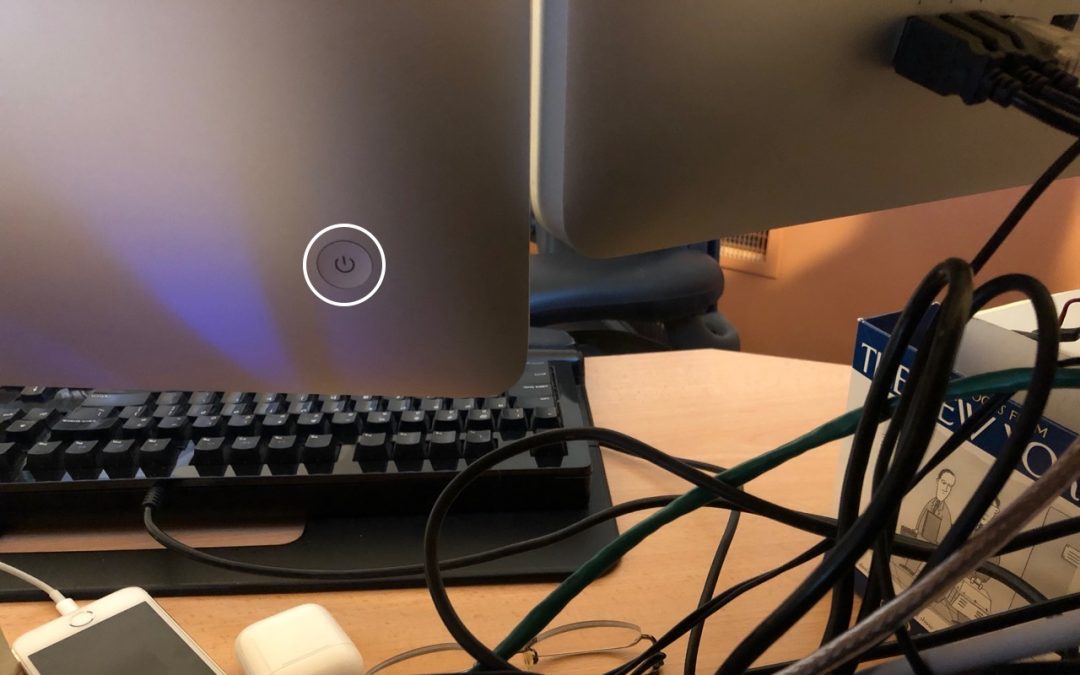
What should you do if your Mac locks up and becomes completely unresponsive to the mouse and keyboard? Find out now.

Want to reduce the thickness of your wallet? Try offloading some cards to the Wallet app on your iPhone! Learn the basics.

Two-factor authentication provides a useful additional layer of security, but it can be a pain to use. With iOS 12 and Safari in Mojave, Apple has made it dead simple to autofill SMS-based login codes. Learn how.

The best thing you can do to improve your email productivity is to write better email. That will help you avoid confusion, unnecessary back-and-forth, and annoyance. Try these six tips.

In this article, learn how to use your AirPods to help you hear better in certain situations.
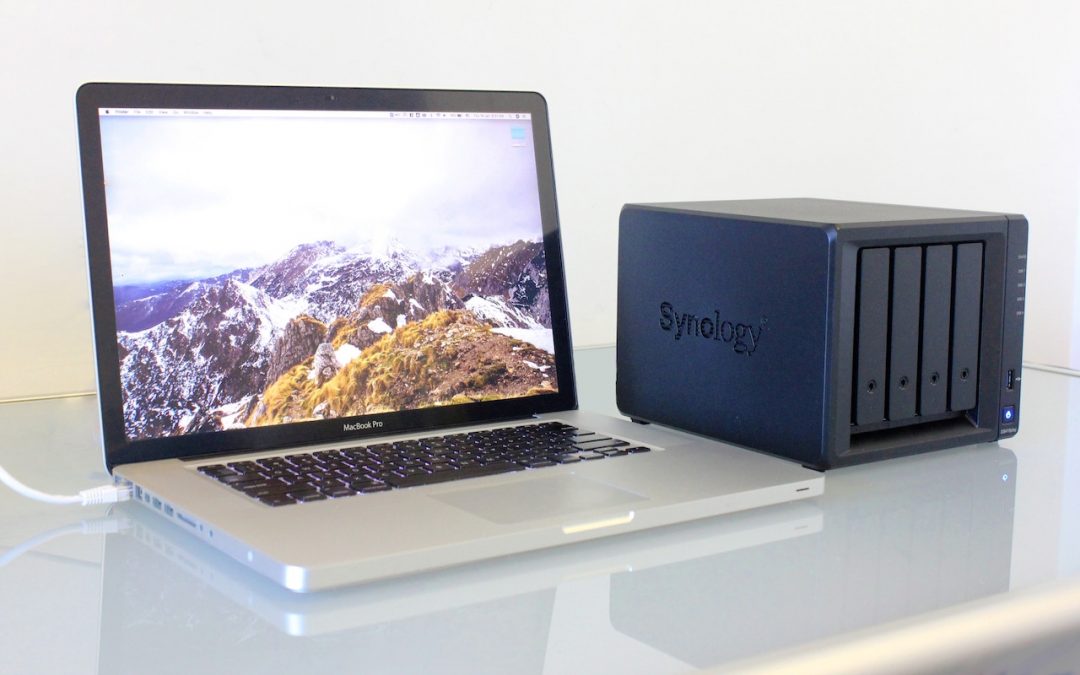
If you or your business relies on significant amounts of storage, you’ll be best served by network-attached storage—a NAS. Read about the benefits and features of NAS devices in this article, and contact us for a customized recommendation.

Quick tip: learn how to allow guests to use your computer.

Don’t send passwords via plain text in an email or text. Always use a site that lets you turn a password into a Web link that can be opened only once. Learn more now.

Among all the new stuff in macOS is a solid performer that too many Mac users overlook: Spotlight. Did you know you can use it to do currency conversions, track flights, check movie showtimes, and more?
Super insightful and fresh perspective.
Well explained and easy to follow.
So glad I stumbled upon this.
Looking forward to your next post!
Truly a masterpiece of content.