In iOS 13, Apple overhauled Photos to provide more sensible organization and more powerful editing capabilities. Even better, all of its editing tools now work with videos too! Read on for details.


In iOS 13, Apple overhauled Photos to provide more sensible organization and more powerful editing capabilities. Even better, all of its editing tools now work with videos too! Read on for details.

Apple replaced 3D Touch in the entire iPhone 11 line this year with the iPhone XR’s simpler Haptic Touch hardware that provides haptic feedback.

In MacOS, use this date format to ensure files sort logically.

It’s increasingly common for a scammer to request that you ship them the device and then to “pay” you by forging payment email from PayPal or using a stolen PayPal account.

Today’s article will make text editing in iOS 13 faster and more fun. Read about important new and improved techniques for selecting, copying, and moving text, plus a new slide-to-type option.

If you have an iMac Pro, or a Mac mini, MacBook Air, or MacBook Pro introduced in 2018 or later, your Mac has an Apple T2 security chip. Read on to learn about what the T2 does for you and the tradeoffs it requires.

Before upgrading to macOS 10.15 Catalina, give it some thought. You might want to wait until at least 10.15.3 or early 2020, whichever comes first. And then contact us for help with making sure Catalina won’t impact your workflow.
For instance, if you want to add RAM to your Mac, it’s not good enough to know that it’s an iMac.
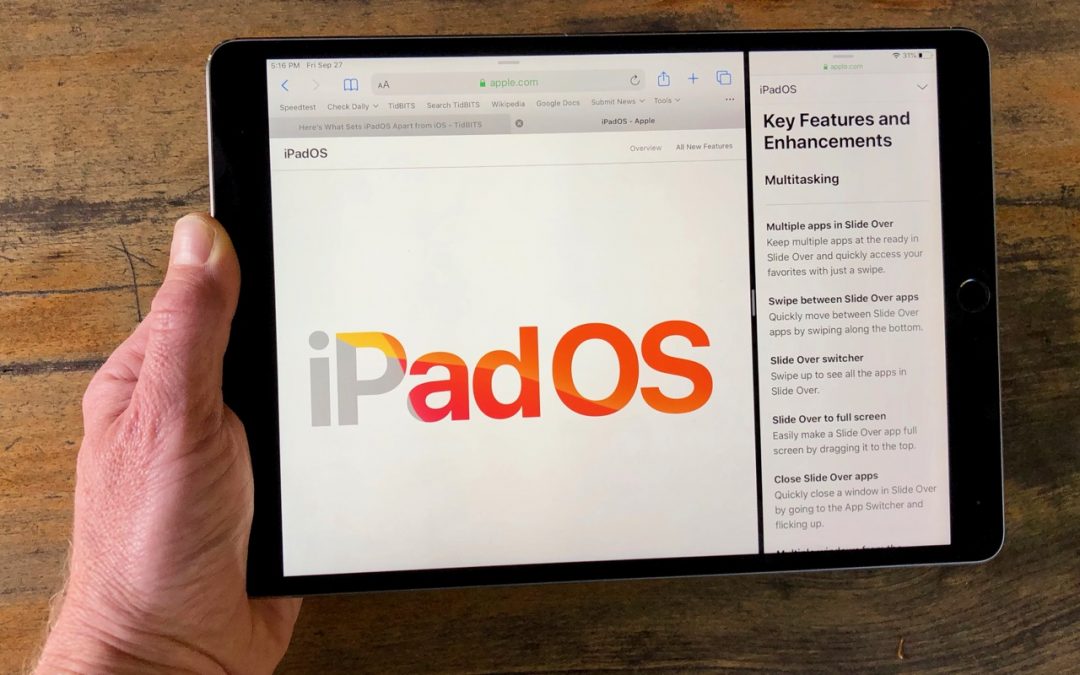
Read this article to learn all the ways you can use multiple apps at the same time on an iPad running the new iPadOS 13.

Many of us have just a couple of people—our personal VIPs—whose messages are important enough to warrant an alert. Learn how!
Super insightful and fresh perspective.
Well explained and easy to follow.
So glad I stumbled upon this.
Looking forward to your next post!
Truly a masterpiece of content.