Tired of paying Dropbox or a similar service when you have plenty of space on iCloud Drive? With iCloud Drive Folder Sharing, you can share folders just like any other file sharing service.


Tired of paying Dropbox or a similar service when you have plenty of space on iCloud Drive? With iCloud Drive Folder Sharing, you can share folders just like any other file sharing service.

It’s best not to use services designed for public file sharing to store unencrypted files containing sensitive information like credit card numbers, etc.
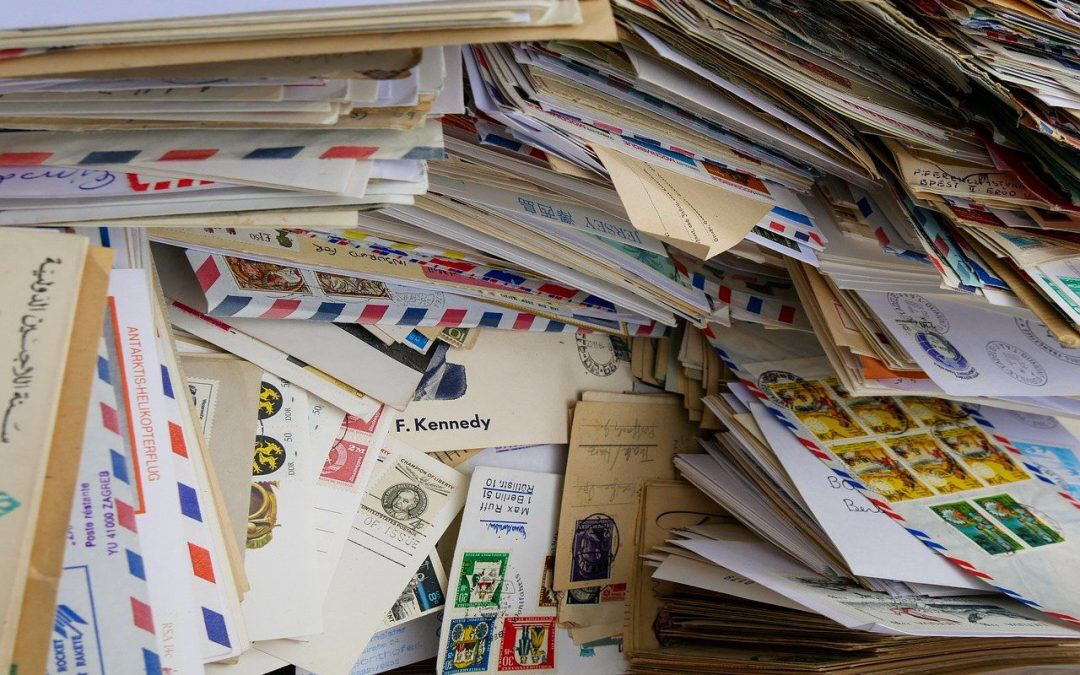
Would you be distraught if you lost your email? Do you need to reduce server usage to stay under a mail quota? Or perhaps you need a copy of a previous employee’s communications. The answer is email archiving.
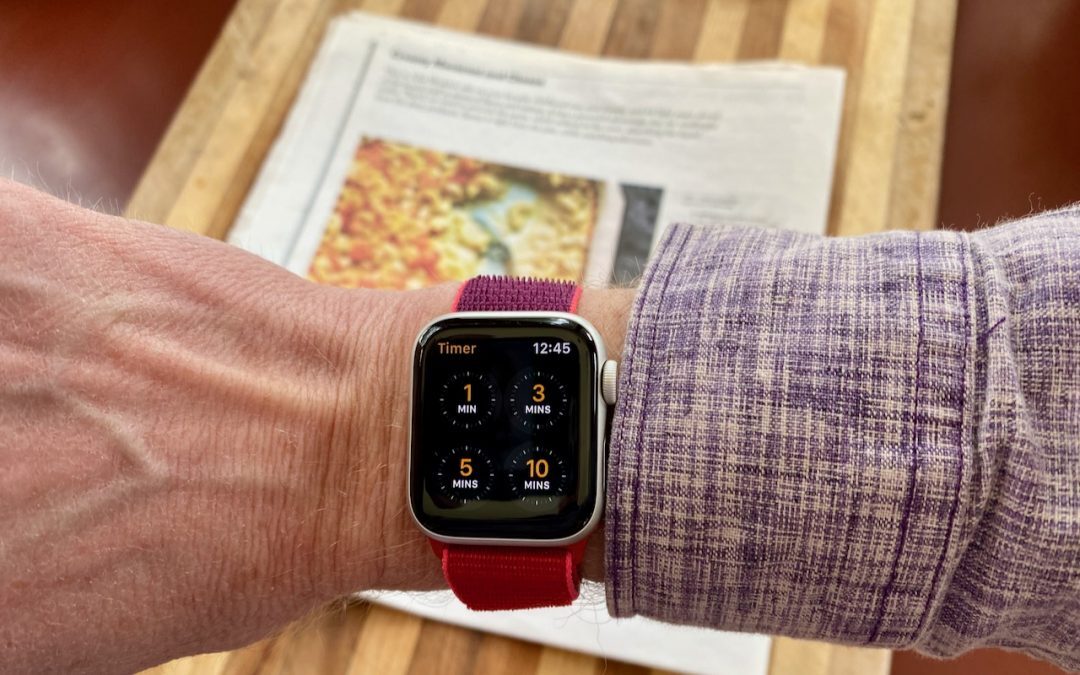
Check out this quick tip for easily turning off the timer on your Apple Watch
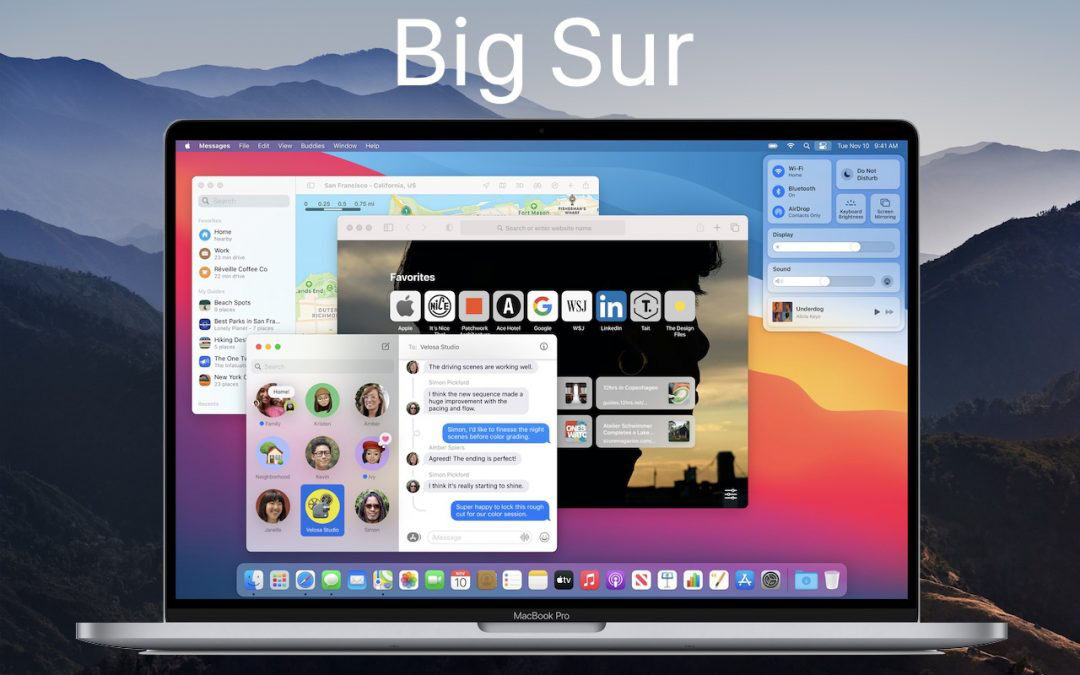
Should you upgrade to macOS 11 Big Sur? There’s no need to do so yet, but it should be safe for most people, so if you’re excited about the new look and the new features, this is a good time to upgrade. Read on for our pre- and post-upgrade tasks.

Annoyed by the constant onslaught of Web ads? We explain the economics behind online advertising and offer practical tips for limiting the number of ads you see while not breaking other sites.
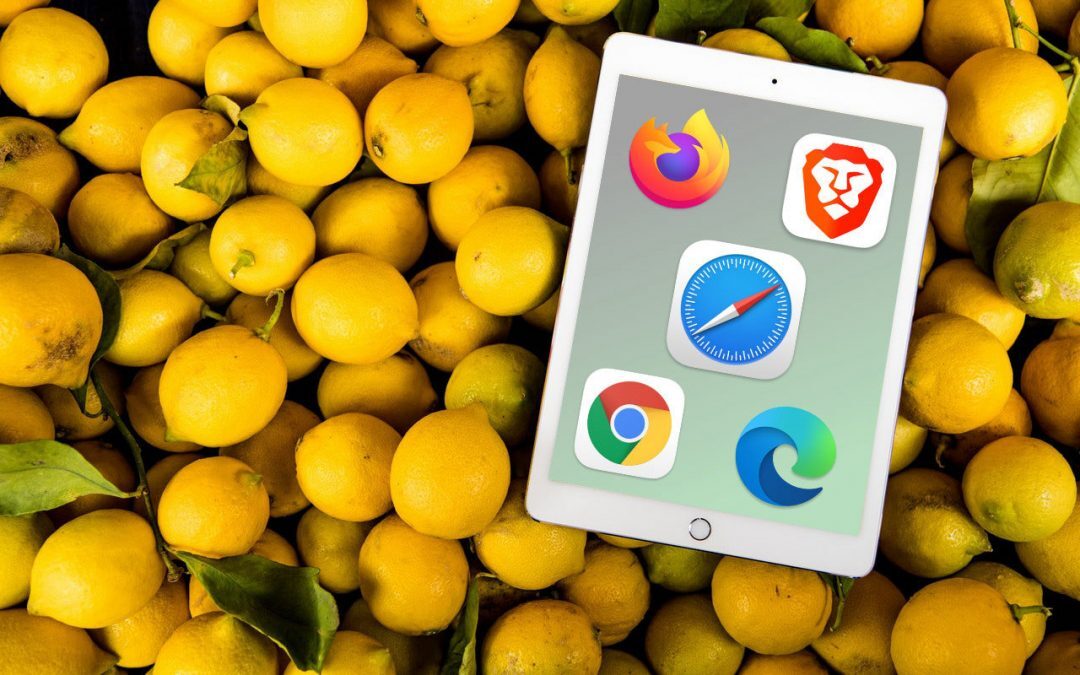
Learn how to set your own default email client and browser on iOS and iPad 14

When seeking confirmation of a spam email, send a separate message saying you’ve forwarded what you think might be a phishing message so the recipient knows to check their Junk mailbox if need be.

If you have been collecting fonts forever, you likely have some PostScript Type 1 fonts. Those will soon stop working in Photoshop. Here’s how to move on.

In rare instances, you may need to force Spotlight to rebuild its index. Learn more.
Super insightful and fresh perspective.
Well explained and easy to follow.
So glad I stumbled upon this.
Looking forward to your next post!
Truly a masterpiece of content.