The Camera Control on the iPhone 16 and later is more than a shutter button—it’s a touch-sensitive shortcut to zoom, exposure, depth, and more. Here’s how to configure it so it works for you or doesn’t get in your way.


The Camera Control on the iPhone 16 and later is more than a shutter button—it’s a touch-sensitive shortcut to zoom, exposure, depth, and more. Here’s how to configure it so it works for you or doesn’t get in your way.
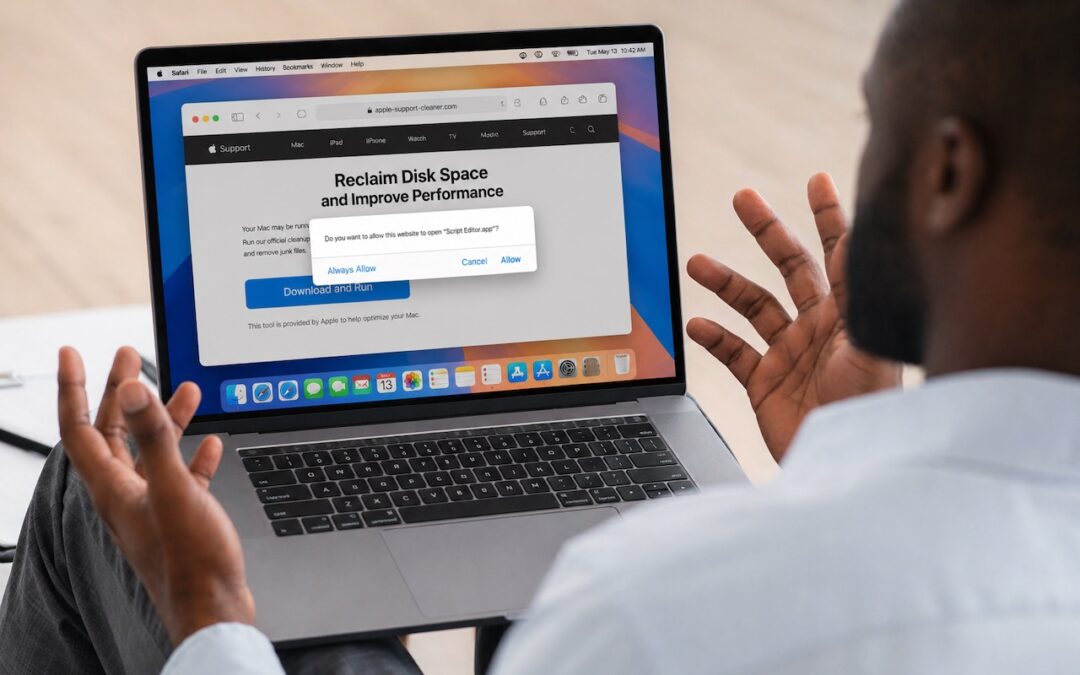
Attackers are now using fake websites to open Script Editor with pre-filled malicious scripts. Never run an AppleScript from any source you don’t completely trust!
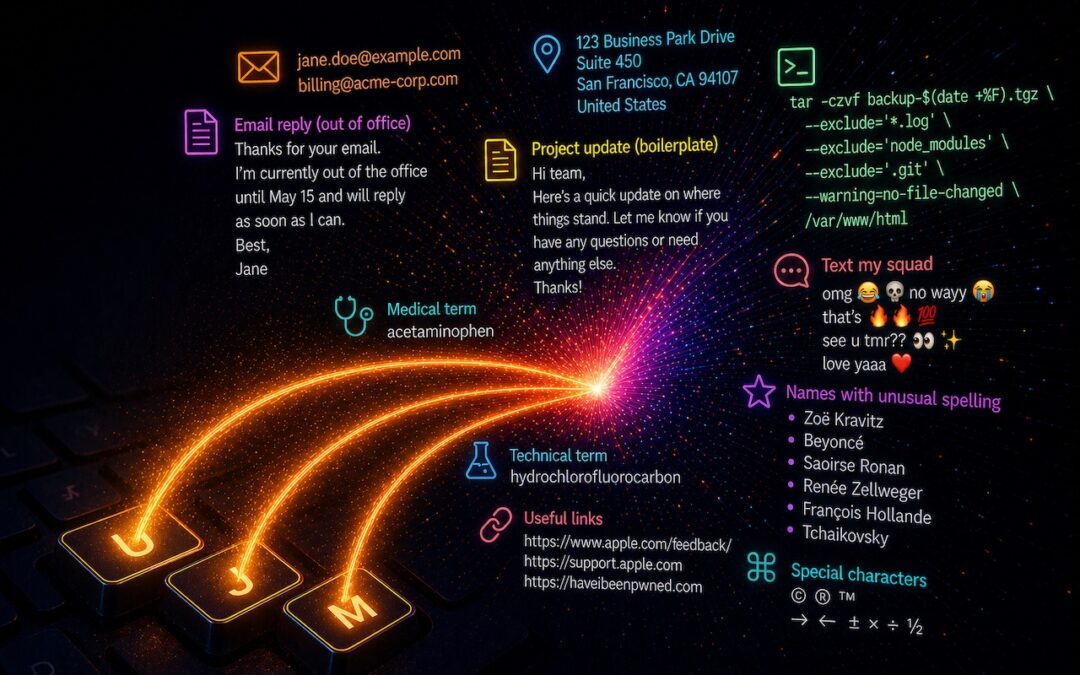
Tired of typing the same email address, phone number, or tricky words over and over? Text expansion on Mac and iOS can save you keystrokes every day.
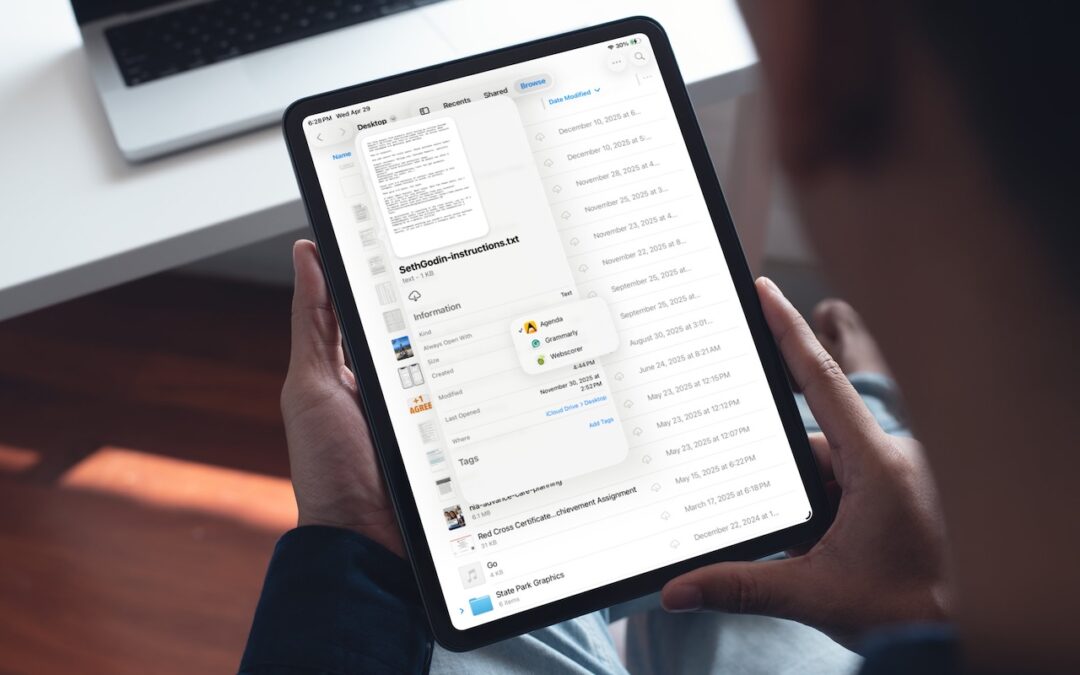
iOS 26 and iPadOS 26 finally let you choose which app opens your files—just like on the Mac. Here’s how to use Open With and set new defaults in the Files app.
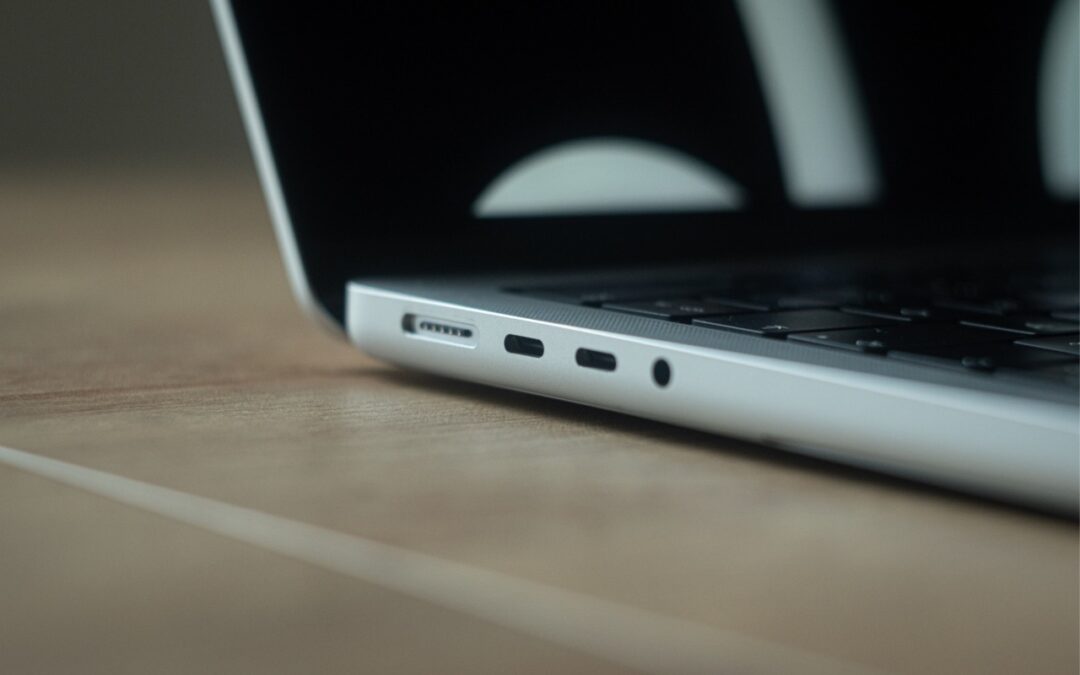
Your Mac’s USB-C ports look identical, but one is special—and using it can cause macOS installations or updates on external drives to fail, or trigger other errors with Thunderbolt docks. Learn which USB-C port isn’t like the others.
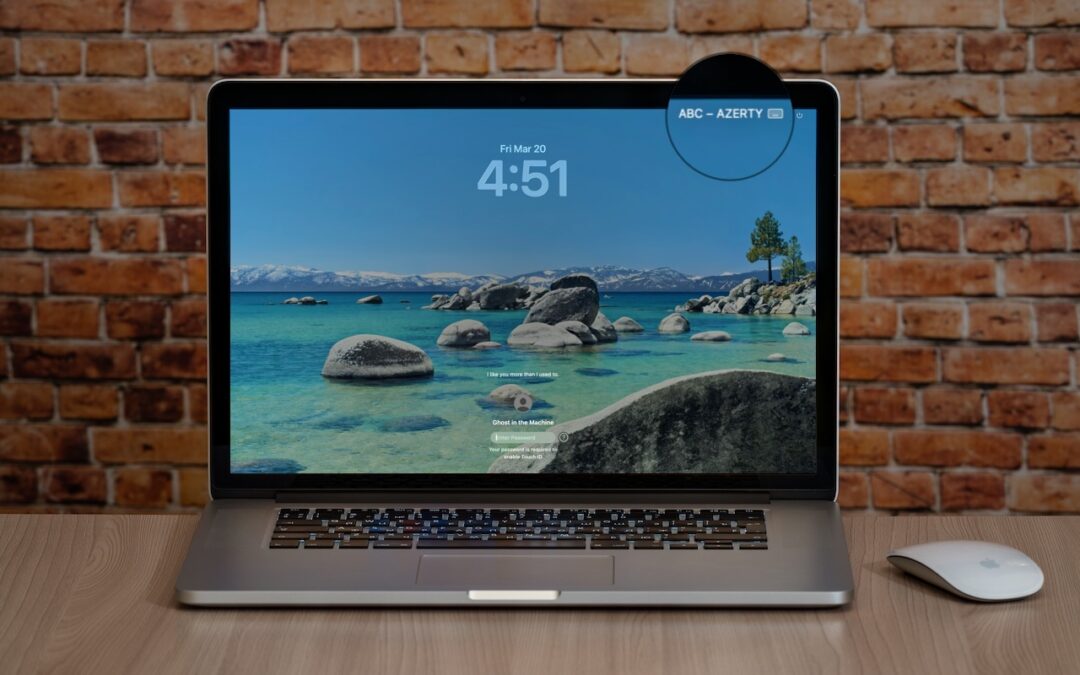
Is your Mac typing the wrong characters or rejecting your password? You may have accidentally switched keyboard layouts. Here’s how to check your input source and prevent it from happening again.

Two major iPhone exploit kits—DarkSword and Coruna—can steal passwords, messages, and photos from everyday users who visit an infected website. Check your iOS version and update immediately to protect yourself.

Apple Music’s new Playlist Playground in iOS 26.4 uses AI to create custom playlists based on any mood, genre, or activity you describe. Just type what you’re in the mood for and let the app do the rest.
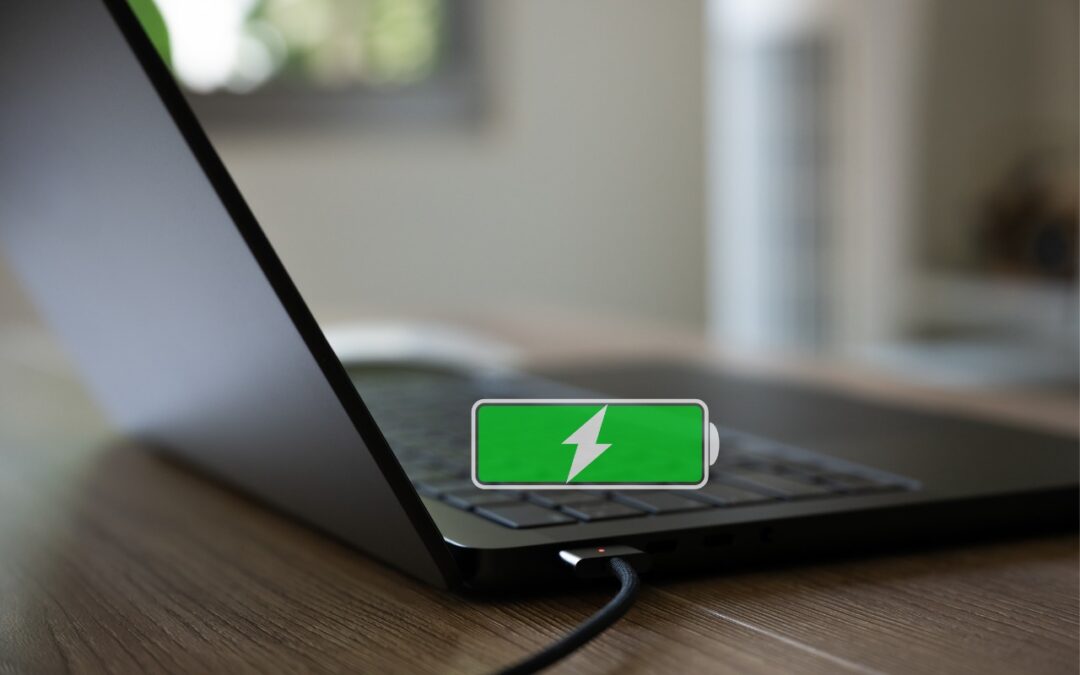
Is your MacBook’s battery stuck at 80%? That’s Apple protecting your battery’s long-term health. macOS 26.4 adds new controls, including Charge Limit and a Slow Charger warning. Learn how these features work—and when to override them.
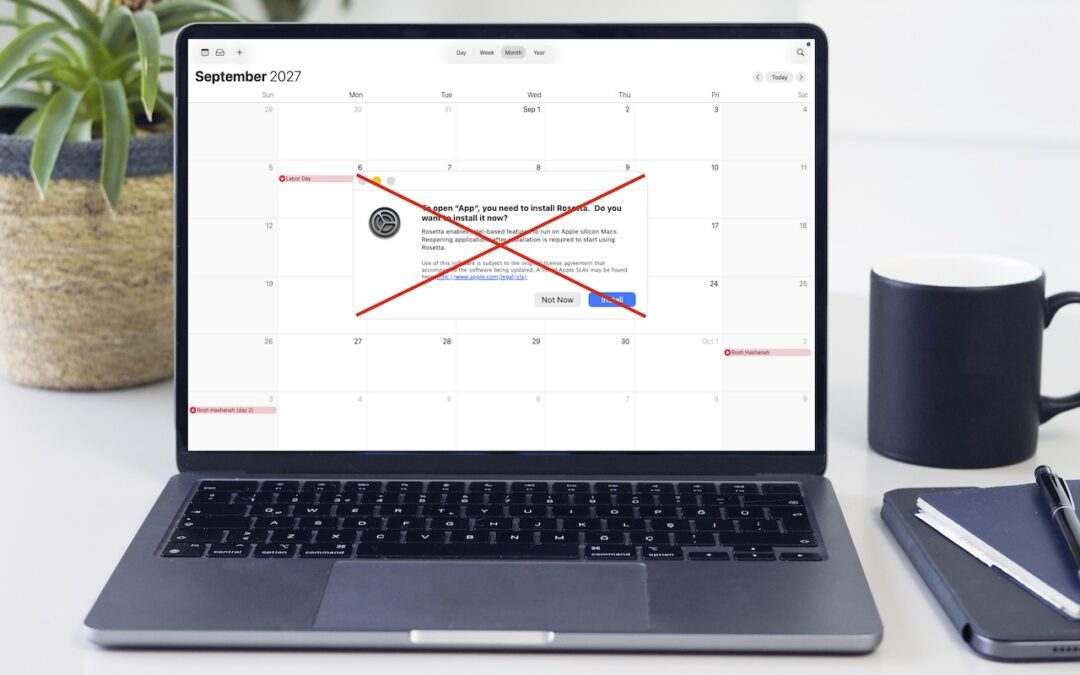
Running macOS 26.4? You may start seeing warnings about Intel-based apps not opening. They won’t stop working until macOS 28, but now’s the time to find replacements. Here’s how to identify which apps need attention.
A week might be too short if IT approval is still pending. I'd treat "keeping your old iPhone for a…
Awesome tech breakdown on "When Should You Upgrade to macOS 27 Golden Gate, iOS 27, iPadOS 27, watchOS 27, tvOS…
I’ve used Chrome’s built-in screenshot tool, but opening DevTools every time gets a bit tedious. I recommend FullPage Capture, it’s…
This is such an important reminder. I've been in meetings where an AI notetaker silently joined and recorded everything, and…
Awesome tech breakdown on "When Should You Upgrade to macOS 27 Golden Gate, iOS 27, iPadOS 27, watchOS 27, tvOS…