In iOS 15 and iPadOS 15, Apple added a new AI-driven feature called Visual Look Up that provides more information about photos of plants, flowers, pets, books, artworks, and landmarks.


In iOS 15 and iPadOS 15, Apple added a new AI-driven feature called Visual Look Up that provides more information about photos of plants, flowers, pets, books, artworks, and landmarks.

By the time Safari 15 shipped, Apple pulled back on more radical changes, offering the Compact Tab Bar layout & colorized tab bar as options.
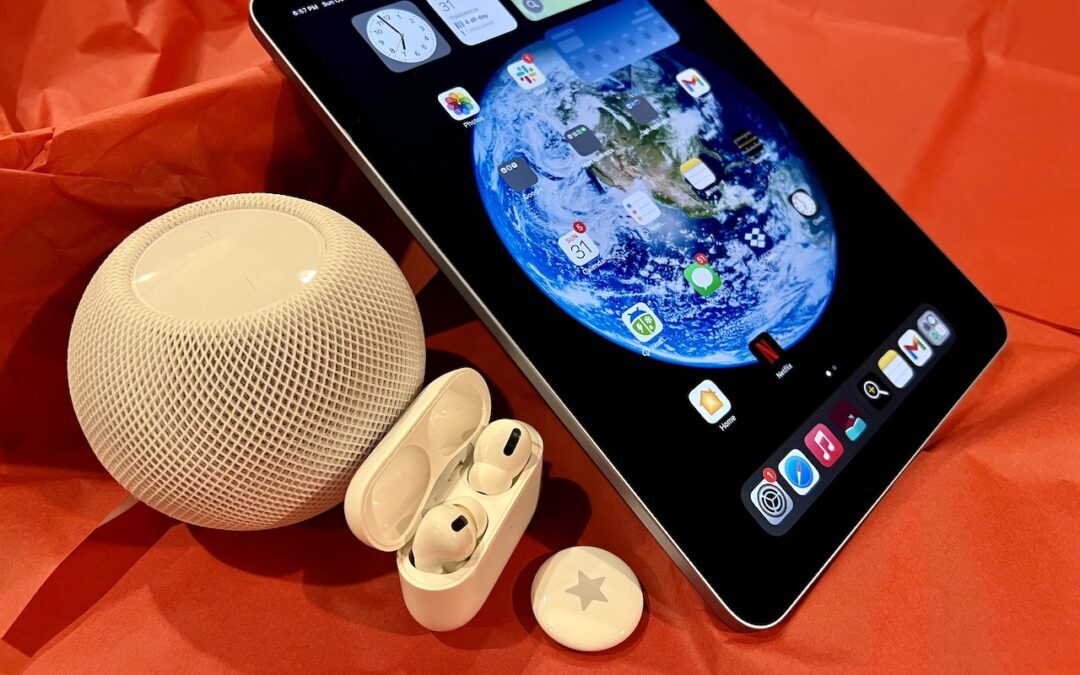
Looking for the perfect holiday gift for the Apple user in your life? Given supply chain problems, it’s not too early to start shopping. Here are our suggestions for the top Apple-related gifts for 2021.
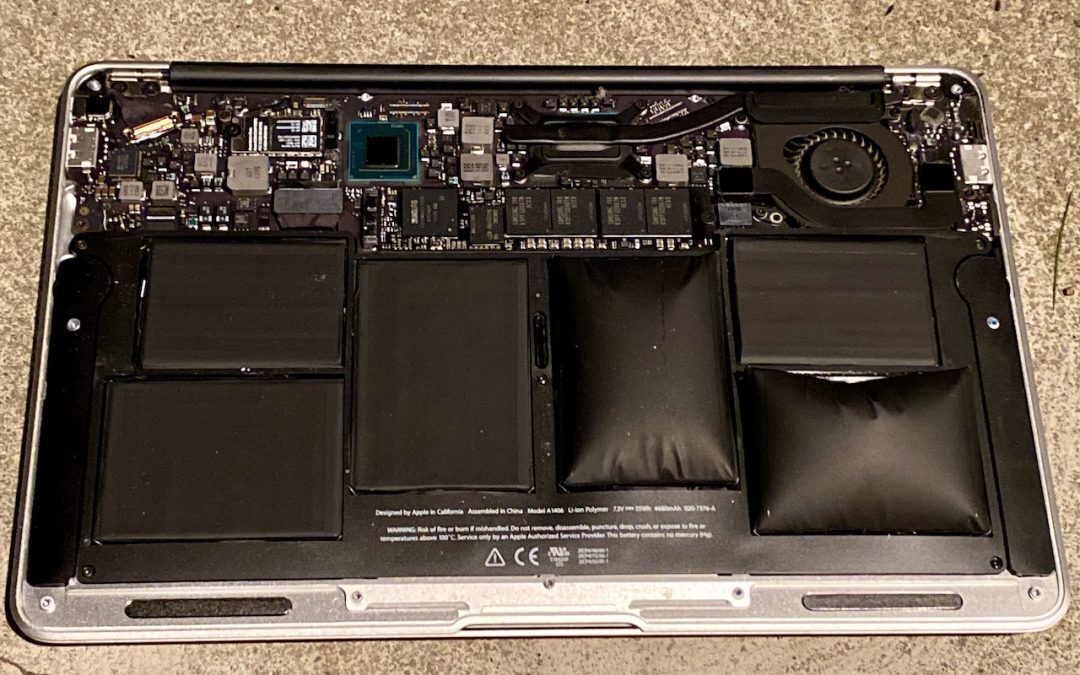
If your iPhone, iPad, or MacBook is bulging, unplug it and shut it off immediately—the problem is the battery. Then read this article for details on what happened and how to deal with it.

iPadOS 15 makes it much easier to put two apps on your screen at once with Split View and Slide Over—it’s a big win for multitasking. Learn more here:

With iOS 15 and iPadOS 15, Apple has released iCloud+, the new name for what you get if you pay for iCloud storage. iCloud+ includes exclusive features like iCloud Private Relay, Hide My Email, custom email domains, and HomeKit Secure Video. See:

At its October 18th Unleashed event, Apple unveiled the new 14-inch and 16-inch MacBook Pro models, powered by the impressive new M1 Pro and M1 Max chips.

Safari 15 brings some welcome new features, along with tab bar interface changes that have received mixed reviews. Read on to learn about the features and how you can customize the tab bar more to your liking.
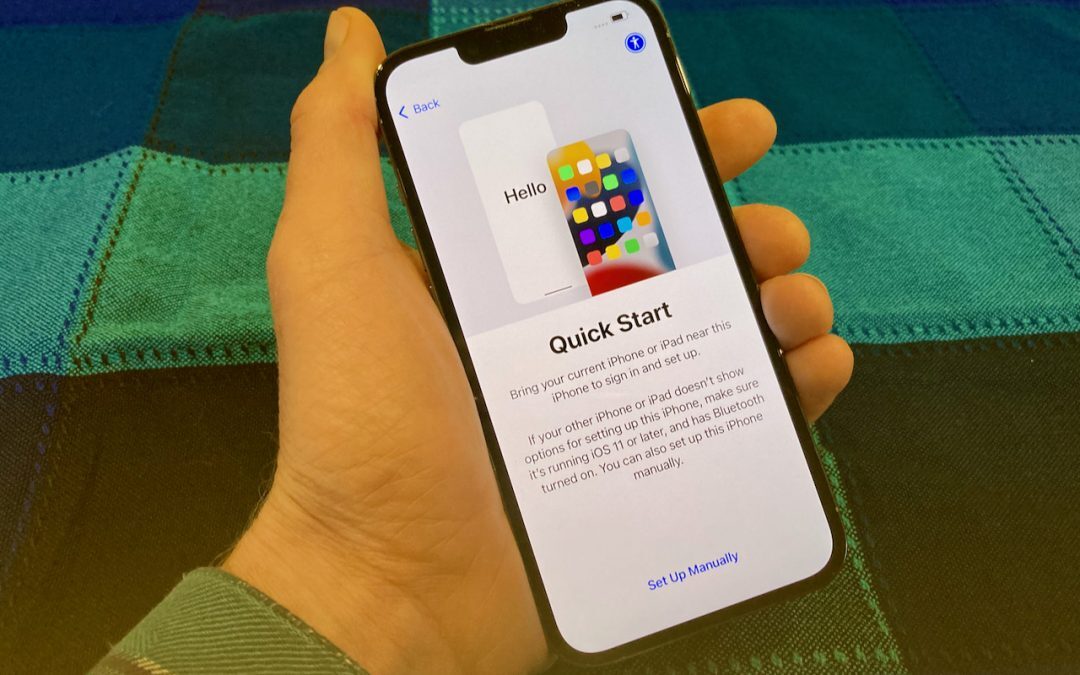
When transferring your data to the new device, you have three options: Quick Start, an iCloud backup, or a Mac backup. Our advice? Read on.

In iOS15 and iPadOS 15, Apple expanded the concept of Do Not Disturb to what it calls Focus. Your settings may not transfer when you upgrade.
Super insightful and fresh perspective.
Well explained and easy to follow.
So glad I stumbled upon this.
Looking forward to your next post!
Truly a masterpiece of content.