FaceTime has joined the big leagues in iOS 15, iPadOS 15, and macOS 12 Monterey. Read on to learn about FaceTime links, its cross-platform Web app, special mic modes and video effects, grid view, screen sharing, and SharePlay.


FaceTime has joined the big leagues in iOS 15, iPadOS 15, and macOS 12 Monterey. Read on to learn about FaceTime links, its cross-platform Web app, special mic modes and video effects, grid view, screen sharing, and SharePlay.

The iPhone’s Weather app has learned some new tricks in iOS 15, with fancier maps and notifications of incoming precipitation. Learn more.

Do you want more control over Do Not Disturb on your Apple devices? How about muting notifications while a particular app is active or while you are at a certain location? All this and more is now easy to set up with Apple’s new Focus feature.

Did you know that pressing and holding the side button and one of the volume buttons on an iPhone 8 or later brings up a screen that lets you power your iPhone off, show your medical ID, and invoke Emergency SOS?

Much of the work of sending holiday cards is addressing all those envelopes. However, with the Contacts app on your Mac, you can easily print mailing labels for all your friends and family rather than writing addresses out by hand.
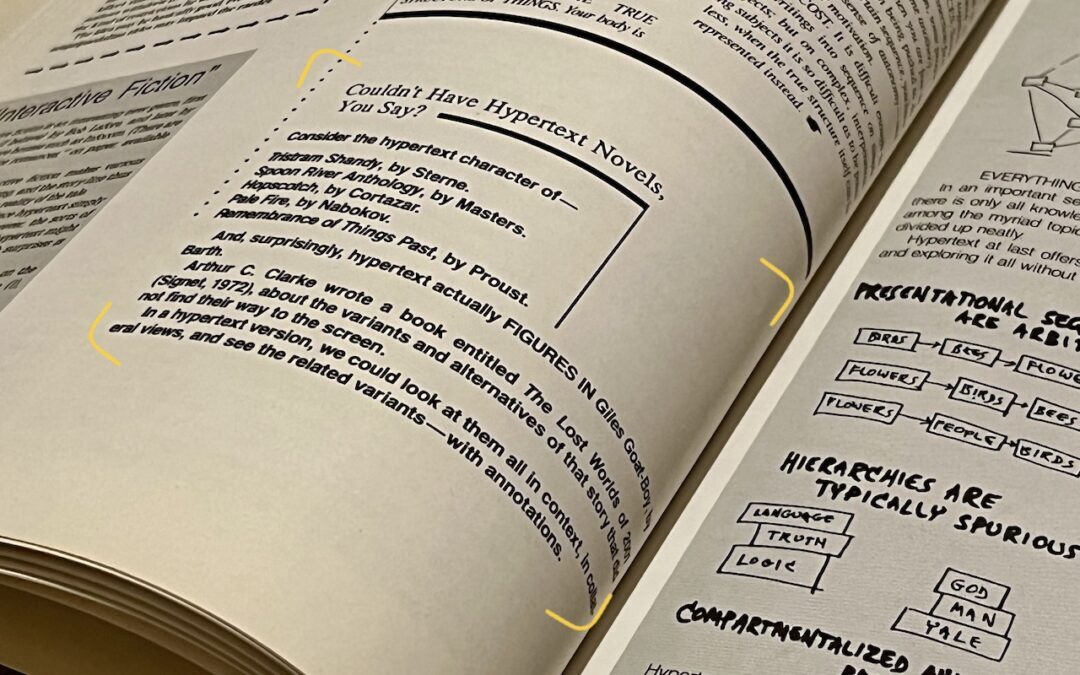
Perhaps the most magical feature of iOS 15, iPadOS 15, and macOS 12 Monterey is Live Text, which turns words in photos and other images into text you can select and then copy, look up, or translate.
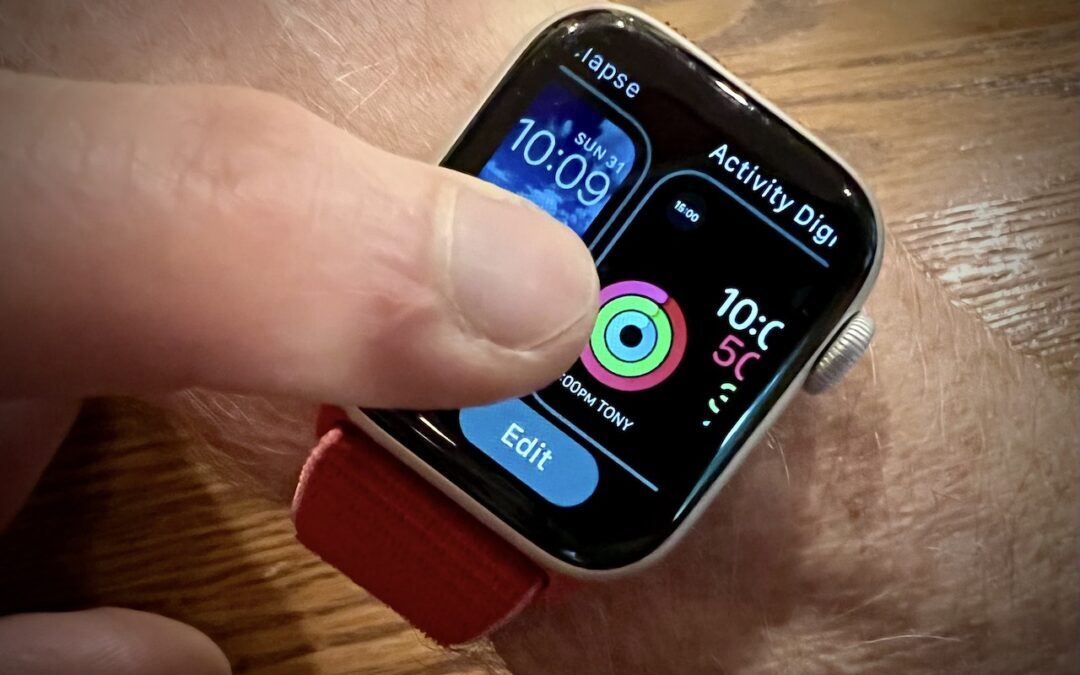
If all the bells and whistles of the Apple Watch face are overwhelming to you or a loved one, you can use the Watch app to delete all but the preferred watch face.

Tempted to get a short, memorable domain name ending in .xyz or .shop? As we explain, that’s a bad idea if you care about user perception, email and text message deliverability, and not being blocked by social media and firewalls.

For devices running iOS 15 or iPadOS 15, Apple just introduced the option to create a temporary iCloud backup that’s larger than the available space.

If you need to work with graphics occasionally but lack professional tools and experience using them, give Preview a try. It’s on every Mac and is surprisingly capable. Follow along with our tutorial at:
Super insightful and fresh perspective.
Well explained and easy to follow.
So glad I stumbled upon this.
Looking forward to your next post!
Truly a masterpiece of content.