Having problems making or receiving calls on your iPhone? We’re confident that something in this long list of fixes will resolve your problem.


Having problems making or receiving calls on your iPhone? We’re confident that something in this long list of fixes will resolve your problem.
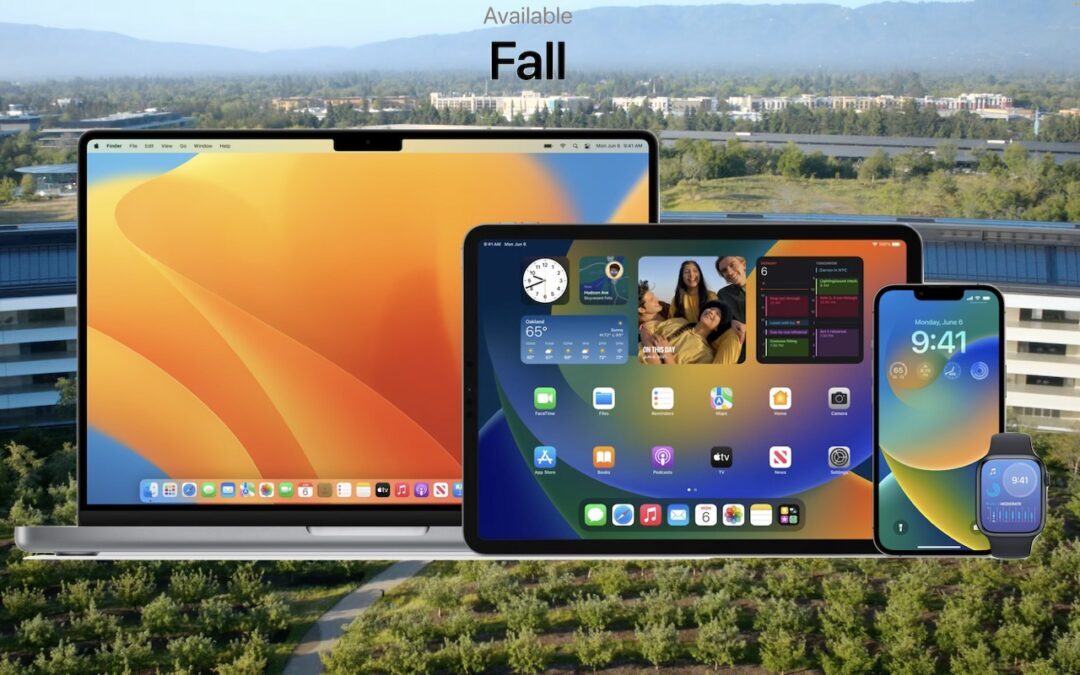
Later this year, Apple will release macOS 13 Ventura, iOS 16, iPadOS 16, and watchOS 9. Here’s the hardware you’ll need to run these operating systems—and to support some of the whizzier features.

Discover Apple’s clever trick to quickly locate your pointer.
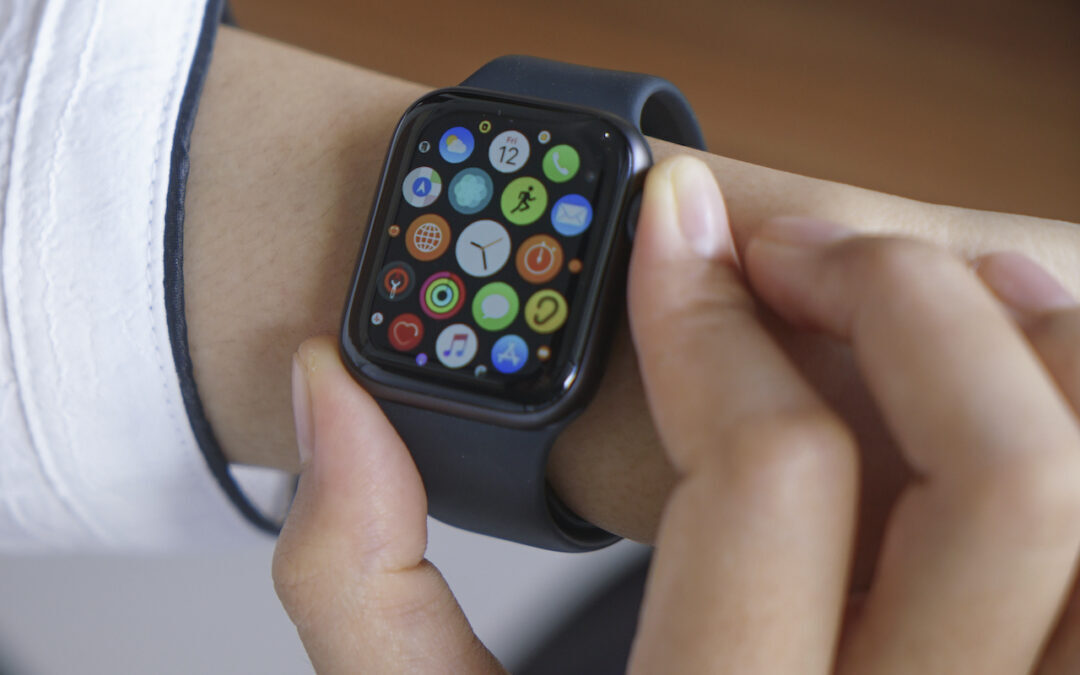
If you have trouble seeing and interacting with the icon-centric grid view layout of Apple Watch, try this instead.

Having trouble finding the best time for a group to meet? Check out the oddly named Crab Fit, which lets people add their availability and shows the best scheduling overlaps.

Make your AirBNB a favorite in Maps before you even leave home.
Have you found the macOS color picker confusing? Here’s how to find, set, and share colors.
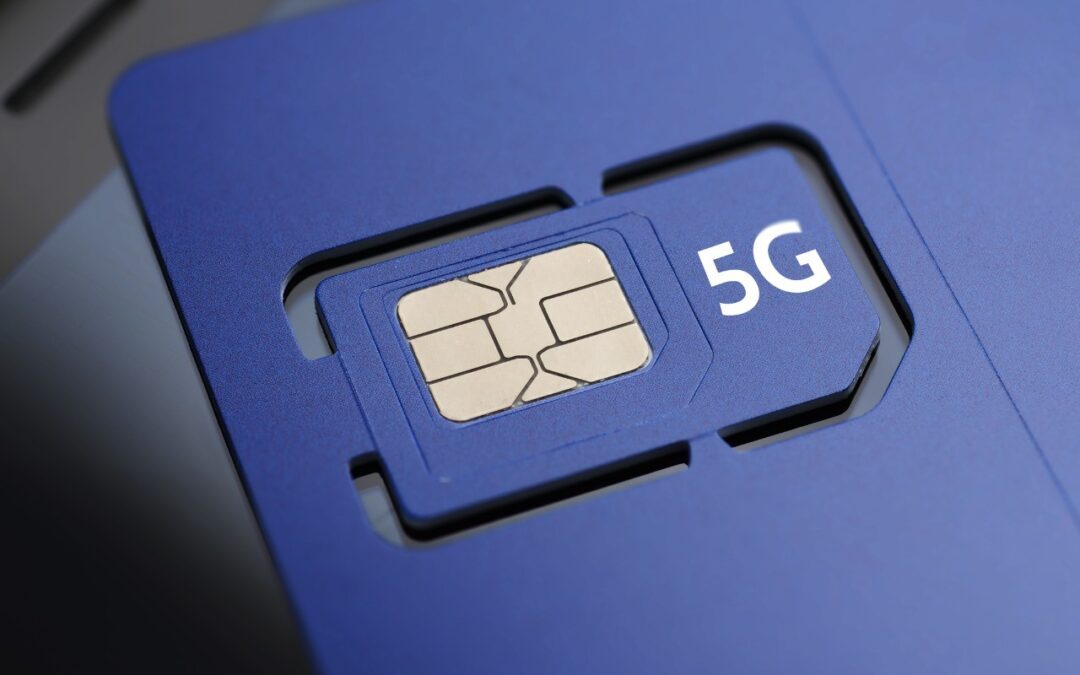
Stop by a carrier’s store or contact them to ask for a new SIM. It should be free and will take just a minute to install.

We can’t reduce your email load, but we can show you how to process it faster by swiping on items in Mail’s message list on your iPhone, iPad, or Mac. Details at:

Did you know that you can copy and paste content between your Mac, iPhone, and iPad using Universal Clipboard? It should just work, but if not, read on to learn which underlying settings you should adjust.
Stop by either store and let's see if we can figure it out together!
Stop by either store and let's see if we can figure it out together!
Stop by either store, and we'll be happy to see what we can do to help you.
Stop by either store, and we'll be happy to see what we can do.
Useful read. I have been tinkering with virtual machines on my Mac recently, and this fits neatly into the things…