
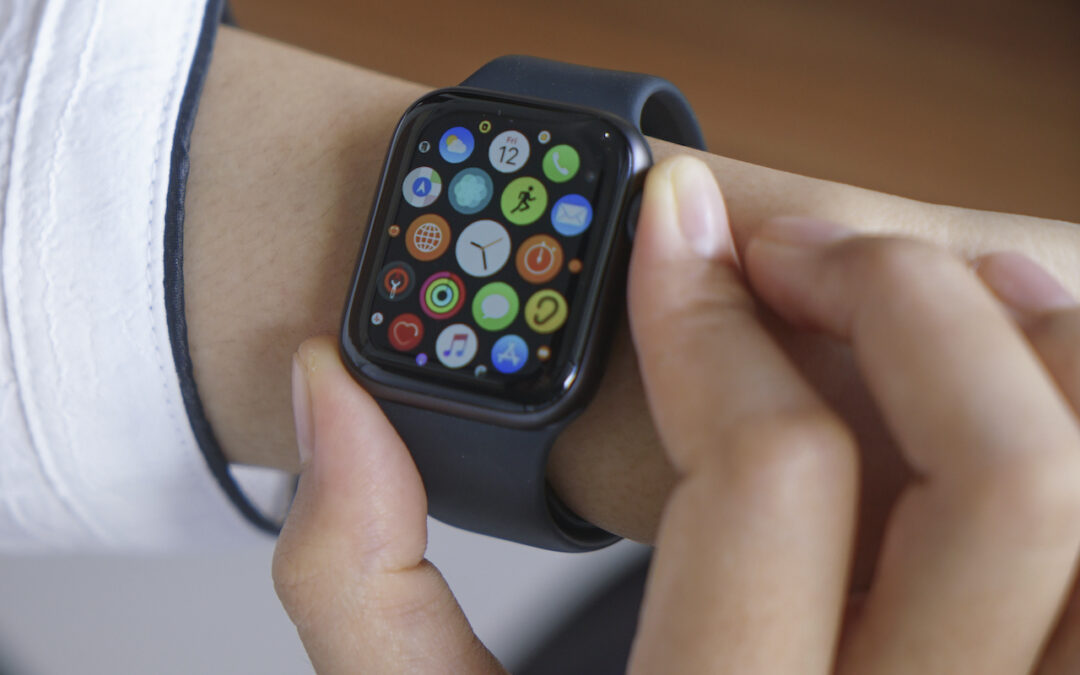
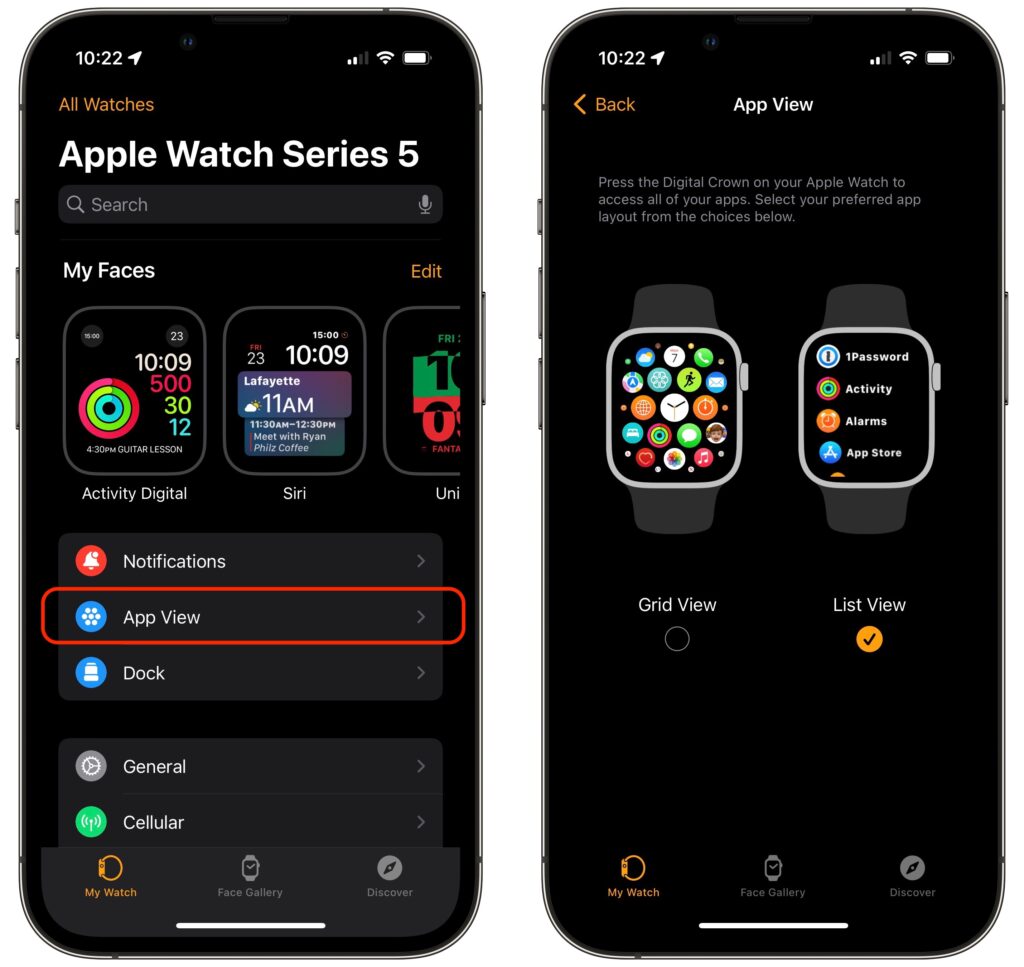
Every so often, we encounter someone struggling to find and launch an app on their Apple Watch because they have trouble seeing and interacting with the icon-centric grid view layout. If you’re in that camp, there’s a better way. In the iPhone’s Watch app, tap My Watch at the bottom, and then tap App View. Then select List View, which provides an alphabetically sorted, scrolling list of all your apps. From then on, it’s easy to press the Digital Crown to show the apps, turn it to scroll, and tap an app to launch it.
(Featured image by iStock.com/raditya)

A week might be too short if IT approval is still pending. I'd treat "keeping your old iPhone for a…
Awesome tech breakdown on "When Should You Upgrade to macOS 27 Golden Gate, iOS 27, iPadOS 27, watchOS 27, tvOS…
I’ve used Chrome’s built-in screenshot tool, but opening DevTools every time gets a bit tedious. I recommend FullPage Capture, it’s…
This is such an important reminder. I've been in meetings where an AI notetaker silently joined and recorded everything, and…
Awesome tech breakdown on "When Should You Upgrade to macOS 27 Golden Gate, iOS 27, iPadOS 27, watchOS 27, tvOS…