If you have trouble seeing and interacting with the icon-centric grid view layout of Apple Watch, try this instead.
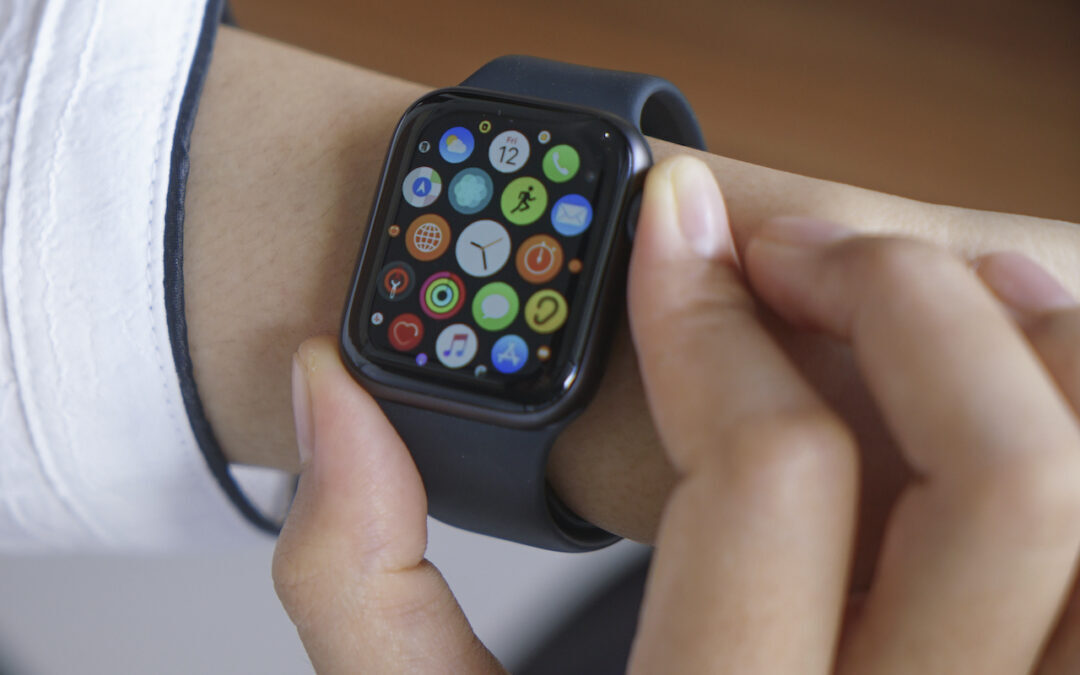

If you have trouble seeing and interacting with the icon-centric grid view layout of Apple Watch, try this instead.

Having trouble finding the best time for a group to meet? Check out the oddly named Crab Fit, which lets people add their availability and shows the best scheduling overlaps.

Make your AirBNB a favorite in Maps before you even leave home.
Have you found the macOS color picker confusing? Here’s how to find, set, and share colors.

Stop by a carrier’s store or contact them to ask for a new SIM. It should be free and will take just a minute to install.

We can’t reduce your email load, but we can show you how to process it faster by swiping on items in Mail’s message list on your iPhone, iPad, or Mac. Details at:

Did you know that you can copy and paste content between your Mac, iPhone, and iPad using Universal Clipboard? It should just work, but if not, read on to learn which underlying settings you should adjust.
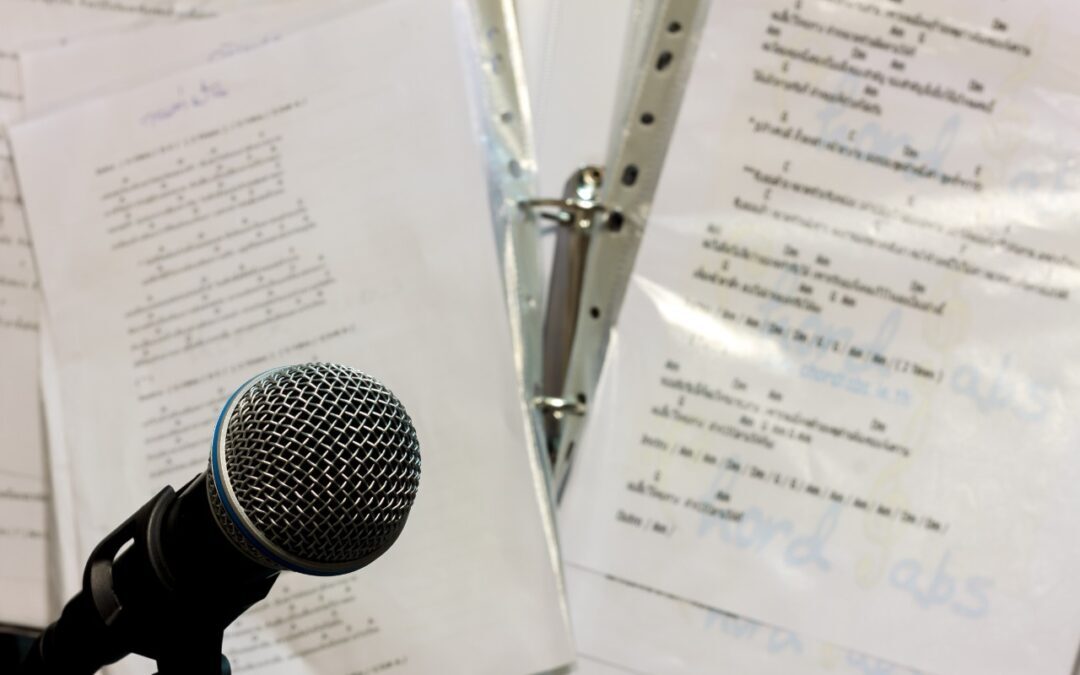
For many songs in Apple Music, you can bring up full lyrics in the Music app. Learn how now.
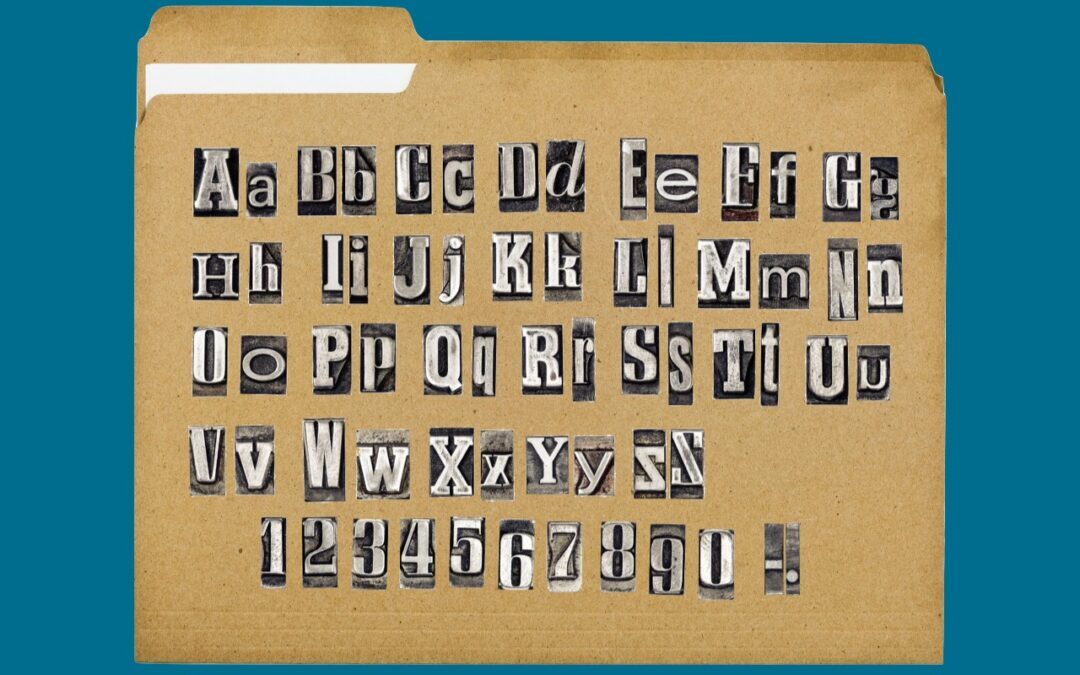
You might think that you can name a file or folder any way you want, but macOS and Windows have restrictions on which characters you can use, and the prevalence of cloud sharing services makes it all the more important to avoid prohibited characters.
Use your iPhone’s zoom feature to enlarge the document or screen you’re trying to photograph.
Super insightful and fresh perspective.
Well explained and easy to follow.
So glad I stumbled upon this.
Looking forward to your next post!
Truly a masterpiece of content.