
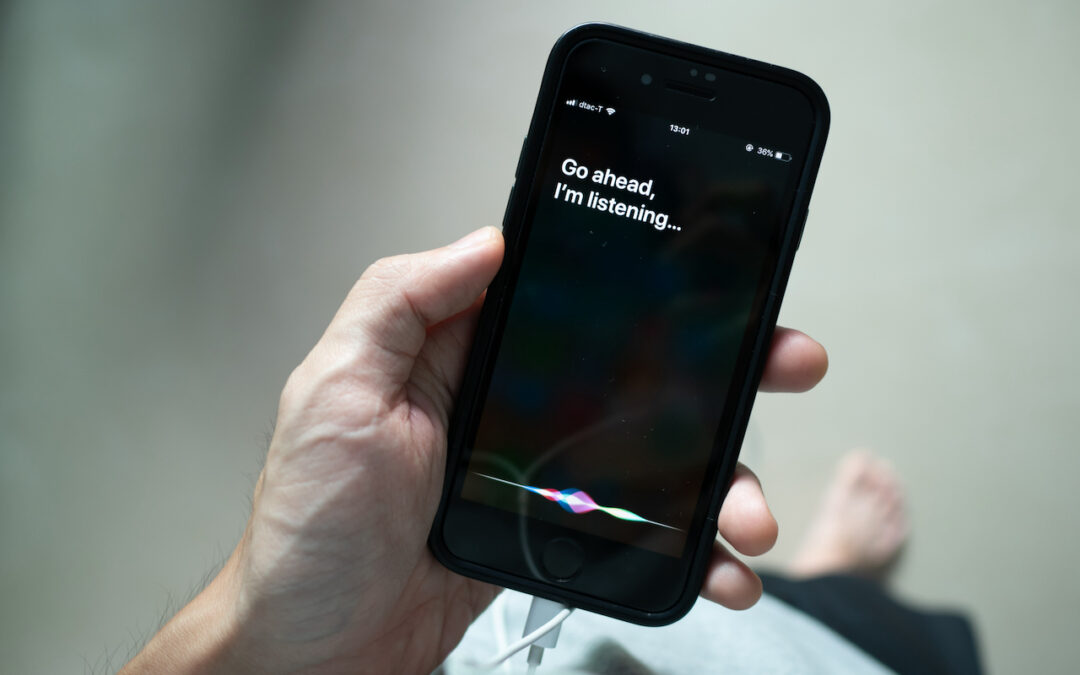
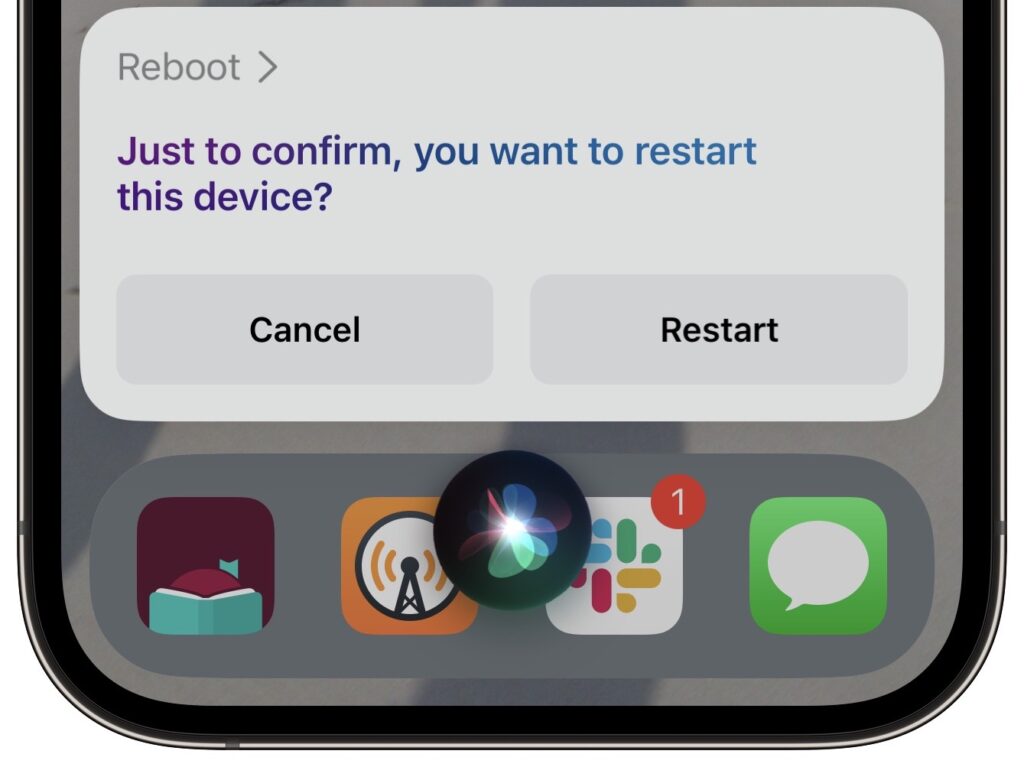
Although iOS and iPadOS are extremely stable, there are times when rebooting your iPhone or iPad can eliminate odd or problematic behavior, and there’s no harm in trying it. In the past, you’ve had to remember which buttons to press or select Settings > General > Shut Down and then press a button to turn the device back on. In iOS 16 and iPadOS 16, however, Siri has learned a new trick: how to reboot iPhones and iPads. Invoke Siri by holding the side button or Home button, and then say, “Reboot” or “Restart this device.” (Using “Hey Siri” can result in unexpected results, and saying “Restart” on its own tends to cause Music to start playing the last song.) Tap Restart, and your device reboots. If only this worked for the Apple Watch and HomePod too!
(Featured image by iStock.com/Wachiwit)

A week might be too short if IT approval is still pending. I'd treat "keeping your old iPhone for a…
Awesome tech breakdown on "When Should You Upgrade to macOS 27 Golden Gate, iOS 27, iPadOS 27, watchOS 27, tvOS…
I’ve used Chrome’s built-in screenshot tool, but opening DevTools every time gets a bit tedious. I recommend FullPage Capture, it’s…
This is such an important reminder. I've been in meetings where an AI notetaker silently joined and recorded everything, and…
Awesome tech breakdown on "When Should You Upgrade to macOS 27 Golden Gate, iOS 27, iPadOS 27, watchOS 27, tvOS…