
 Image by Jeff Hendricks on Unsplash
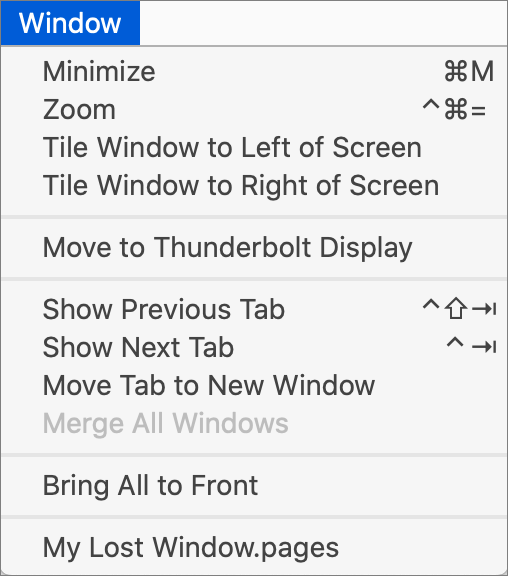
Every so often, we hear from a Mac user with a seemingly impossible problem: a document window in some app is opening somewhere outside of the screen so it’s effectively invisible and they can’t work with it in any way. Just closing (with File > Close) and reopening the window, or quitting and relaunching the app, or even restarting the Mac won’t usually help because the app will reopen the window in the same off-screen position. The solution is to try various commands in the app’s Window menu, such as Tile, Move, or Zoom. (You may need to choose View > Show All Tabs to get the tab-related commands.) What’s there will vary by app, but with luck, one of them will bring your errant window back on screen.

Useful walkthrough. The concrete examples made the workflow much easier to follow.
Saved my day
The note that Rosetta isn’t automatically restored after the macOS 27 Golden Gate upgrade is the part that would catch…
Useful note that Live Text needs an A12 Bionic or later on iPhone and iPad but works on any Mac…
Just found text to game by Tuvimo and it actually works for quick browser fun. Makes me want to revisit…