
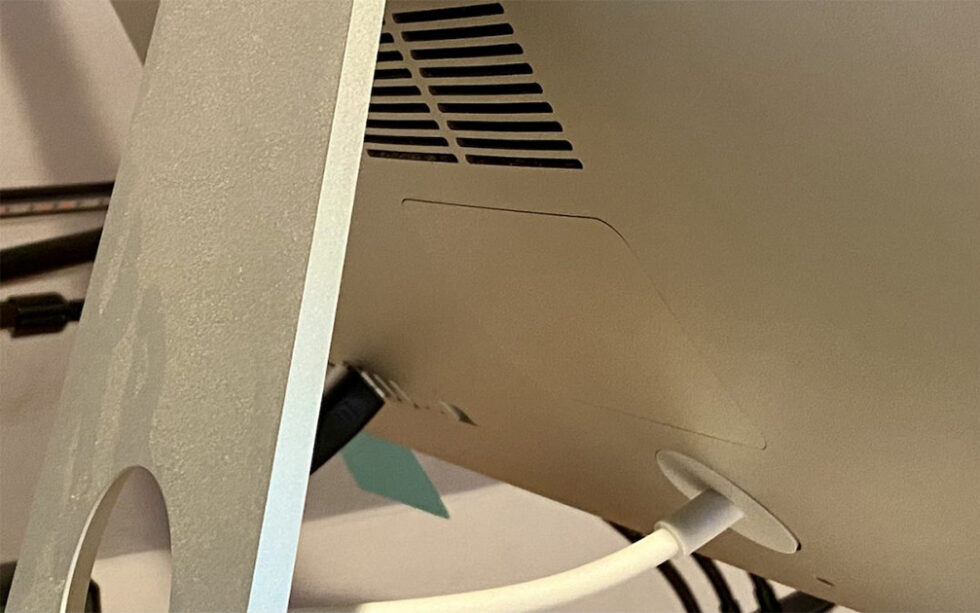
 Image by Adam Engst
Although extremely uncommon, it’s not unheard of for a Mac, particularly an older model, to restart unexpectedly. If it happens once, chalk it up to cosmic rays and move on. But if it happens multiple times, try these two things right off. First, use compressed air to remove dust from cooling vents or the inside of the Mac, if you can open it up. Dust can cause heat buildup, which can in turn cause restarts. Second, try plugging the Mac into a different electric circuit or, ideally, into an uninterruptible power supply (UPS). Dirty power can provoke all sorts of undesirable behavior—including unexpected restarts—and shorten the lifespan of the Mac’s electronic components. Remember, clean air and clean power make for a happy Mac.

A week might be too short if IT approval is still pending. I'd treat "keeping your old iPhone for a…
Awesome tech breakdown on "When Should You Upgrade to macOS 27 Golden Gate, iOS 27, iPadOS 27, watchOS 27, tvOS…
I’ve used Chrome’s built-in screenshot tool, but opening DevTools every time gets a bit tedious. I recommend FullPage Capture, it’s…
This is such an important reminder. I've been in meetings where an AI notetaker silently joined and recorded everything, and…
Awesome tech breakdown on "When Should You Upgrade to macOS 27 Golden Gate, iOS 27, iPadOS 27, watchOS 27, tvOS…