
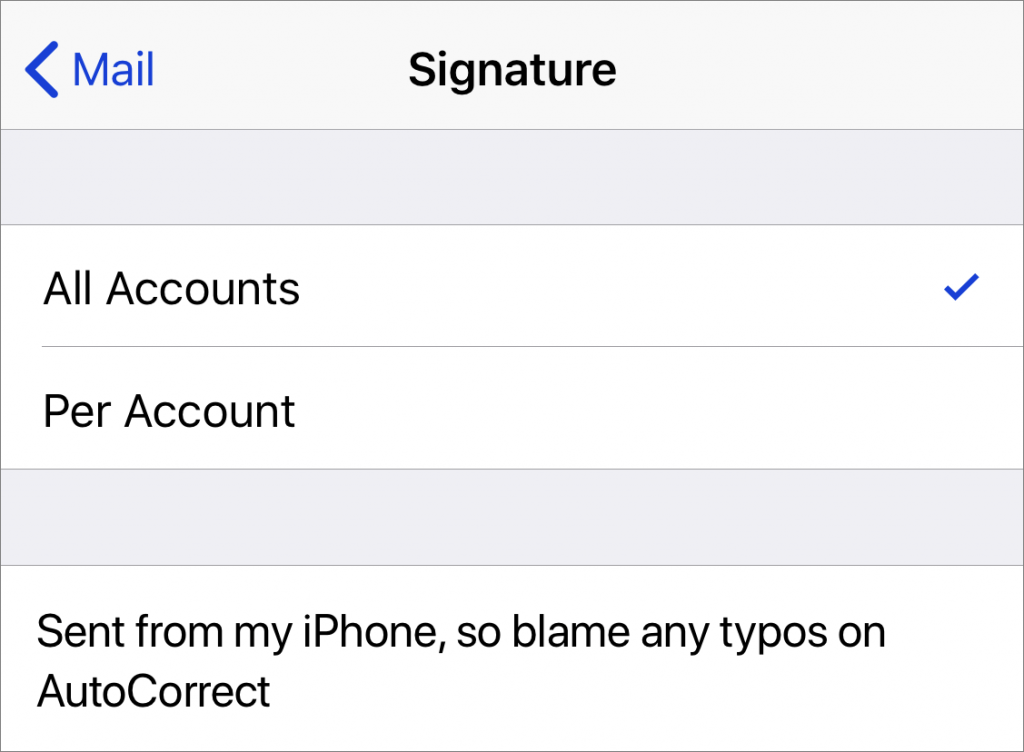
When you use Apple’s Mail app on your iPhone to send email, the default signature is “Sent from my iPhone.” If you’d rather not advertise that fact with every email, or would prefer to change it to something more personal, don’t bother poking around in the Mail app itself. Instead, go to Settings > Mail > Signature, where you can change the signature to anything you like or delete it entirely. If you have multiple email accounts configured, such as one for work and one for home, you can also set a different signature for each.

Super insightful and fresh perspective.
Well explained and easy to follow.
So glad I stumbled upon this.
Looking forward to your next post!
Truly a masterpiece of content.