
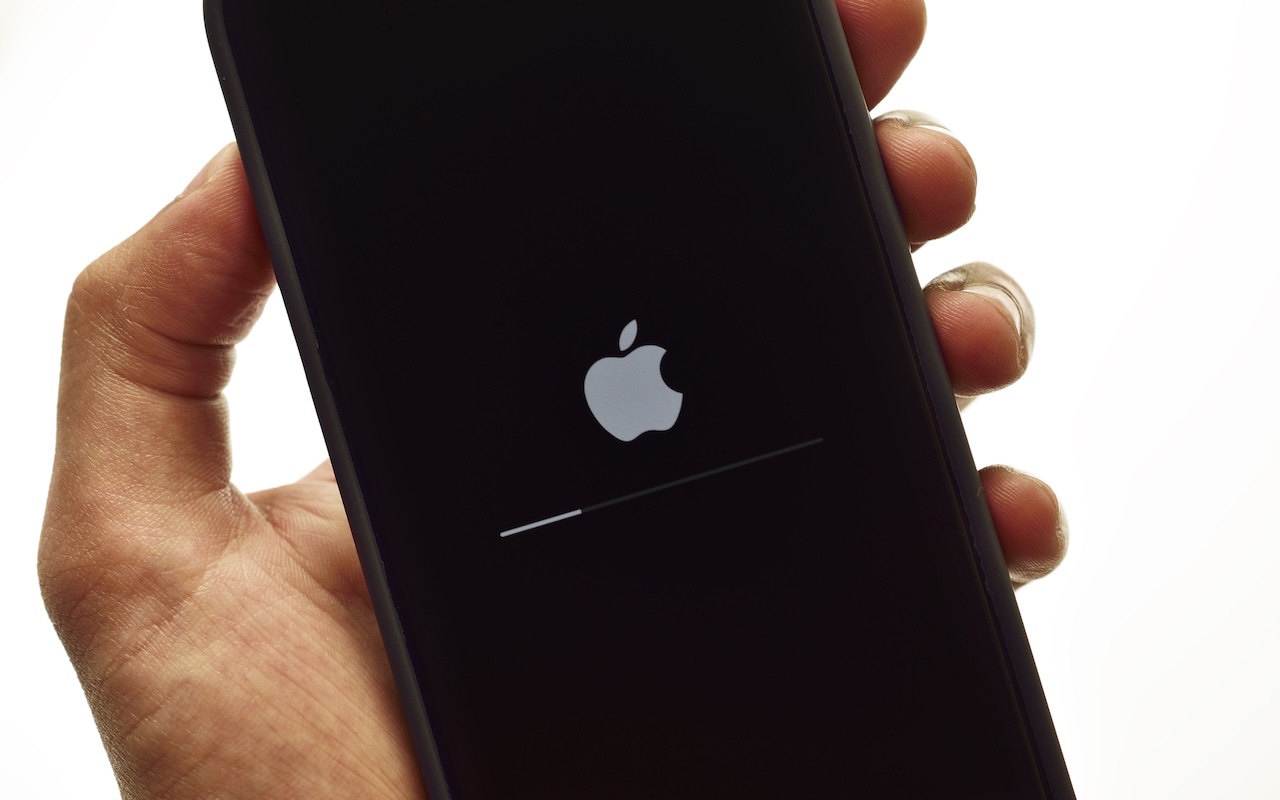
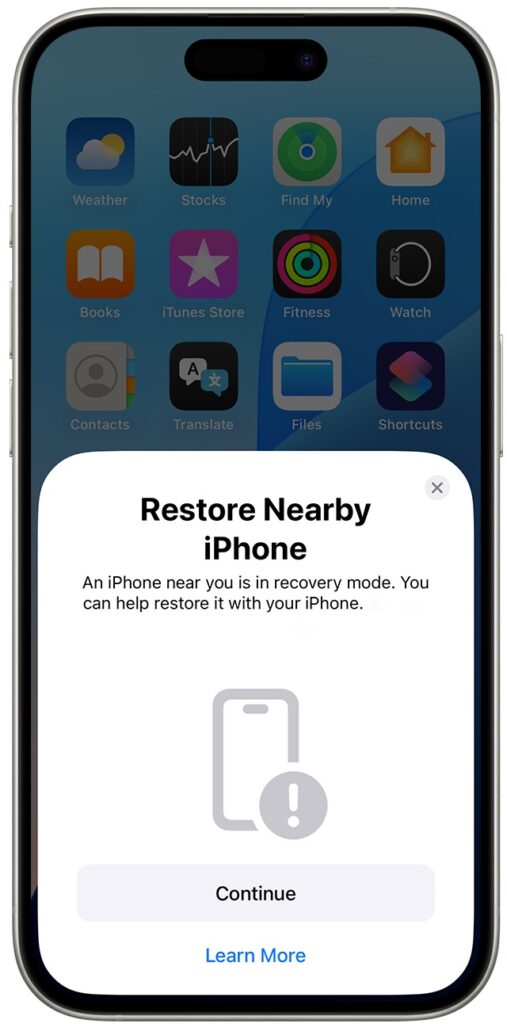
We hope you never need a new recovery option that Apple has added to the iPhone 16 and current iPad mini (with an A17 Pro chip). If a device gets stuck during an iOS or iPadOS update, you may see an animation of devices being moved close together, indicating that it’s in recovery mode. Apple’s new solution to a failed update involves attaching the device in recovery mode to power and placing it next to another unlocked device that’s connected to Wi-Fi and running iOS 18 or iPadOS 18. The working device will display a Restore Nearby iPhone/iPad message. Once you tap Continue and wait for the devices to connect, you’ll be asked to enter a six-digit code from the recovery device on the other device to share its Wi-Fi connection. Tap OK when you see the “Restoring iPhone/iPad” message. It’s best to have both devices connected to power while this is happening. If this new way to recover from a failed update doesn’t work, or if a different iPhone or iPad model has had trouble during an update, you can use a computer to restore the device.
(Featured image by iStock.com/stockforliving)

A week might be too short if IT approval is still pending. I'd treat "keeping your old iPhone for a…
Awesome tech breakdown on "When Should You Upgrade to macOS 27 Golden Gate, iOS 27, iPadOS 27, watchOS 27, tvOS…
I’ve used Chrome’s built-in screenshot tool, but opening DevTools every time gets a bit tedious. I recommend FullPage Capture, it’s…
This is such an important reminder. I've been in meetings where an AI notetaker silently joined and recorded everything, and…
Awesome tech breakdown on "When Should You Upgrade to macOS 27 Golden Gate, iOS 27, iPadOS 27, watchOS 27, tvOS…