

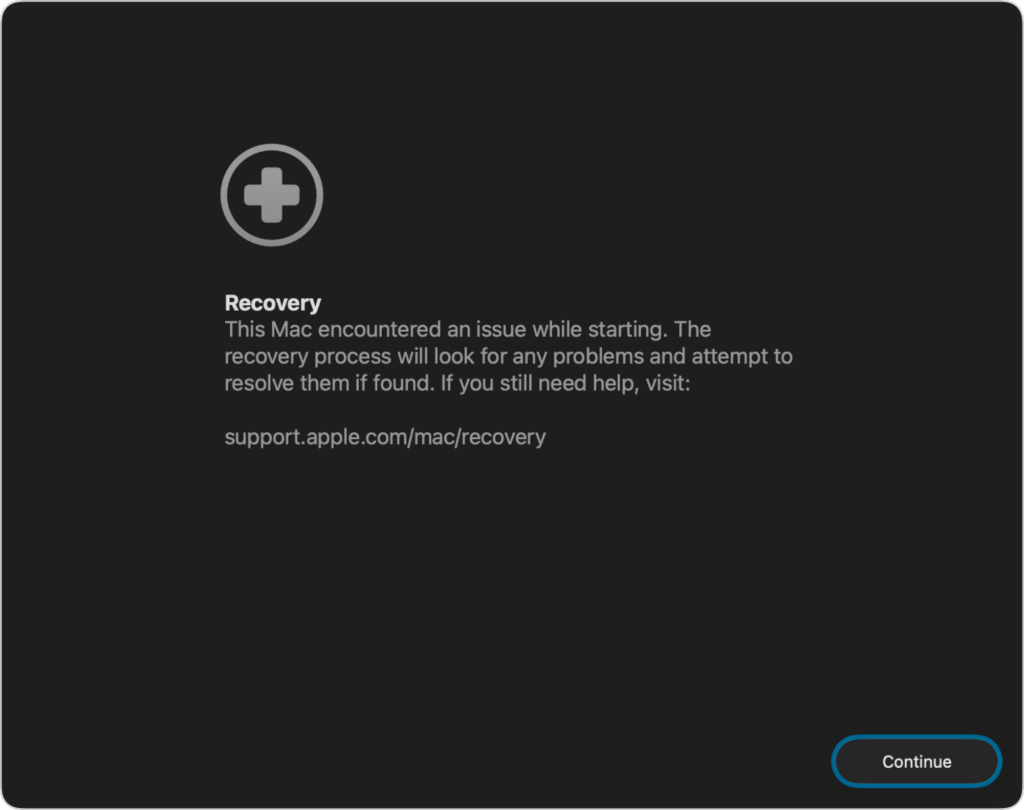
If a Mac running macOS 26 Tahoe experiences certain kinds of problems, it might automatically restart and launch a new Recovery Assistant. It will prompt you to unlock your disk if needed and to connect to a Wi-Fi network—an Internet connection is required. Apple doesn’t specify precisely what Recovery Assistant will do to recover your device, but it will either indicate that it succeeded, that it was unable to recover the device, or that it found no problems. In any case, you’ll need to restart your Mac, after which you may receive a notification to recover your iCloud data; initiate this process in System Settings. While we generally favor Macs being able to fix their own problems, we cannot stress enough how much more important it is to have a current backup than to rely solely on any recovery system.
(Featured image based on an original by iStock.com/Armastas

A week might be too short if IT approval is still pending. I'd treat "keeping your old iPhone for a…
Awesome tech breakdown on "When Should You Upgrade to macOS 27 Golden Gate, iOS 27, iPadOS 27, watchOS 27, tvOS…
I’ve used Chrome’s built-in screenshot tool, but opening DevTools every time gets a bit tedious. I recommend FullPage Capture, it’s…
This is such an important reminder. I've been in meetings where an AI notetaker silently joined and recorded everything, and…
Awesome tech breakdown on "When Should You Upgrade to macOS 27 Golden Gate, iOS 27, iPadOS 27, watchOS 27, tvOS…