

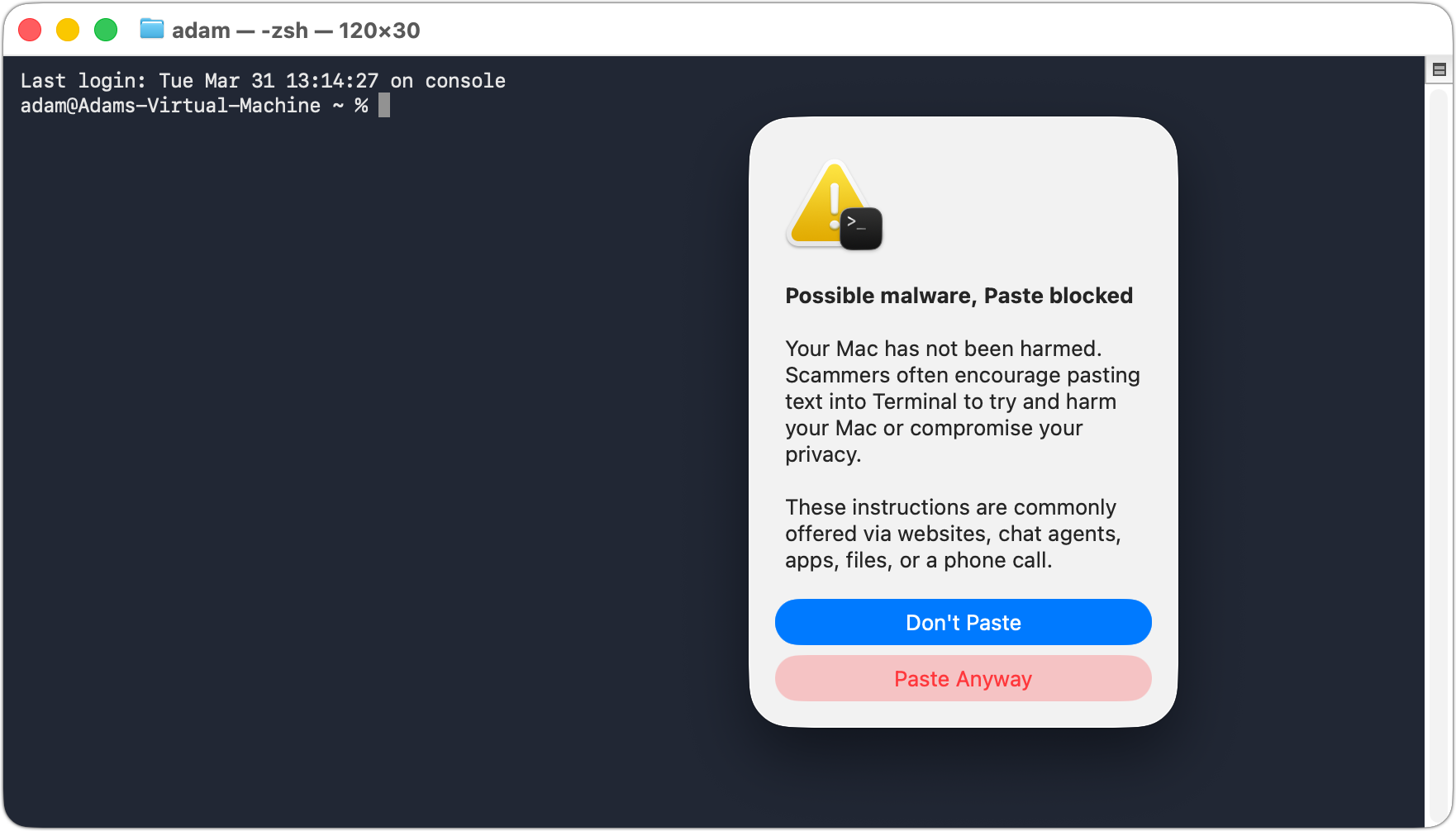
We’ve warned before about scams that trick users into pasting malicious commands into Terminal. Attackers create fake CAPTCHA pages—often resembling Cloudflare’s “are you a human” tests—that instruct visitors to open Terminal, paste a command, and press Return. Because the user executes the command themselves, macOS’s security protections are bypassed. Malwarebytes recently documented a macOS infostealer called Infiniti Stealer that spreads this way, stealing Keychain passwords, browser credentials, and cryptocurrency wallets. These attacks have become common enough that Apple has added a warning in macOS 26.4 Tahoe that appears when a user pastes a potentially dangerous command from Safari into Terminal. The protection is still in its early days—in our testing, the warning dialog appeared only once, with subsequent attempts producing only a beep. Worse, if you allow the first paste, Terminal keeps allowing pastes without further warnings. It’s a step in the right direction, but don’t count on it yet. The core advice remains: never paste commands into Terminal from websites unless you trust the site and fully understand what it does. No legitimate CAPTCHA ever requires Terminal commands!
(Featured image by iStock.com/thomaguery)

Super insightful and fresh perspective.
Well explained and easy to follow.
So glad I stumbled upon this.
Looking forward to your next post!
Truly a masterpiece of content.