
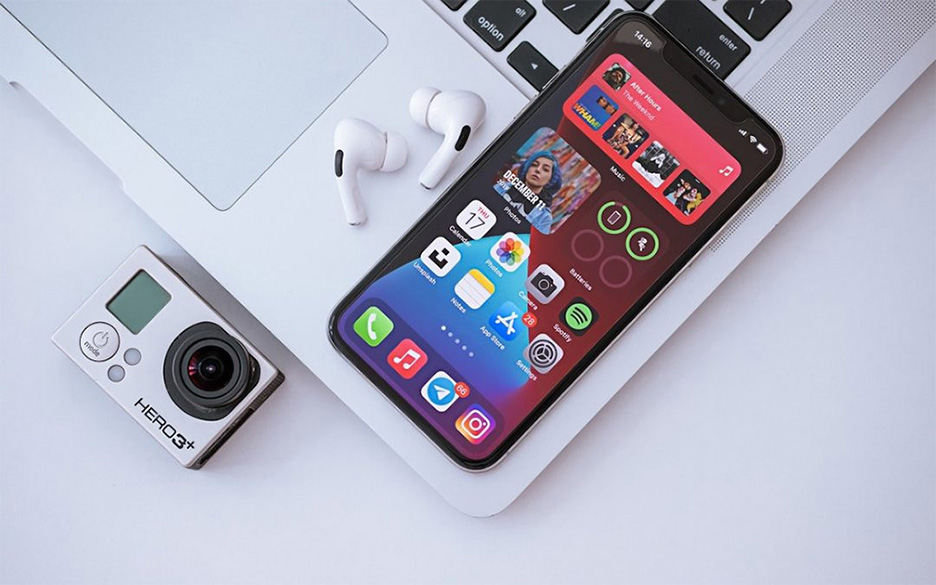
 Image by Omid Armin on Unsplash
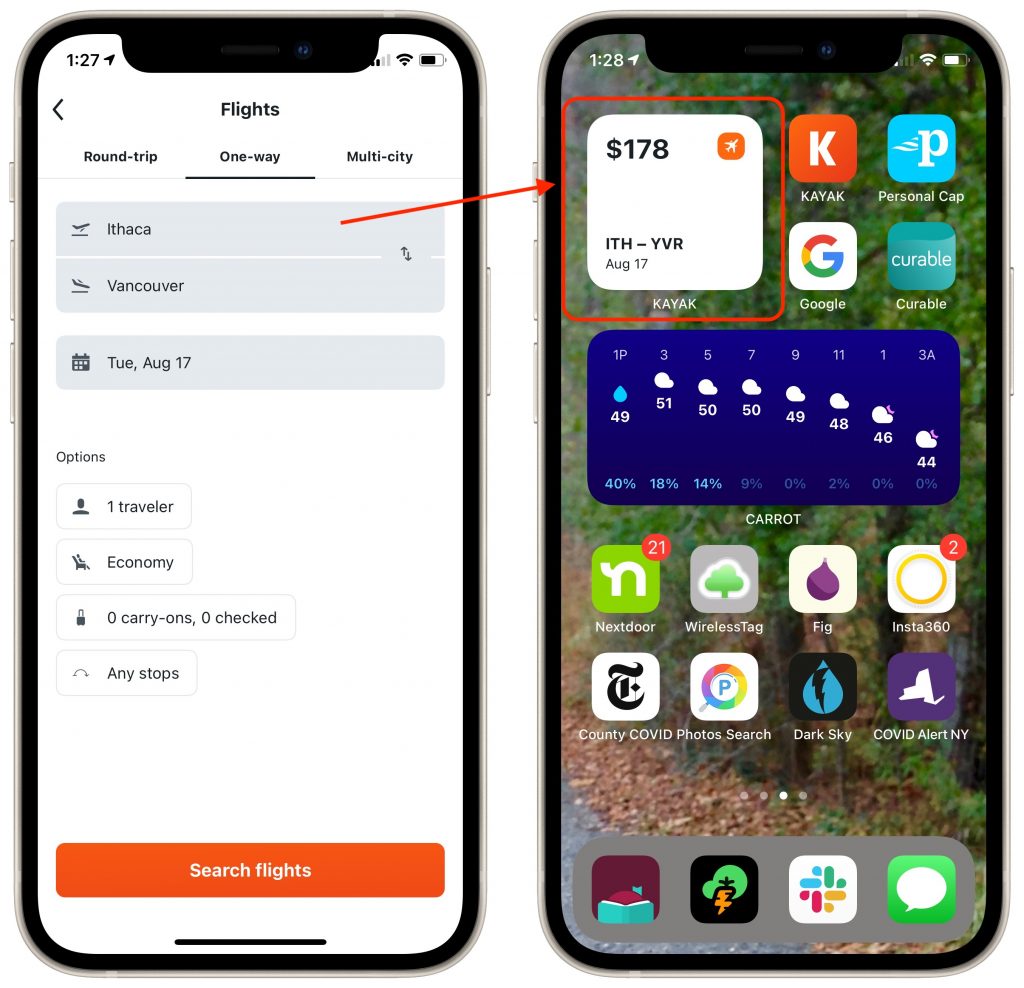
Home screen widgets are one of the coolest features of iOS 14. They enable apps to offer quick access to features or at-a-glance previews of changing information, such as the Weather app’s widget providing a quick look at upcoming weather. What you may not realize, however, is that an app’s widgets become available for adding to your Home screen only if you have launched the app since upgrading to iOS 14. (To see the list, press and hold on an empty part of the Home screen and then tap the + button in a top corner.) For instance, if you haven’t traveled since the pandemic started, you might not realize that the Kayak app has a handy price alert widget. Just launch the app once, and you’ll see its widgets the next time you look through the complete widget list.

A week might be too short if IT approval is still pending. I'd treat "keeping your old iPhone for a…
Awesome tech breakdown on "When Should You Upgrade to macOS 27 Golden Gate, iOS 27, iPadOS 27, watchOS 27, tvOS…
I’ve used Chrome’s built-in screenshot tool, but opening DevTools every time gets a bit tedious. I recommend FullPage Capture, it’s…
This is such an important reminder. I've been in meetings where an AI notetaker silently joined and recorded everything, and…
Awesome tech breakdown on "When Should You Upgrade to macOS 27 Golden Gate, iOS 27, iPadOS 27, watchOS 27, tvOS…