
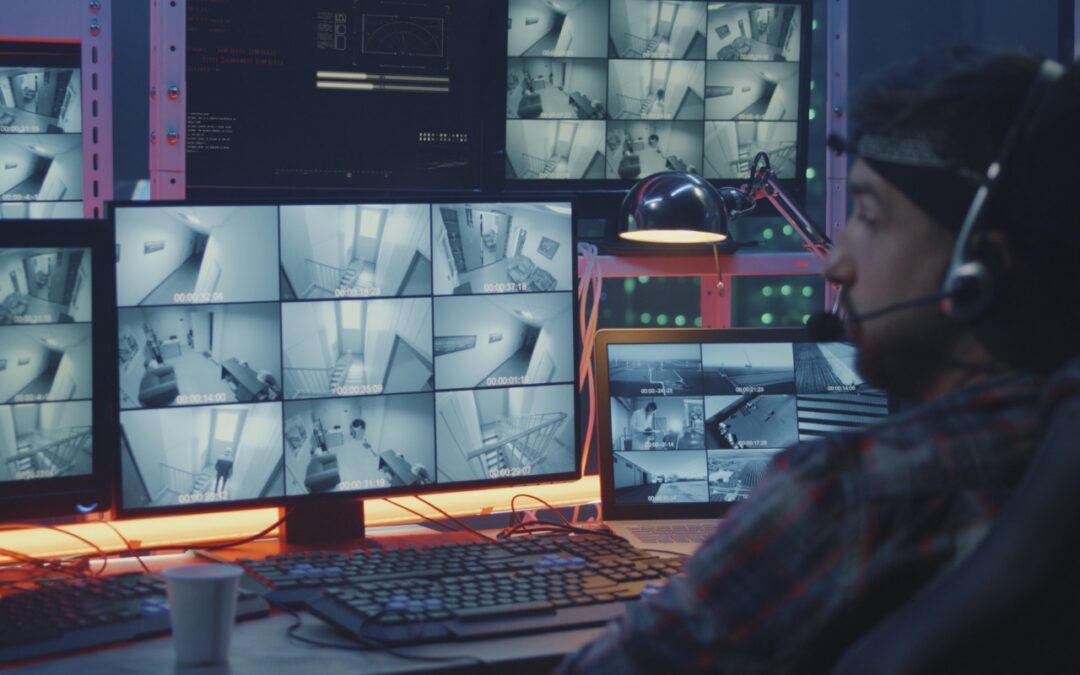
Whatever consumer electronics product you can name, there’s probably a “smart” version that you configure via an app or Internet-connected interface once you’ve connected it to your Wi-Fi network. For ease of setup and to keep costs down, many such devices come pre-configured with not just a default username and password, but the same default username and password as all other units. That’s bad enough, but worse, most people never change those defaults, which is just asking hackers and malicious bots to break in and take over. This risk is real—it has happened to security cameras, baby monitors, light bulbs, DVRs, toasters, refrigerators, and even fish tanks. So, if you received any so-called “Internet of Things” devices for the holidays—or have one or more already installed on your home network—immediately change the usernames (if possible) and passwords to something more secure. Store the new usernames and passwords in your password manager for future reference.
(Featured image by iStock.com/EvgeniyShkolenko)

A week might be too short if IT approval is still pending. I'd treat "keeping your old iPhone for a…
Awesome tech breakdown on "When Should You Upgrade to macOS 27 Golden Gate, iOS 27, iPadOS 27, watchOS 27, tvOS…
I’ve used Chrome’s built-in screenshot tool, but opening DevTools every time gets a bit tedious. I recommend FullPage Capture, it’s…
This is such an important reminder. I've been in meetings where an AI notetaker silently joined and recorded everything, and…
Awesome tech breakdown on "When Should You Upgrade to macOS 27 Golden Gate, iOS 27, iPadOS 27, watchOS 27, tvOS…