
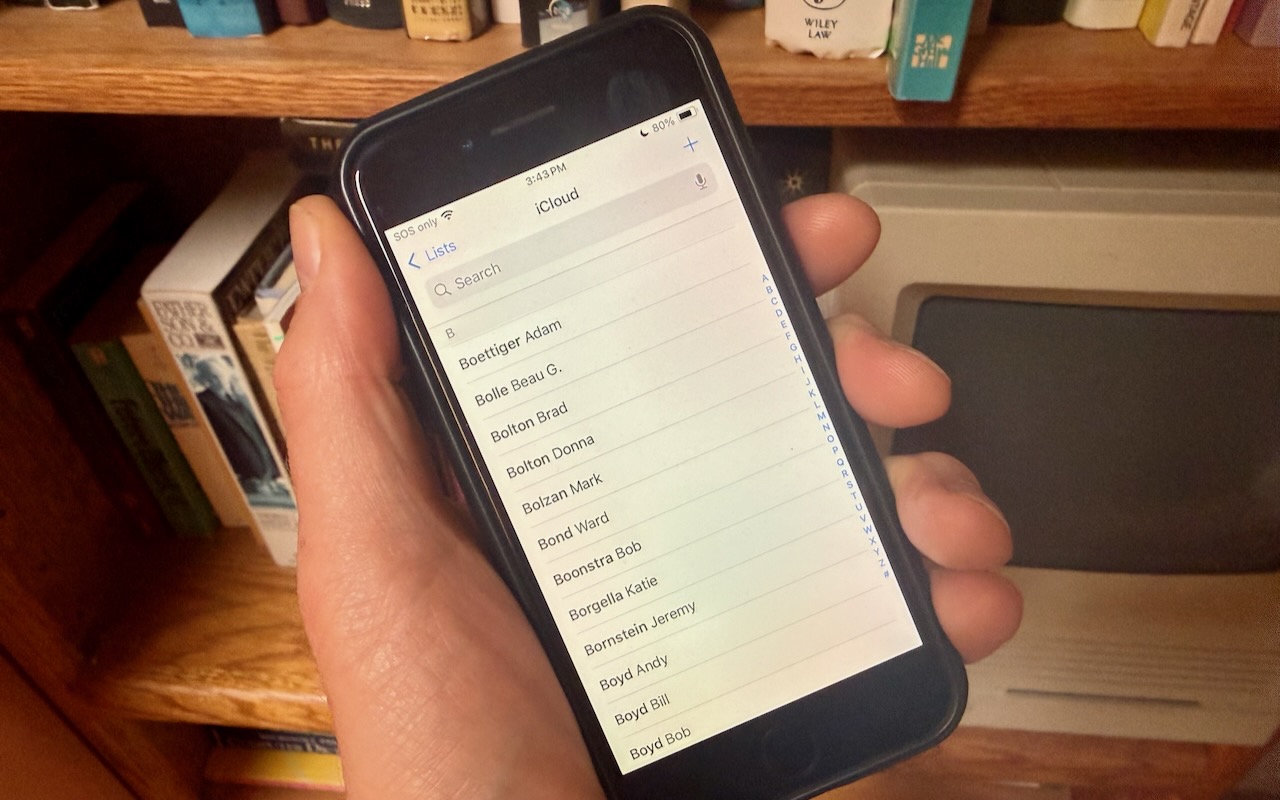
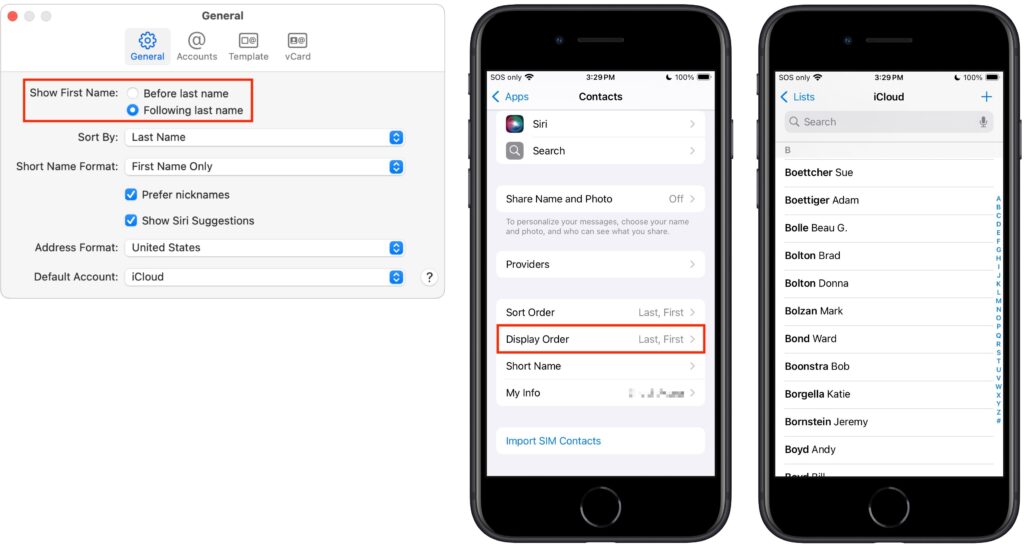
Most people prefer Apple’s default of sorting contacts by last name, so “Andy Anderson” appears near the start of the list and “Liliana Velasco” toward the end. But some would also prefer to display contacts with their last name first, such as “Anderson Andy,” and “Velasco Liliana.” That’s not the default, but if it’s what you want, here’s how to accomplish it. On the iPhone and iPad, go to Settings > Apps > Contacts > Display Order and select Last, First. On the Mac, open Contacts > Settings > General and from the Show First Name controls, select Following Last Name.
(Featured image by Adam Engst)

Useful walkthrough. The concrete examples made the workflow much easier to follow.
Saved my day
The note that Rosetta isn’t automatically restored after the macOS 27 Golden Gate upgrade is the part that would catch…
Useful note that Live Text needs an A12 Bionic or later on iPhone and iPad but works on any Mac…
Just found text to game by Tuvimo and it actually works for quick browser fun. Makes me want to revisit…