
 Image based on an original by Gary Meulemans on Unsplash
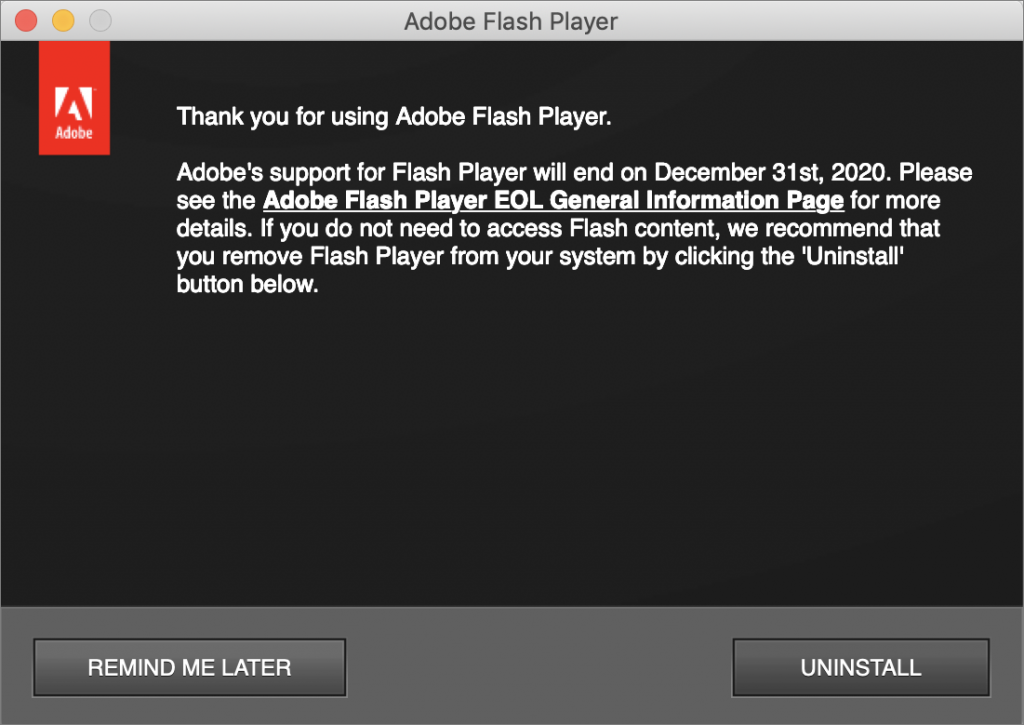
In July 2017, Adobe announced that it would stop distributing and updating Flash Player on December 31st, 2020. Web standards like HTML5 provide a viable alternative to Flash content, and organizations that relied on Flash have had three years to replace it. Because Adobe will no longer be addressing security vulnerabilities in Flash with updates, Flash Player now prompts users to uninstall. We strongly recommend doing so—just click the Uninstall button if you get this alert. If you don’t, a Flash Player Install Manager app in your Utilities folder should be able to remove Flash Player as well. Adobe also provides instructions to uninstall manually.

A week might be too short if IT approval is still pending. I'd treat "keeping your old iPhone for a…
Awesome tech breakdown on "When Should You Upgrade to macOS 27 Golden Gate, iOS 27, iPadOS 27, watchOS 27, tvOS…
I’ve used Chrome’s built-in screenshot tool, but opening DevTools every time gets a bit tedious. I recommend FullPage Capture, it’s…
This is such an important reminder. I've been in meetings where an AI notetaker silently joined and recorded everything, and…
Awesome tech breakdown on "When Should You Upgrade to macOS 27 Golden Gate, iOS 27, iPadOS 27, watchOS 27, tvOS…