
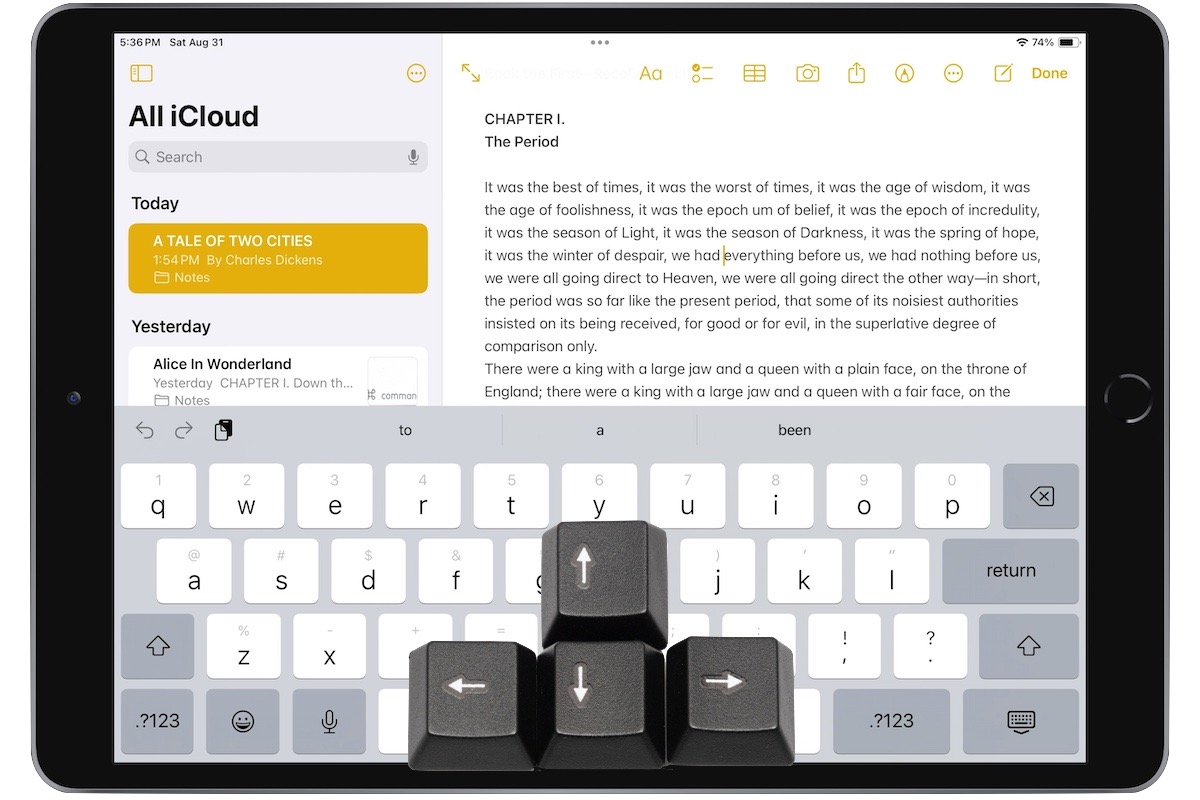
A friend recently expressed astonishment when she saw us using trackpad mode while editing text on an iPhone. (It works on the iPad, too!) So, even if you already know these tips, do your friends a favor and show them:
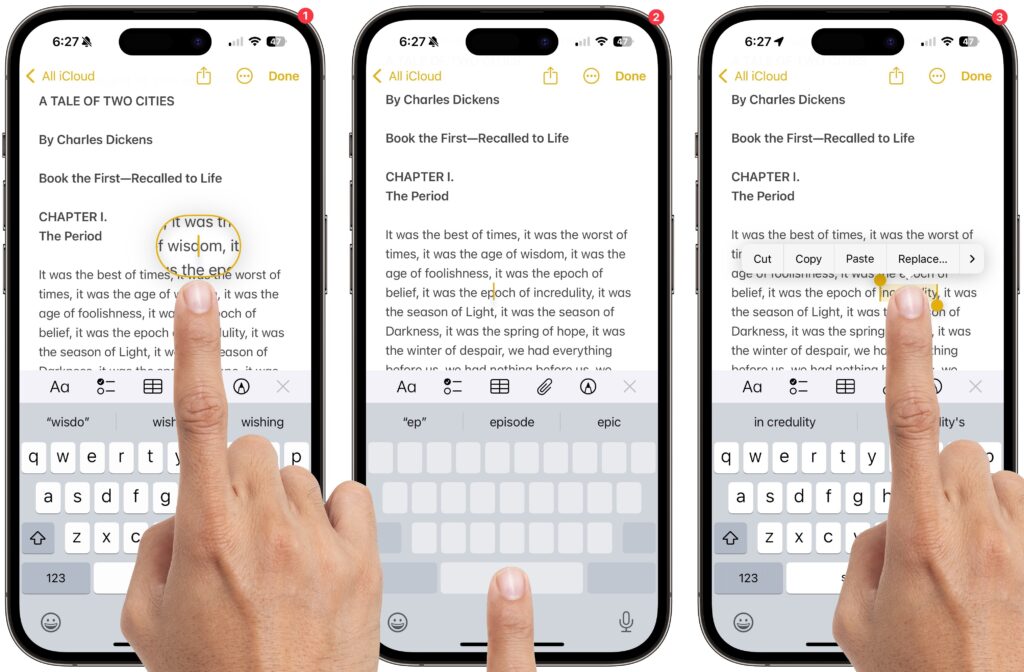
- Tap once to position the insertion point at the start or end of a word.
- Touch and hold to reveal the magnifier and move the insertion point within words ➊.
- Touch and hold the Space bar to turn the entire keyboard into a virtual trackpad that lets you move the insertion point above ➋. On the iPad, you can also touch and hold with two fingers anywhere on the keyboard.
- Double-tap to select a word; keep dragging to select more text, one word at a time ➌.
- Triple-tap to select an entire paragraph.
(Featured image by Adam Engst with keys from MXW Photo)

Picking one style guide and living with it is the advice I give every time this question comes up, and…
Golden Gate as the macOS 27 codename is a nice callback. For mixed households I'd love a recommendation on the…
Check with your phone service provider.
Do you take orders for the new 18 or is that just at the Apple stores? Thanks
Making Wi-Fi joining as easy as scanning a QR code is exactly the kind of MacWorks tip guests actually use.