
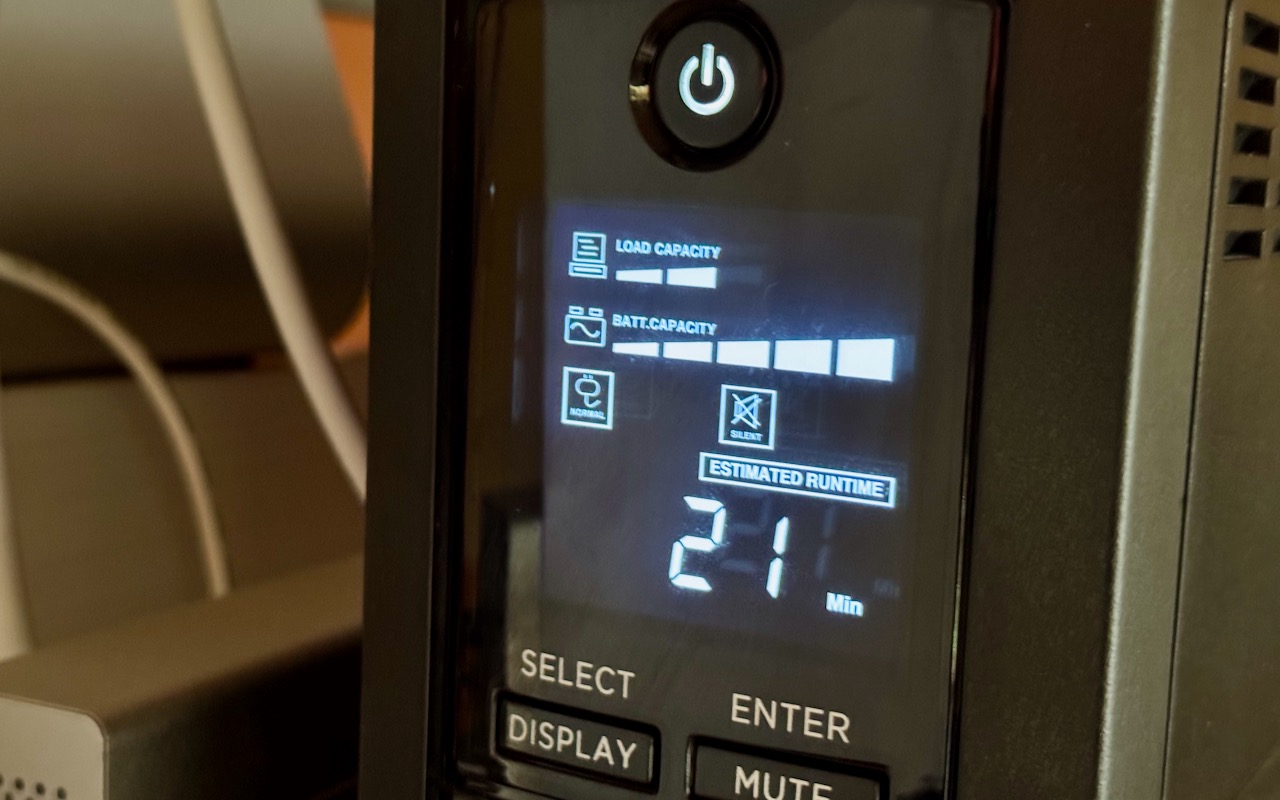
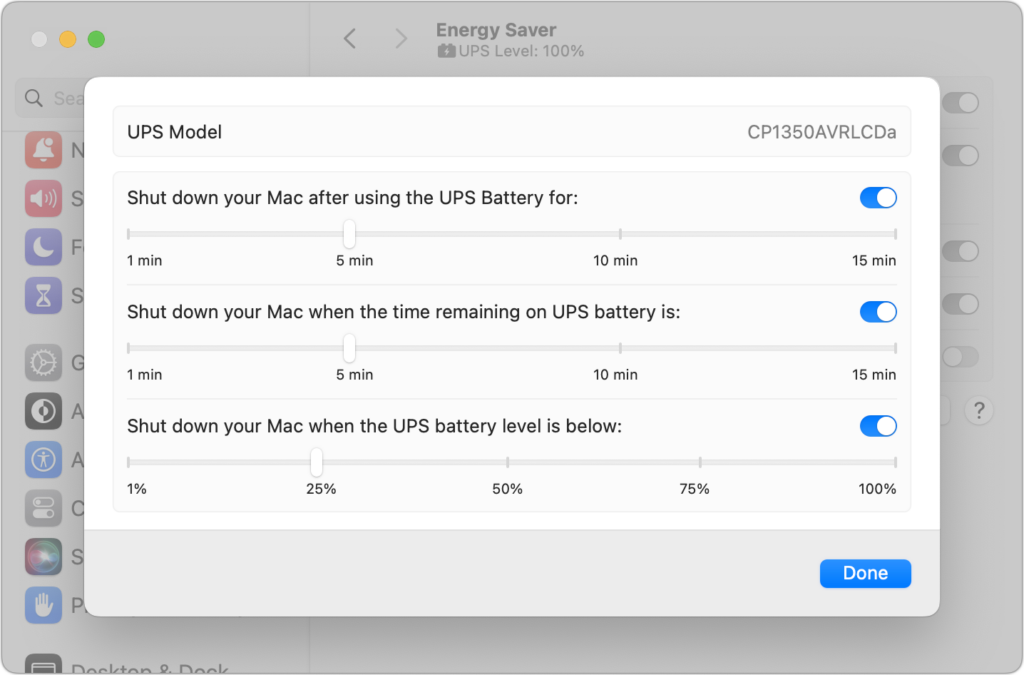
An uninterruptible power supply, or UPS, provides essential protection from power surges, spikes, brownouts, and outages. But if you’re not at your Mac when the power goes out, the UPS may run out of battery before you (or the power) return. Happily, if you connect your Mac to your UPS with a USB cable, macOS can detect the outage and shut your Mac down safely, regardless of what else is happening. Make sure open documents are saved whenever you step away from your Mac, or you could lose changes. In System Settings > Energy Saver > UPS Options, you can trigger the shutdown in three ways: after using the UPS battery for a specified amount of time, when the time remaining on the UPS battery hits a specific number, or when the UPS battery level drops below a particular percentage. There’s no harm in setting all three. Remember that it can take a minute or two for your Mac to shut down, so err on the short side for safety’s sake. Apple supports most UPS models from major manufacturers such as APC, CyberPower, and Tripp Lite. If you need help choosing the right one for your setup, stop by either of our Austin stores for personalized assistance.
(Featured image by Adam Engst)

Picking one style guide and living with it is the advice I give every time this question comes up, and…
Golden Gate as the macOS 27 codename is a nice callback. For mixed households I'd love a recommendation on the…
Check with your phone service provider.
Do you take orders for the new 18 or is that just at the Apple stores? Thanks
Making Wi-Fi joining as easy as scanning a QR code is exactly the kind of MacWorks tip guests actually use.