
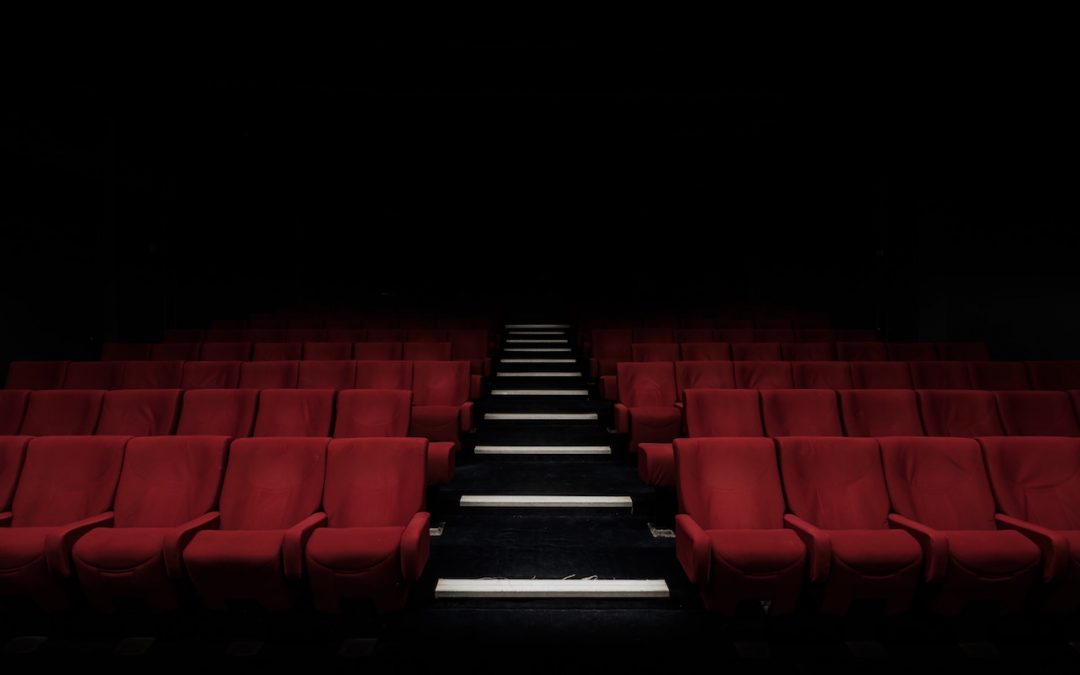
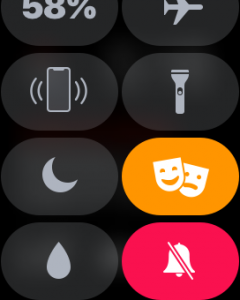
Attend any live theater presentation, and someone will ask the audience to silence their cell phones. But what about your Apple Watch? You don’t want it lighting up or making noise during the show either. To ensure that doesn’t happen, swipe up on the face to display Control Center, and then tap the theater masks icon to enable Theater mode (you may have to scroll down to see it). That automatically turns on Silent mode and prevents the screen from lighting up unless you tap it, press a button, or on the Apple Watch Series 2 or 3, turn the Digital Crown. To leave Theater mode after the performance, tap the masks icon in Control Center again.

A week might be too short if IT approval is still pending. I'd treat "keeping your old iPhone for a…
Awesome tech breakdown on "When Should You Upgrade to macOS 27 Golden Gate, iOS 27, iPadOS 27, watchOS 27, tvOS…
I’ve used Chrome’s built-in screenshot tool, but opening DevTools every time gets a bit tedious. I recommend FullPage Capture, it’s…
This is such an important reminder. I've been in meetings where an AI notetaker silently joined and recorded everything, and…
Awesome tech breakdown on "When Should You Upgrade to macOS 27 Golden Gate, iOS 27, iPadOS 27, watchOS 27, tvOS…