
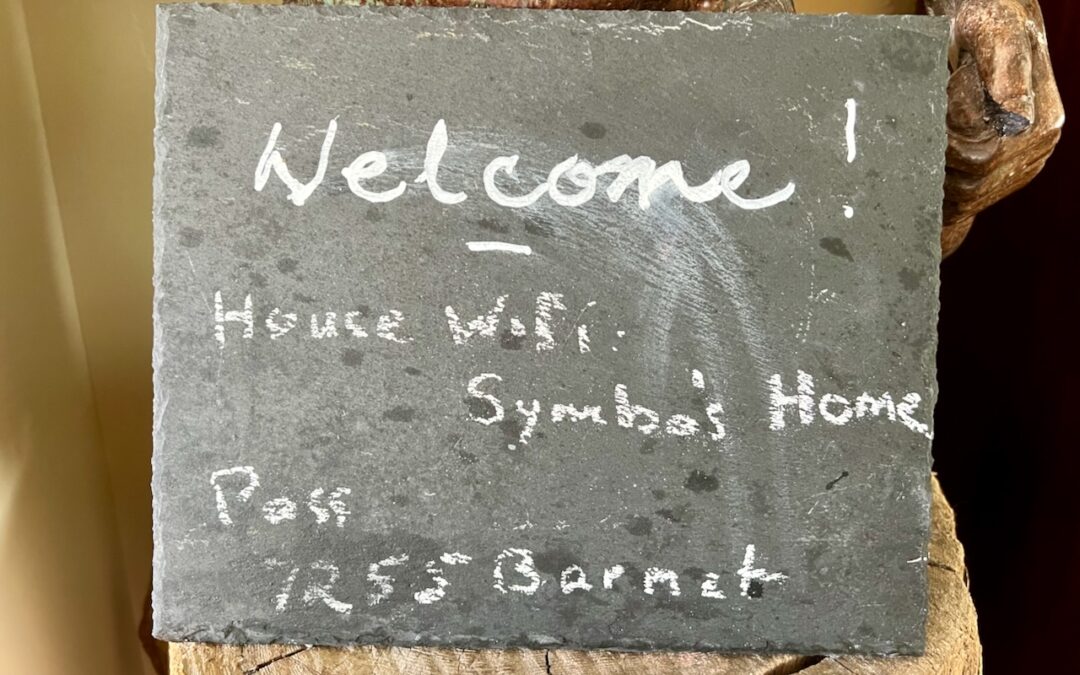
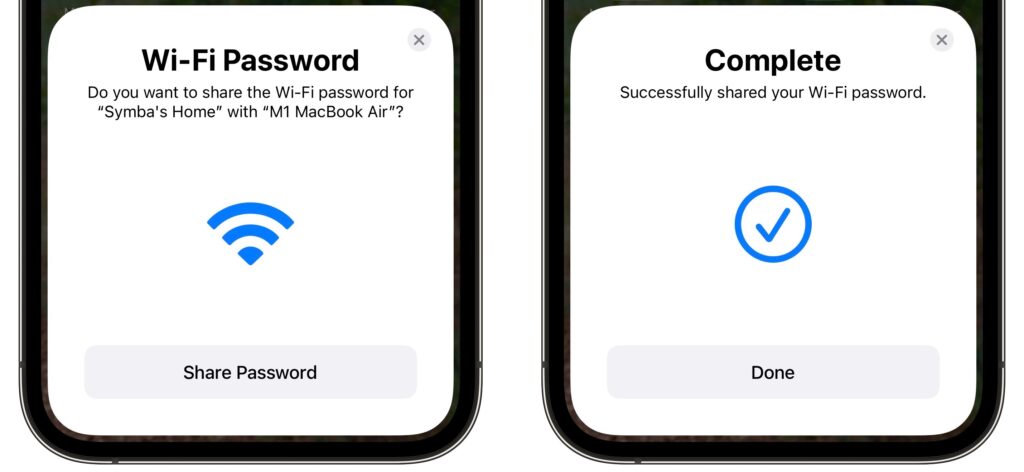
You’re on vacation with your family, staying in an Airbnb, with multiple Apple devices to connect to the apartment’s Wi-Fi. Typing the password repeatedly would be a pain, but happily, Apple has added a password-sharing feature to all its operating systems. Once you enter the password on your iPhone, whenever someone else—or another of your devices—tries to connect to the Wi-Fi network, your iPhone will prompt you to share the password. Tap Share Password and then Done. It’s also a great way to share your home Wi-Fi password with a visitor. (For password sharing to work, both devices must have Wi-Fi and Bluetooth on and Personal Hotspot disabled, and you and the other person must have each other’s Apple ID email address saved in Contacts.)
(Featured image by Adam Engst)

A week might be too short if IT approval is still pending. I'd treat "keeping your old iPhone for a…
Awesome tech breakdown on "When Should You Upgrade to macOS 27 Golden Gate, iOS 27, iPadOS 27, watchOS 27, tvOS…
I’ve used Chrome’s built-in screenshot tool, but opening DevTools every time gets a bit tedious. I recommend FullPage Capture, it’s…
This is such an important reminder. I've been in meetings where an AI notetaker silently joined and recorded everything, and…
Awesome tech breakdown on "When Should You Upgrade to macOS 27 Golden Gate, iOS 27, iPadOS 27, watchOS 27, tvOS…