
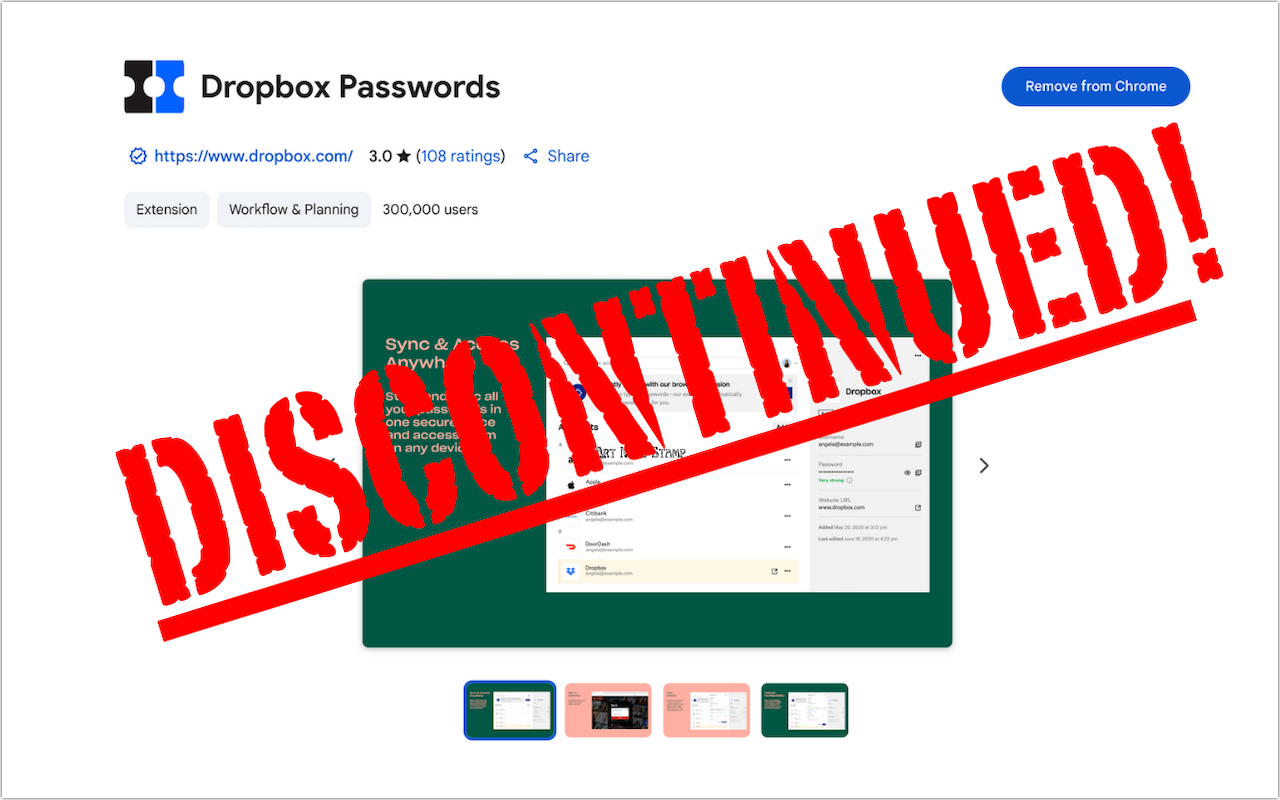
If you use Dropbox Passwords, it’s time to switch to a new password manager. Dropbox has announced it will discontinue the service on October 28, 2025, with key features being disabled in phases starting August 28. After the final shutdown date, all stored passwords will be permanently deleted. Dropbox recommends users switch to 1Password and has made that super easy. Simply click the Dropbox Password extension in your browser and choose Migrate to 1Password. Create a new 1Password account or sign in to an existing one, and then follow the remaining instructions to import your passwords. If you want to use a different password manager, you can probably import a CSV file exported from Dropbox Passwords, possibly after some adjustments to the CSV file’s column headers and order to match your chosen password manager’s expected format. No matter which option you choose, don’t delay!
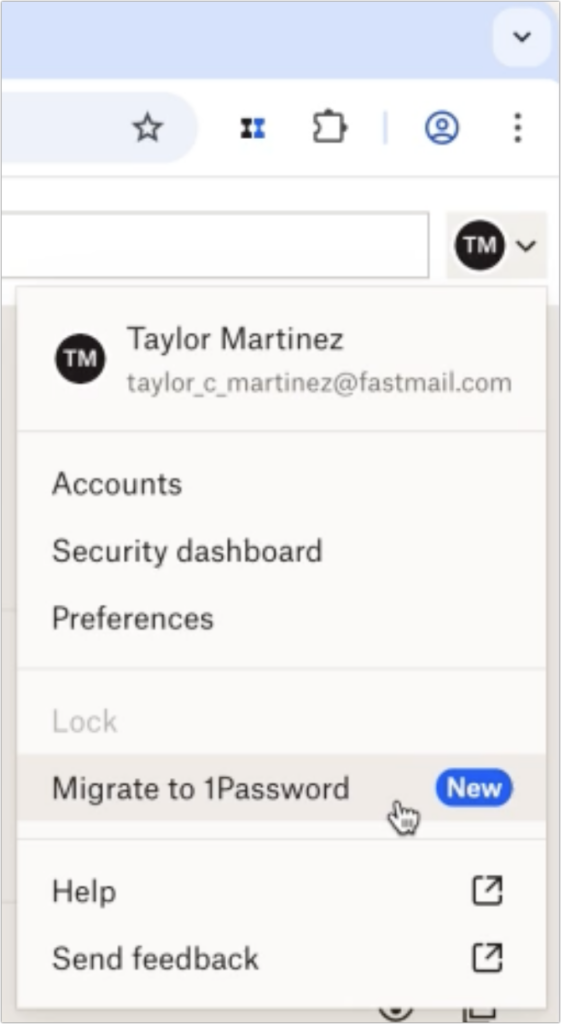
(Featured image based on an original by Dropbox)

A week might be too short if IT approval is still pending. I'd treat "keeping your old iPhone for a…
Awesome tech breakdown on "When Should You Upgrade to macOS 27 Golden Gate, iOS 27, iPadOS 27, watchOS 27, tvOS…
I’ve used Chrome’s built-in screenshot tool, but opening DevTools every time gets a bit tedious. I recommend FullPage Capture, it’s…
This is such an important reminder. I've been in meetings where an AI notetaker silently joined and recorded everything, and…
Awesome tech breakdown on "When Should You Upgrade to macOS 27 Golden Gate, iOS 27, iPadOS 27, watchOS 27, tvOS…