

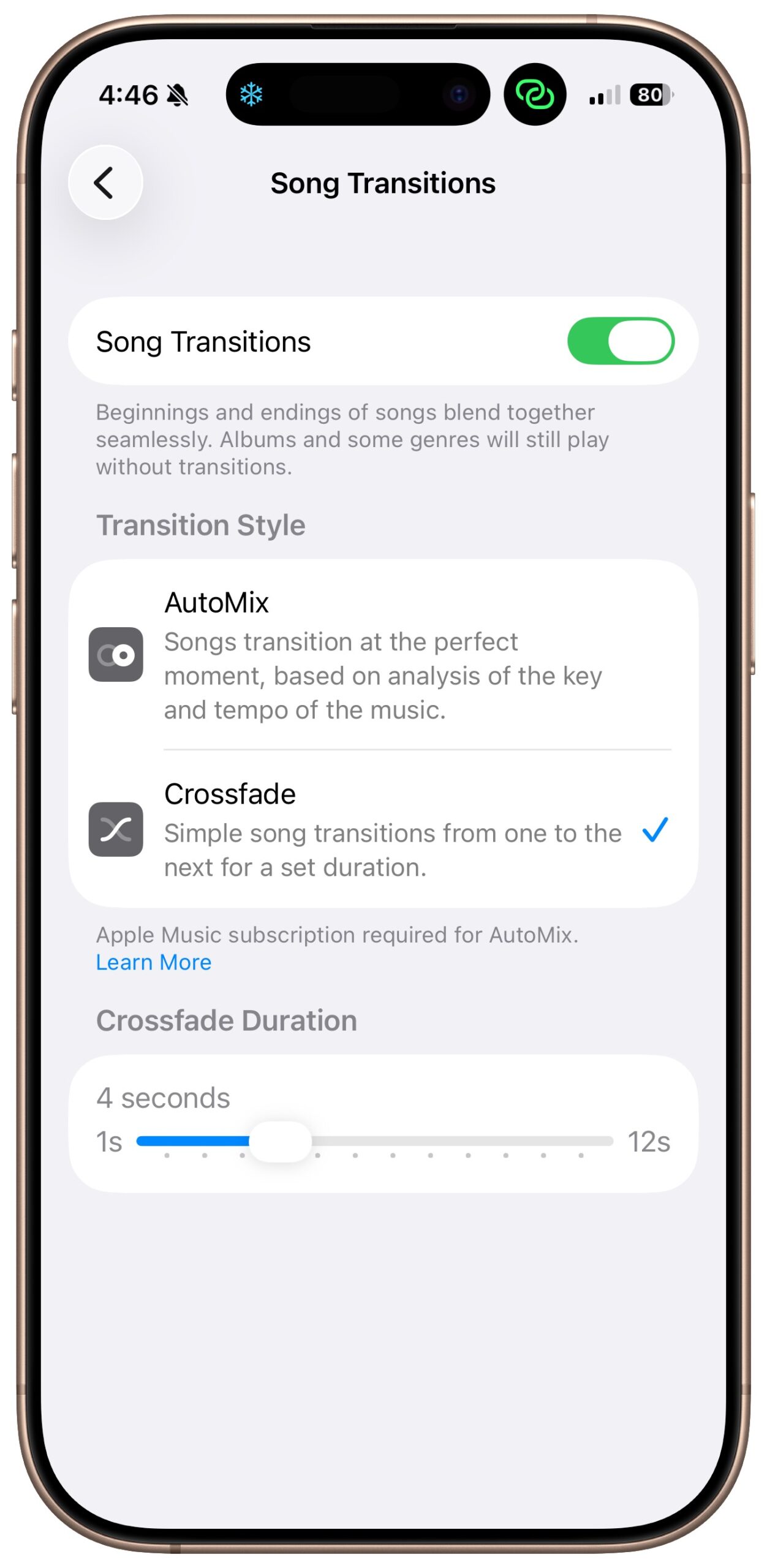
A new feature for Apple Music subscribers in the Music app in iOS 26, iPadOS 26, and macOS 26 is AutoMix, which Apple says causes songs to “transition at the perfect moment, based on analysis of the key and tempo of the music.” It fades between songs as a DJ would, but it’s not always successful. If AutoMix’s transitions aren’t to your taste, navigate to Settings > Apps > Music > Song Transitions in iOS and iPadOS, or Music > Settings > Playback > Song Transitions in macOS, and switch back to the longstanding Crossfade option, which transitions between songs over a user‑specified number of seconds. Or, just turn off the Song Transitions switch and let one song end completely before the next one starts.
(Featured image by iStock.com/lakshmiprasad S)

Useful walkthrough. The concrete examples made the workflow much easier to follow.
Saved my day
The note that Rosetta isn’t automatically restored after the macOS 27 Golden Gate upgrade is the part that would catch…
Useful note that Live Text needs an A12 Bionic or later on iPhone and iPad but works on any Mac…
Just found text to game by Tuvimo and it actually works for quick browser fun. Makes me want to revisit…