New in iOS 14.5 is a privacy-protecting feature called App Tracking Transparency, which forces apps to ask you for permission to track your activities across other apps and websites.


New in iOS 14.5 is a privacy-protecting feature called App Tracking Transparency, which forces apps to ask you for permission to track your activities across other apps and websites.

It’s best not to use services designed for public file sharing to store unencrypted files containing sensitive information like credit card numbers, etc.
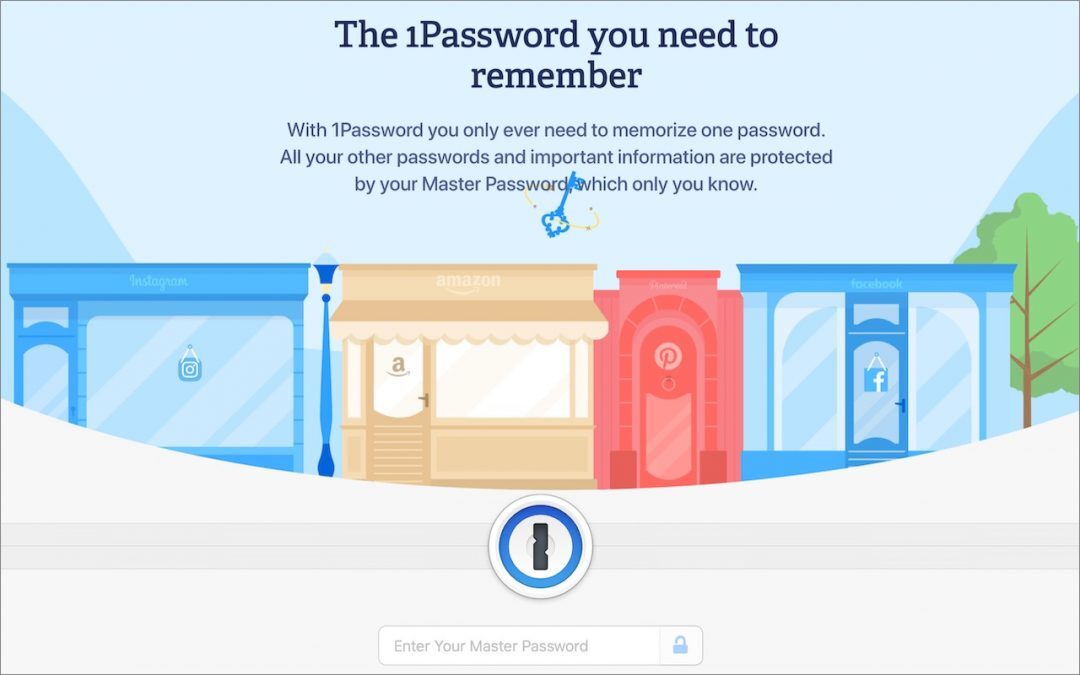
Are you ready to let a password manager help you create, remember, and enter login info? Our tutorial on getting started with the popular 1Password will soon have you entering secure passwords with ease on all your Apple devices.

Apple has published “Device and Data Access when Personal Safety Is At Risk,” a clear, sensible PDF guide that explains the many ways of sharing data using Apple devices and services.

Have a safer 2021 with New Year’s resolutions that will help you secure your devices, avoid email and text scams, and stay safe from malware, as well as benefit from the security and ease-of-use of password managers, which can even fill in passwords for iPhone apps.

Facebook has revised parts of its often confusing interface. We recommend you take this opportunity to review your privacy settings to make sure they’re keeping your data private, both from other users and from Facebook itself.

Do you worry about people snooping into your Mac’s browser history? Or about suggested search terms based on previous searches showing up at the wrong moment? Our article explains how you can easily keep these details private.
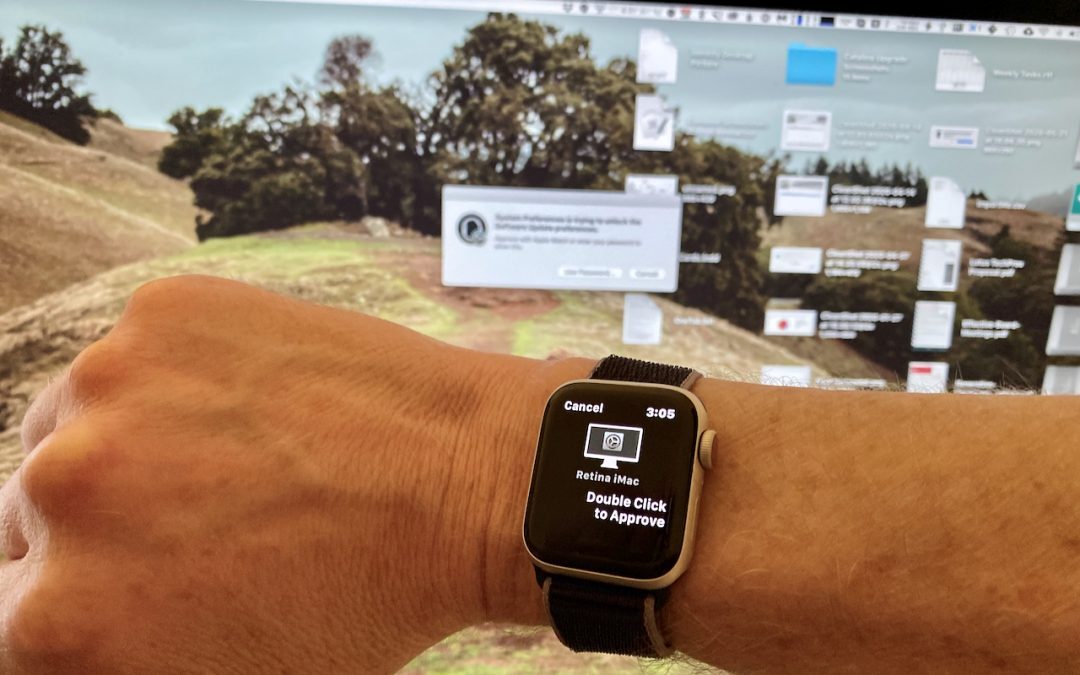
A change in macOS 10.15 Catalina makes it easier to install software or change security settings on your Mac. Learn more now.
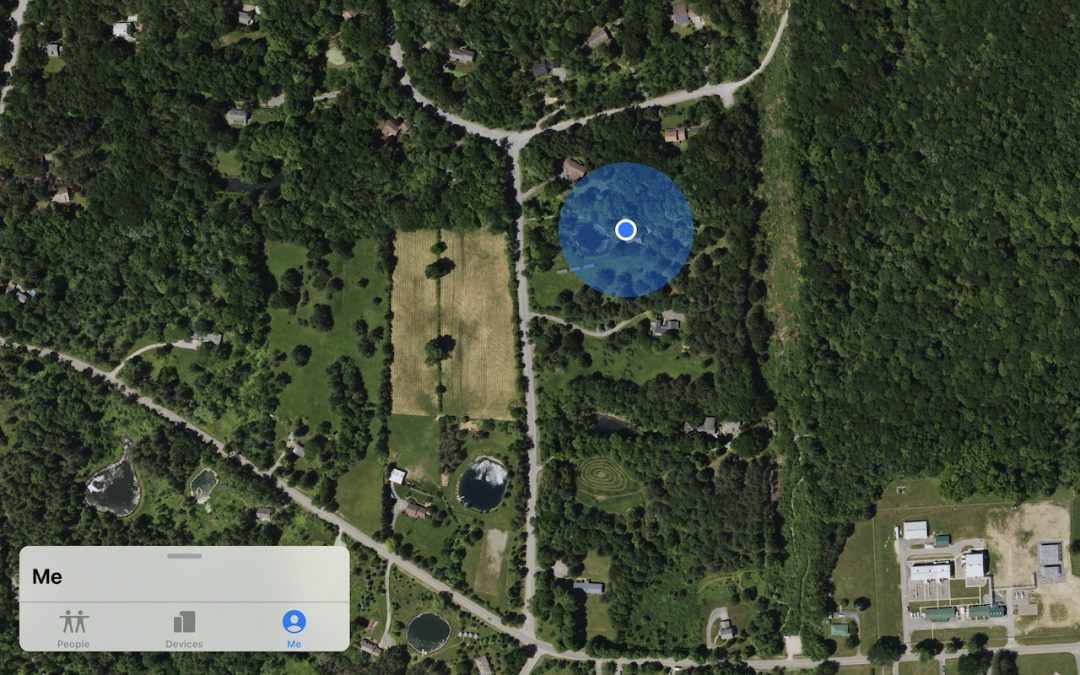
We recommend that you periodically audit the list of people with whom you’ve shared your location.

The New York Times has revealed that iPhone apps are constantly reporting our every movement to a shadowy collection of location-data companies. If that creeps you out (as it should!) read on to learn how to protect your location privacy.
Picking one style guide and living with it is the advice I give every time this question comes up, and…
Golden Gate as the macOS 27 codename is a nice callback. For mixed households I'd love a recommendation on the…
Check with your phone service provider.
Do you take orders for the new 18 or is that just at the Apple stores? Thanks
Making Wi-Fi joining as easy as scanning a QR code is exactly the kind of MacWorks tip guests actually use.