Before upgrading to macOS 10.15 Catalina, give it some thought. You might want to wait until at least 10.15.3 or early 2020, whichever comes first. And then contact us for help with making sure Catalina won’t impact your workflow.

Before upgrading to macOS 10.15 Catalina, give it some thought. You might want to wait until at least 10.15.3 or early 2020, whichever comes first. And then contact us for help with making sure Catalina won’t impact your workflow.
The new macOS 10.15 Catalina has a boatload of new features—here are some of our favorites.

So many new operating systems—macOS 10.15 Catalina, iOS 13, iPadOS 13, watchOS 6, and tvOS 13! We have a brief overview of the new features and calm advice on when you should upgrade each of your Apple devices to the new hotness.
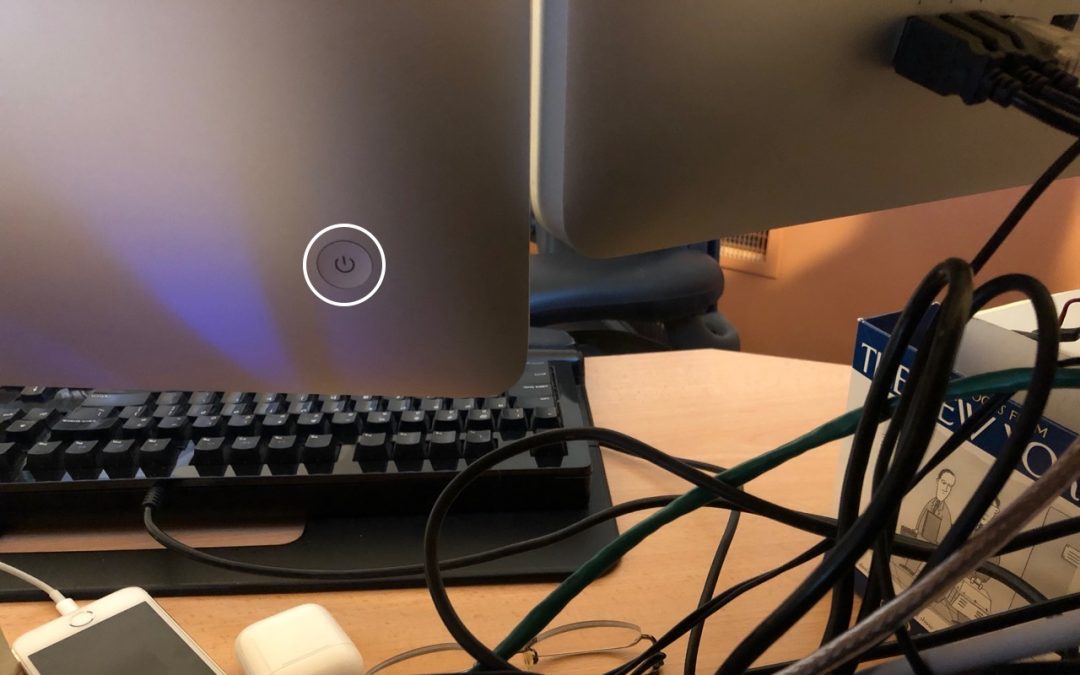
What should you do if your Mac locks up and becomes completely unresponsive to the mouse and keyboard? Find out now.
Quick tip: learn how to allow guests to use your computer.

Among all the new stuff in macOS is a solid performer that too many Mac users overlook: Spotlight. Did you know you can use it to do currency conversions, track flights, check movie showtimes, and more?

There’s no rhyme or reason to the default Dock settings, and you shouldn’t be afraid to add, remove, and rearrange apps on your Dock. Learn more now!

Social Media: If you want to merge Photos libraries to avoid having to switch back and forth, there are several approaches you can take, but each comes with pros and cons.

Is your Mac complaining about being low on drive space? Learn how to use the Storage Management window to find and delete gigabytes of old, unnecessary, or obsolete files.

A serious bug has been discovered in Apple’s Group FaceTime multi-person video chat technology.
Super insightful and fresh perspective.
Well explained and easy to follow.
So glad I stumbled upon this.
Looking forward to your next post!
Truly a masterpiece of content.