If there are certain people—a spouse, parent, or child—whose calls and texts you always want to break through the cone of silence, iOS has a solution: Emergency Bypass.


If there are certain people—a spouse, parent, or child—whose calls and texts you always want to break through the cone of silence, iOS has a solution: Emergency Bypass.

Struggling with too little space on your iPhone or iPad? In iOS 12, Apple provides highly effective tools for clearing more space—read on for details!

Assuming that the Internet connection is working for other devices, there are two easy ways to reset your iPhone’s connection and get it working again.
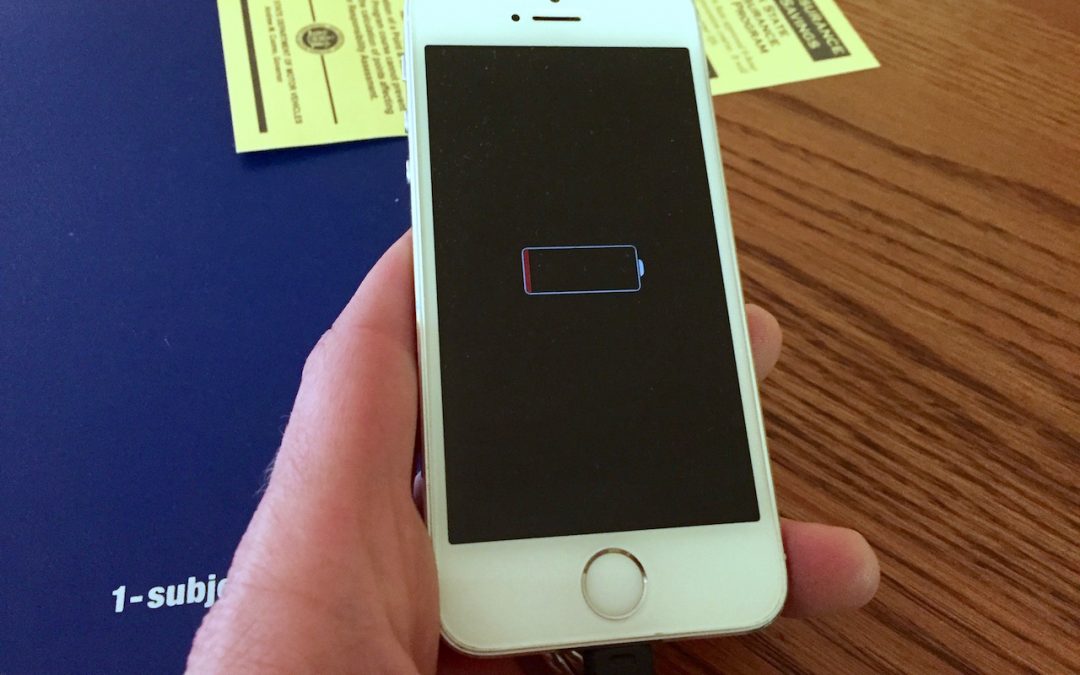
If you have any battery issues with an iPhone 6 or later, you can still get a $29 battery replacement from Apple through the end of December. Don’t suffer with a weak battery—learn more now.

Did you know that Find My iPhone can help you find nearly all of your Apple devices, along with all those owned by people in your Family Sharing group? Make sure to enable it on all your Macs and iOS devices—read on for instructions and usage details.
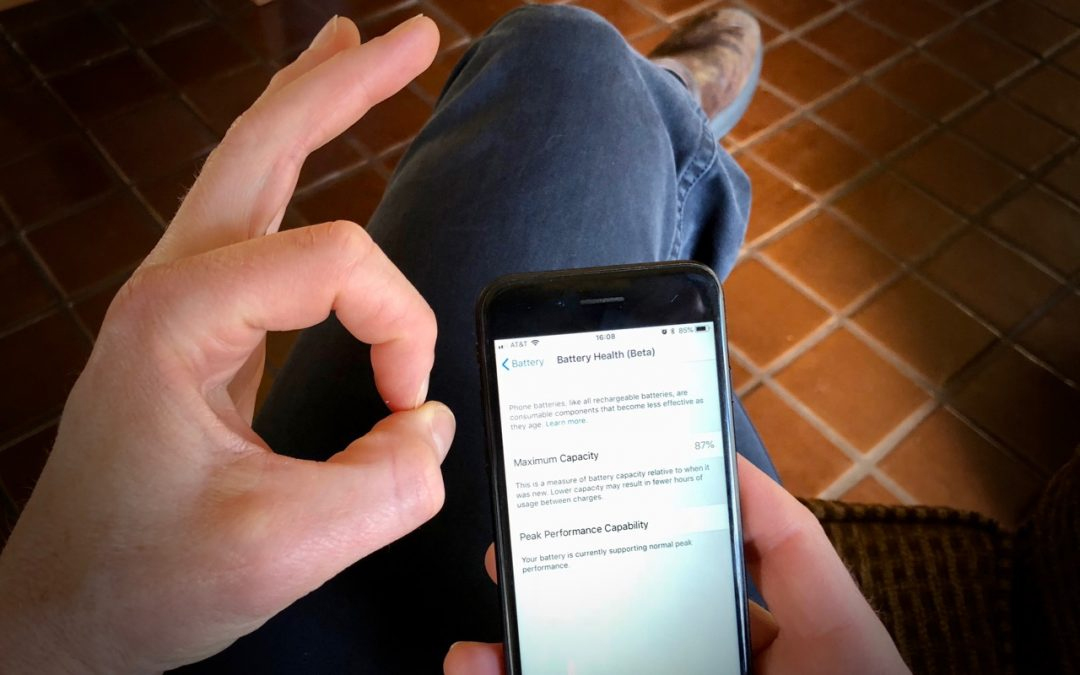
At the end of March, Apple released updates to all four of its operating systems, but iOS 11.3 was the most notable. It boasts a variety of new features and other changes—you can think of it as the midpoint update between iOS 11’s first release and iOS 12, probably...

Instead of launching the Calculator app on your iPhone, get Siri to help you with math in iOS.

If you’re interrupted by multiple junk calls per day or week, give one of these apps a try and let it reduce the onslaught.

Build separate lists in iOS using Siri and Reminders.

If you want to see exactly what percentage of your battery is left, swipe down slightly from the top-right corner of the screen.
Super insightful and fresh perspective.
Well explained and easy to follow.
So glad I stumbled upon this.
Looking forward to your next post!
Truly a masterpiece of content.