Those orange and green dots you see in your iPhone status bar? They’re designed to give you feedback about what an app is doing. Learn more.


Those orange and green dots you see in your iPhone status bar? They’re designed to give you feedback about what an app is doing. Learn more.
Our phones may seem to be cameras, but they’re really computers, and software updates like iOS 14 can provide new camera capabilities, even with existing iPhone hardware.

Learn how to prevent your iPhone from using more data than necessary by enabling Low Data Mode.

Apple has published “Device and Data Access when Personal Safety Is At Risk,” a clear, sensible PDF guide that explains the many ways of sharing data using Apple devices and services.

You probably know about the Do Not Disturb setting on your iPhone. But there’s another setting that is important but often overlooked. Learn more.

When you get a new Apple device, you must manually enable it to receive forwarded texts from your iPhone—the setting is off by default.
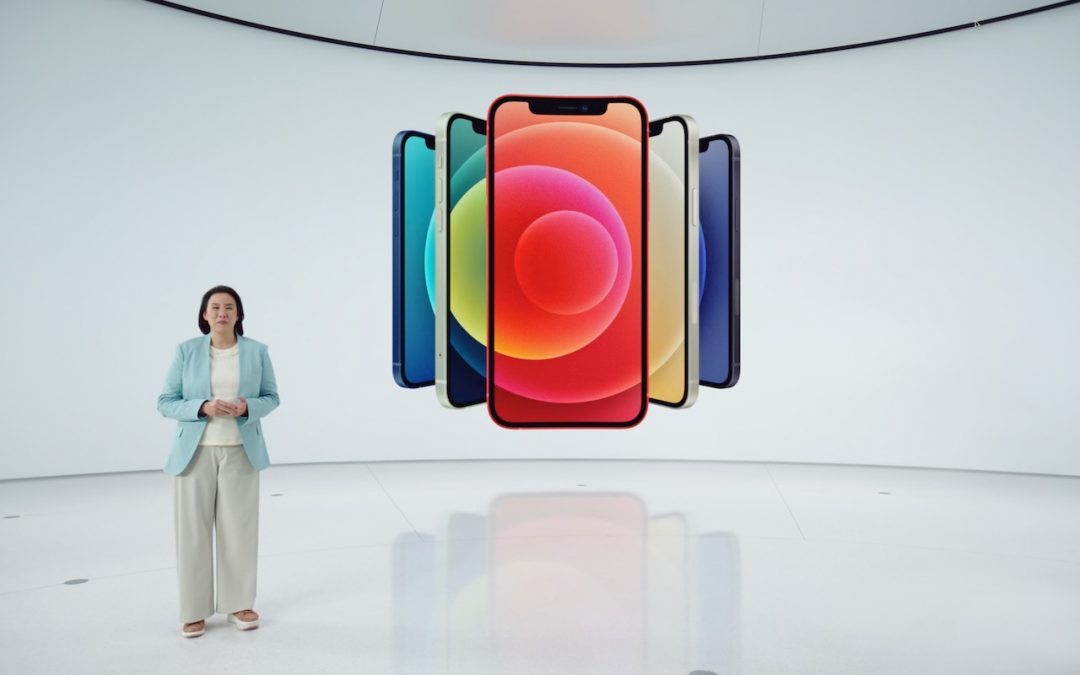
Read all about the four new models of the iPhone 12, including the iPhone 12 mini for those with smaller hands and pockets! All four feature 5G networking, MagSafe wireless charging, and impressive camera systems that advance the state of the art.
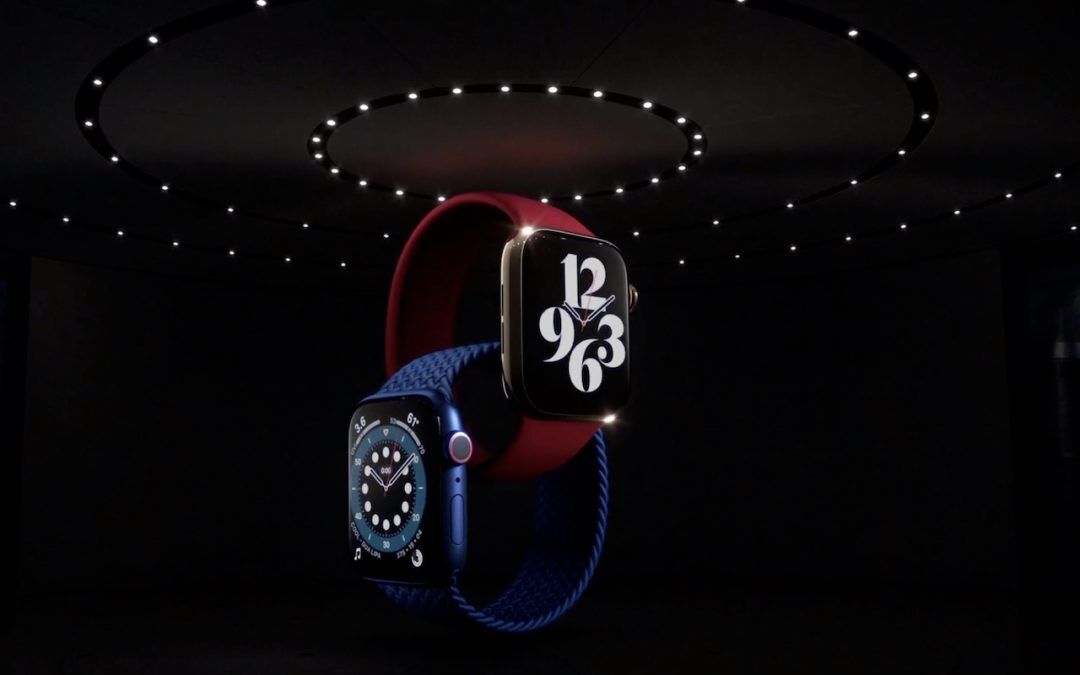
Looking for a new Apple Watch or iPad? The new Apple Watch Series 6 tracks blood oxygen saturation, and the Apple Watch SE cuts the price by 30%. The new iPad Air has great performance without the iPad Pro price, and the new iPad remains cheap at $329.

Learn how to temporarily share your location.

We’ve heard reports of an uptick in the scam phone calls that claim to be from Apple. Don’t fall for this. Apple will never call you.
Picking one style guide and living with it is the advice I give every time this question comes up, and…
Golden Gate as the macOS 27 codename is a nice callback. For mixed households I'd love a recommendation on the…
Check with your phone service provider.
Do you take orders for the new 18 or is that just at the Apple stores? Thanks
Making Wi-Fi joining as easy as scanning a QR code is exactly the kind of MacWorks tip guests actually use.