
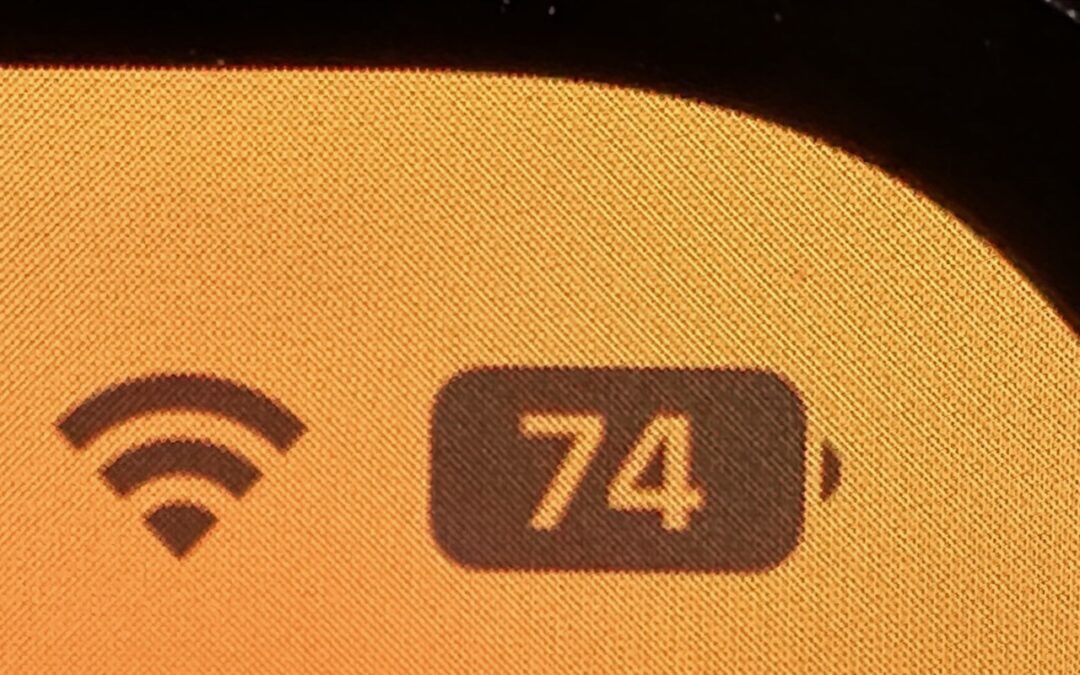
Back in 2017, when Apple added the notch to the iPhone X for Face ID, the resulting loss of usable screen real estate caused the company to remove the battery percentage indicator from the status area. Since then, you’ve only been able to estimate how much battery life you had left from the icon; you had to open Control Center to see the numeric percentage. In iOS 16, however, Apple has revived the battery percentage indicator for Face ID iPhones, building it into the battery icon itself so it doesn’t occupy more of the status bar. Unfortunately, it’s not available on the iPhone XR, iPhone 11, iPhone 12 mini, or iPhone 13 mini, perhaps due to a lack of sufficient screen resolution. Everyone else can enable it in Settings > Battery.
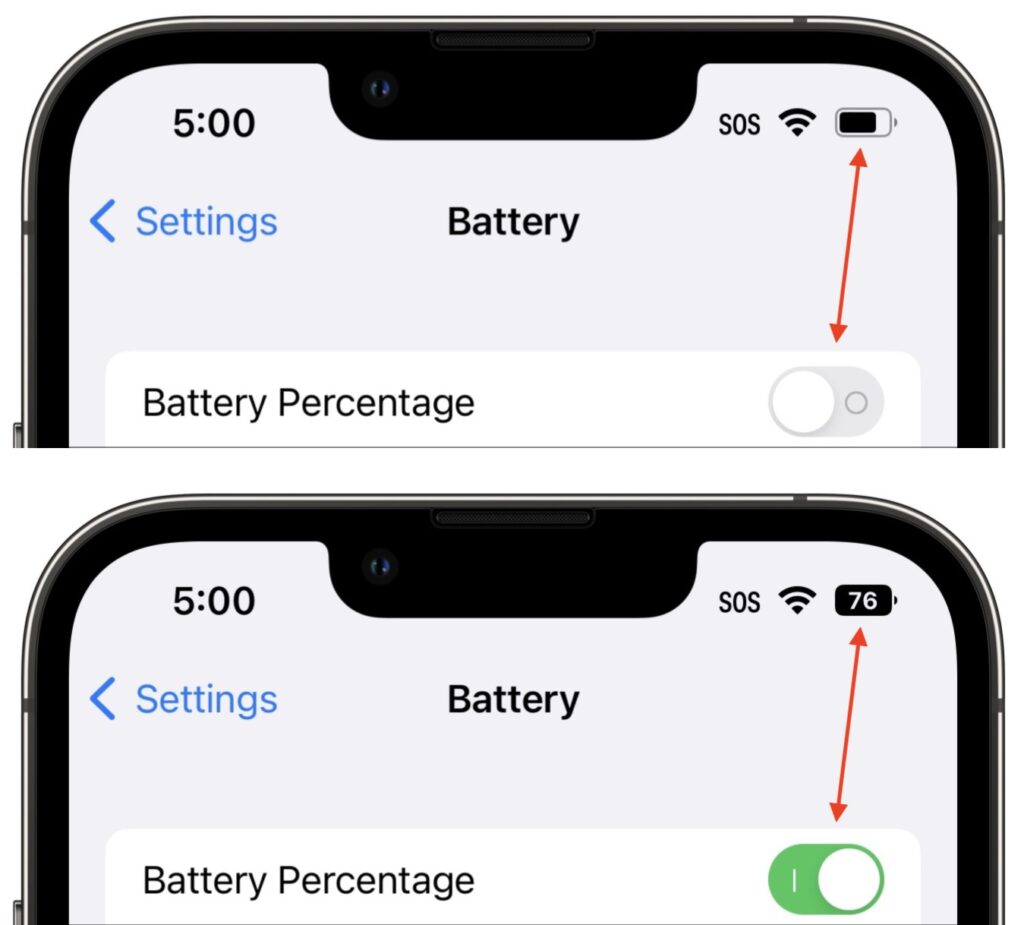
(Featured image by Adam Engst)

A week might be too short if IT approval is still pending. I'd treat "keeping your old iPhone for a…
Awesome tech breakdown on "When Should You Upgrade to macOS 27 Golden Gate, iOS 27, iPadOS 27, watchOS 27, tvOS…
I’ve used Chrome’s built-in screenshot tool, but opening DevTools every time gets a bit tedious. I recommend FullPage Capture, it’s…
This is such an important reminder. I've been in meetings where an AI notetaker silently joined and recorded everything, and…
Awesome tech breakdown on "When Should You Upgrade to macOS 27 Golden Gate, iOS 27, iPadOS 27, watchOS 27, tvOS…