
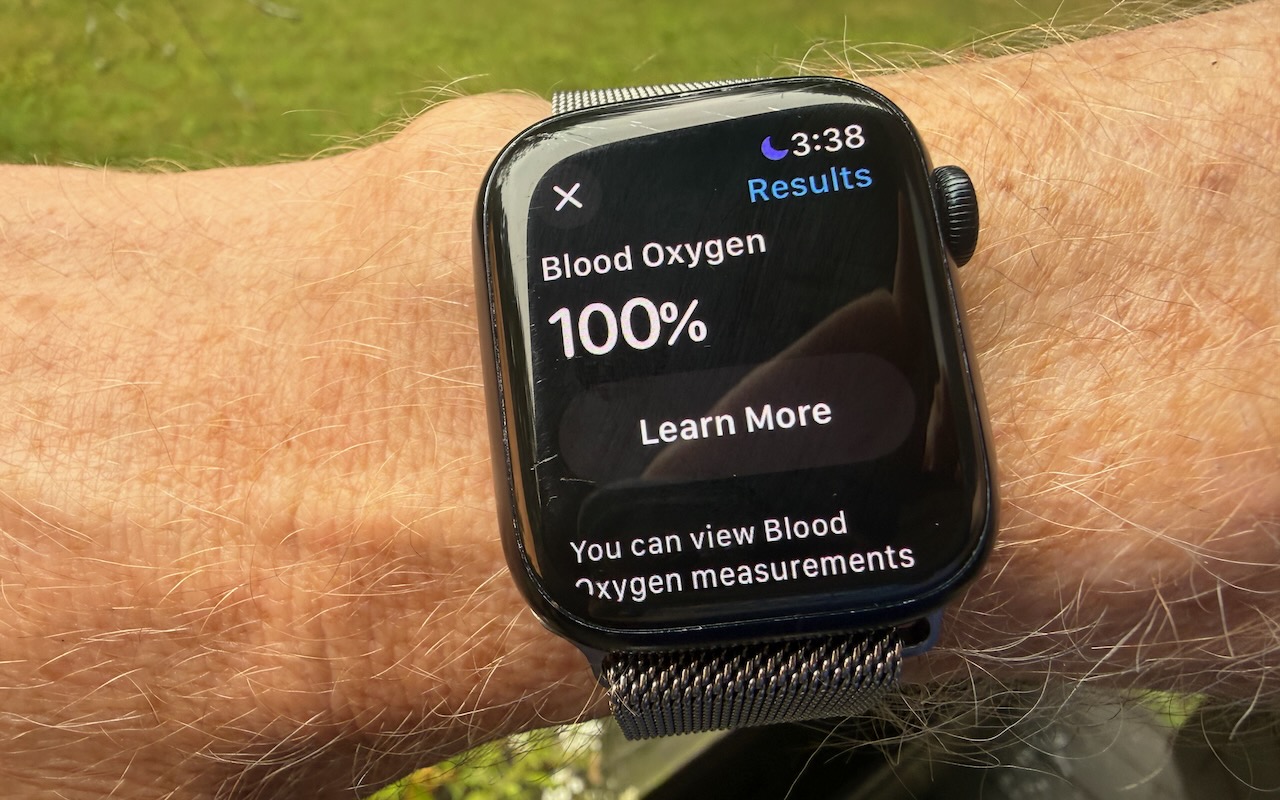
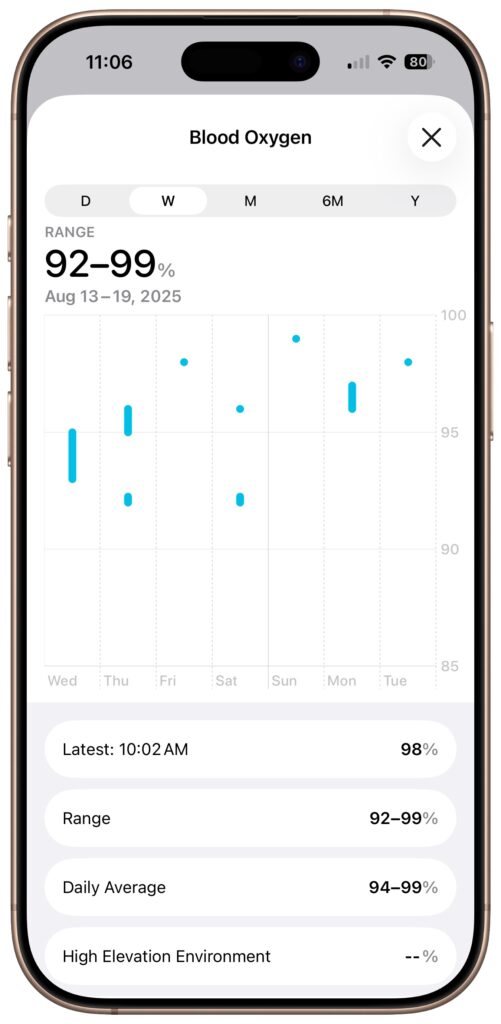
With the release of iOS 18.6.1 and watchOS 11.6.1, Apple restored blood oxygen monitoring capabilities to US Apple Watch Series 9, Series 10, and Ultra 2 models that previously had this feature disabled due to a patent infringement suit by medical device maker Masimo. Apple’s redesign processes blood oxygen data on the paired iPhone rather than on the watch itself. After updating both devices, you can view your blood oxygen readings in the Health app under Browse > Respiratory > Blood Oxygen. If blood oxygen monitoring doesn’t activate immediately after updating, try opening the ECG app on your watch to trigger the necessary software asset download. Apple Watch units that predate the ban and those sold in other countries continue to work as they always have, with the Blood Oxygen app on the watch itself.
(Featured image by Adam Engst)

A week might be too short if IT approval is still pending. I'd treat "keeping your old iPhone for a…
Awesome tech breakdown on "When Should You Upgrade to macOS 27 Golden Gate, iOS 27, iPadOS 27, watchOS 27, tvOS…
I’ve used Chrome’s built-in screenshot tool, but opening DevTools every time gets a bit tedious. I recommend FullPage Capture, it’s…
This is such an important reminder. I've been in meetings where an AI notetaker silently joined and recorded everything, and…
Awesome tech breakdown on "When Should You Upgrade to macOS 27 Golden Gate, iOS 27, iPadOS 27, watchOS 27, tvOS…