
The Austin MacWorks Official Blog
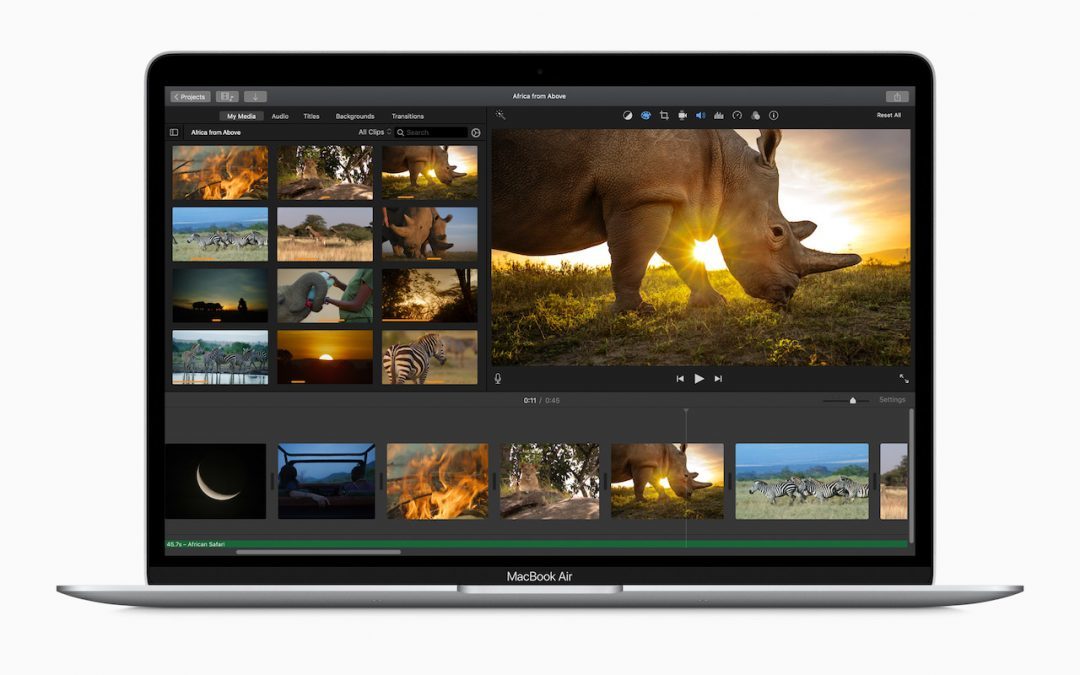
MacBook Air Update Features Magic Keyboard, iPad Pro Gets a Trackpad
Here’s some good news! Apple has introduced a new MacBook Air with a better keyboard and faster processor for $200 less. And there’s a new iPad Pro with trackpad support. Seriously!

Invoke Split View More Easily in Catalina
Split View on the Mac helps you focus on your work in one app—perhaps a word processor—while providing access to one other app. Learn more.

Preparing Your Organization for a Possible COVID-19 Quarantine
How would your organization react to a COVID-19 scare or quarantine? Here’s how you can use technology to respond to such an event.

Disable or Remap the Caps Lock Key to Avoid Accidental ALL CAPS
The caps lock key is seldom useful on a computer. It still appears on all of Apple’s keyboards, but macOS lets you disable or remap it. Learn more.

What to Do If You Run Low on iCloud Storage Space
Running low on iCloud storage space? Rather than automatically paying Apple for a larger iCloud plan, check out these tips on how to recover gigabytes of wasted space.

Make Your Own Keyboard Shortcuts on the Mac
Power users like keyboard shortcuts because it’s faster to press a couple of keys than to navigate lengthy menus. But what about menu items that don’t have shortcuts? Learn more.
Super insightful and fresh perspective.
Well explained and easy to follow.
So glad I stumbled upon this.
Looking forward to your next post!
Truly a masterpiece of content.