
The Austin MacWorks Official Blog

Frequently Asked Questions Surrounding Apple’s Expanded Protections for Children
Apple’s recently announced expanded protections for child safety have generated a firestorm of criticism and confusion. We attempt to answer some of the most common questions we’ve received.
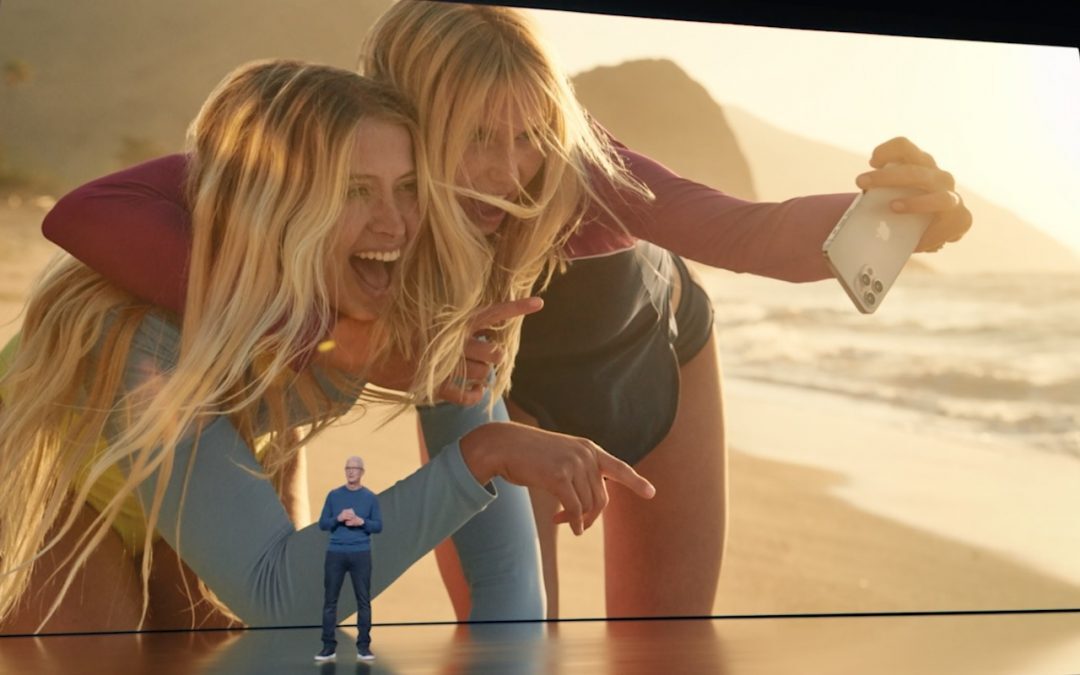
Apple’s 2021 Crop: Four iPhones, Two iPads, and an Apple Watch
At its California Streaming event, Apple introduced the new iPhone 13 lineup, the Apple Watch Series 7, a redesigned iPad mini, and an upgraded iPad. Read on for details and our upgrade recommendations:
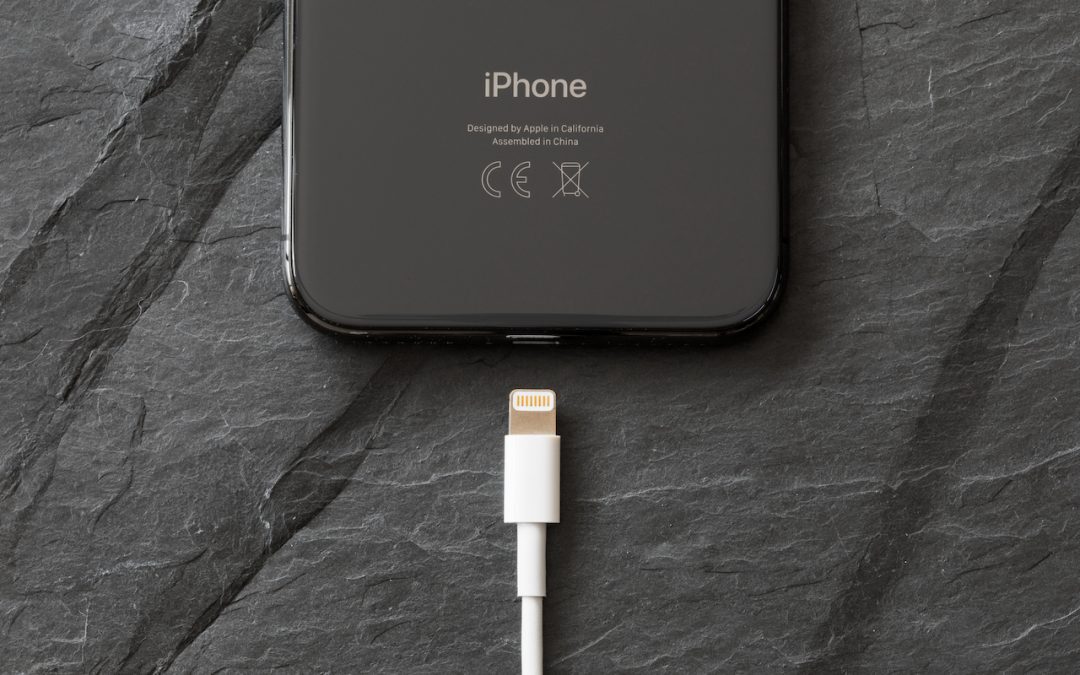
The Plug Is Mightier Than the Puck: Wireless Charging Is Wildly Inefficient
There’s no denying the convenience of wireless charging, but keep in mind that it’s extremely inefficient compared to wired charging.

About That Worrying Message Saying Your Password Has Been Breached…
In iOS 14, Apple added a feature that warns you when one of your website passwords stored in iCloud Keychain has appeared in a data breach. We’ve addressed some questions from people worrying if the message is legitimate, and if so, what they should do.
Losing the Occasional Important Message? Set up a Ham Filter
To reduce the chance of missing an important message, consider making a “ham filter.”

Sort Your Lists Differently in Reminders in iOS 14 and Big Sur
For many years, Apple’s Reminders app let you sort your lists, but in just one way that applied to all lists equally. Read this article to learn how to sort lists the way you want, and sync across devices.
Useful walkthrough. The concrete examples made the workflow much easier to follow.
Saved my day
The note that Rosetta isn’t automatically restored after the macOS 27 Golden Gate upgrade is the part that would catch…
Useful note that Live Text needs an A12 Bionic or later on iPhone and iPad but works on any Mac…
Just found text to game by Tuvimo and it actually works for quick browser fun. Makes me want to revisit…