
The Austin MacWorks Official Blog

FaceTime Gains Cool New Features in Apple’s Latest Operating Systems
FaceTime has joined the big leagues in iOS 15, iPadOS 15, and macOS 12 Monterey. Read on to learn about FaceTime links, its cross-platform Web app, special mic modes and video effects, grid view, screen sharing, and SharePlay.

Avoid Inclement Weather by Enabling Notifications in iOS 15’s Weather App
The iPhone’s Weather app has learned some new tricks in iOS 15, with fancier maps and notifications of incoming precipitation. Learn more.

Apple’s Evolution of Do Not Disturb Helps You Focus
Do you want more control over Do Not Disturb on your Apple devices? How about muting notifications while a particular app is active or while you are at a certain location? All this and more is now easy to set up with Apple’s new Focus feature.

Pay Attention to the iPhone’s Emergency SOS Auto Call Feature
Did you know that pressing and holding the side button and one of the volume buttons on an iPhone 8 or later brings up a screen that lets you power your iPhone off, show your medical ID, and invoke Emergency SOS?

Print Mailing Labels for Your Holiday Cards with Apple’s Contacts App
Much of the work of sending holiday cards is addressing all those envelopes. However, with the Contacts app on your Mac, you can easily print mailing labels for all your friends and family rather than writing addresses out by hand.
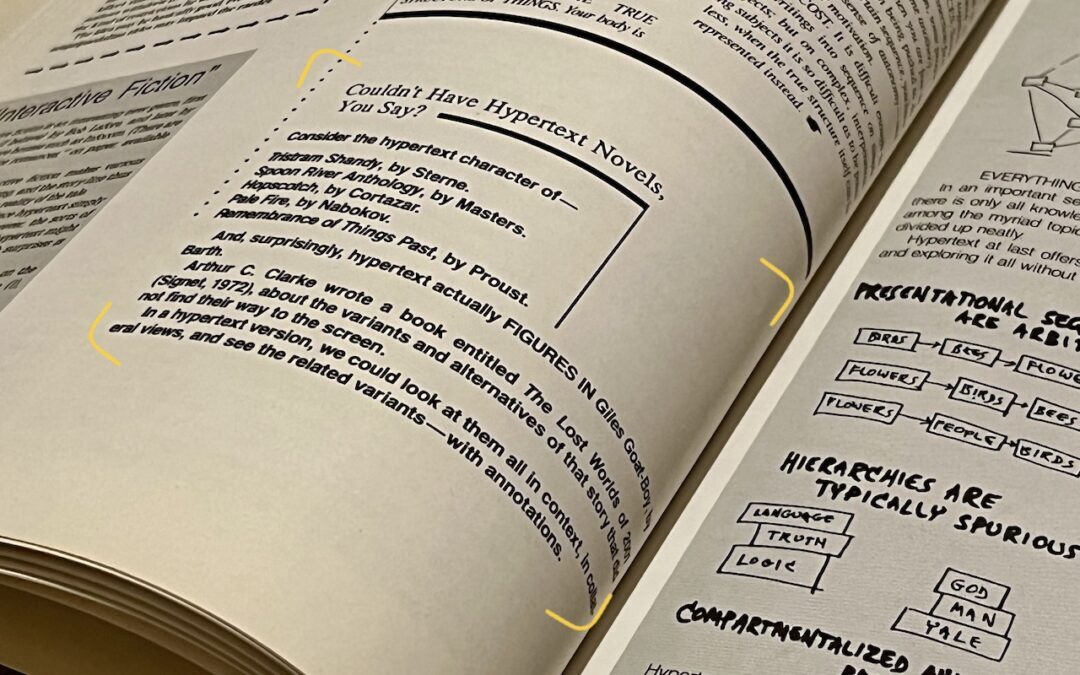
Live Text Digitizes Text in Photos in iOS 15, iPadOS 15, and macOS 12 Monterey
Perhaps the most magical feature of iOS 15, iPadOS 15, and macOS 12 Monterey is Live Text, which turns words in photos and other images into text you can select and then copy, look up, or translate.
Useful walkthrough. The concrete examples made the workflow much easier to follow.
Saved my day
The note that Rosetta isn’t automatically restored after the macOS 27 Golden Gate upgrade is the part that would catch…
Useful note that Live Text needs an A12 Bionic or later on iPhone and iPad but works on any Mac…
Just found text to game by Tuvimo and it actually works for quick browser fun. Makes me want to revisit…