
The Austin MacWorks Official Blog

How to Stop Forgetting Your Apple Gear with “Notify When Left Behind”
Tired of forgetting your AirPods or iPhone when leaving home? The Find My app’s new Notify When Left Behind feature can remind you of that fact before you’ve gone too far. Learn more at:

Change Your Pointer Color in macOS 12 Monterey
Find out how you can make the mouse pointer bigger on your Mac .
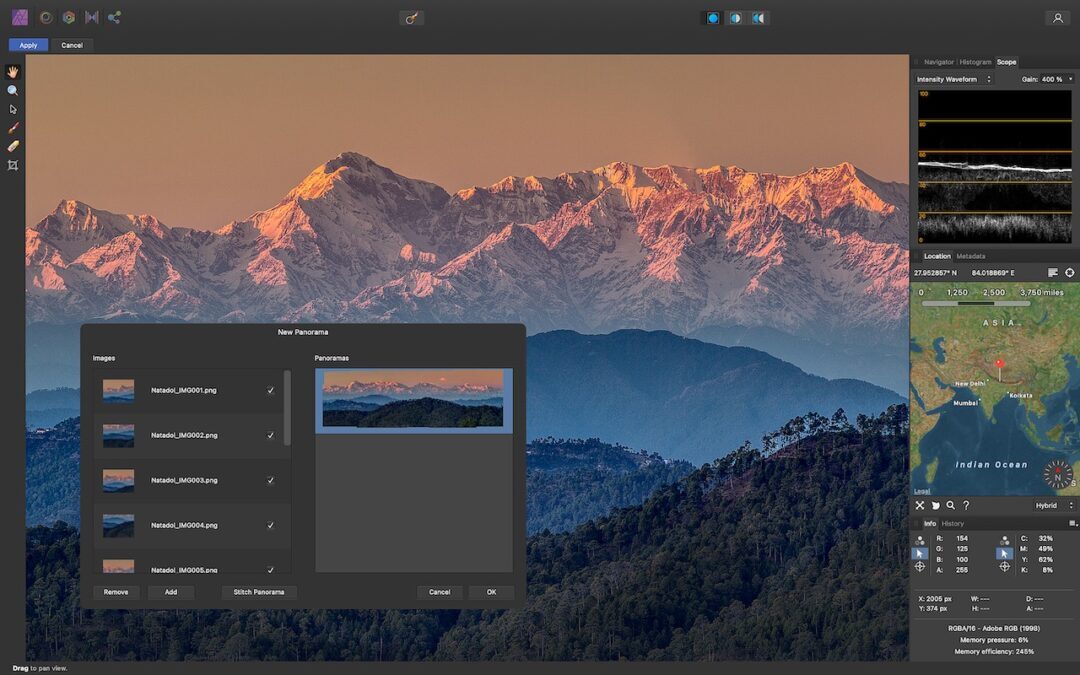
Perturbed by the Price of Adobe Creative Cloud? Consider the Affinity Suite
Looking for an affordable alternative to an expensive Adobe Creative Cloud subscription? Check out the Affinity suite: Affinity Designer, Affinity Photo, and Affinity Publisher. Read on for thoughts on how they compare and if Affinity is for you.
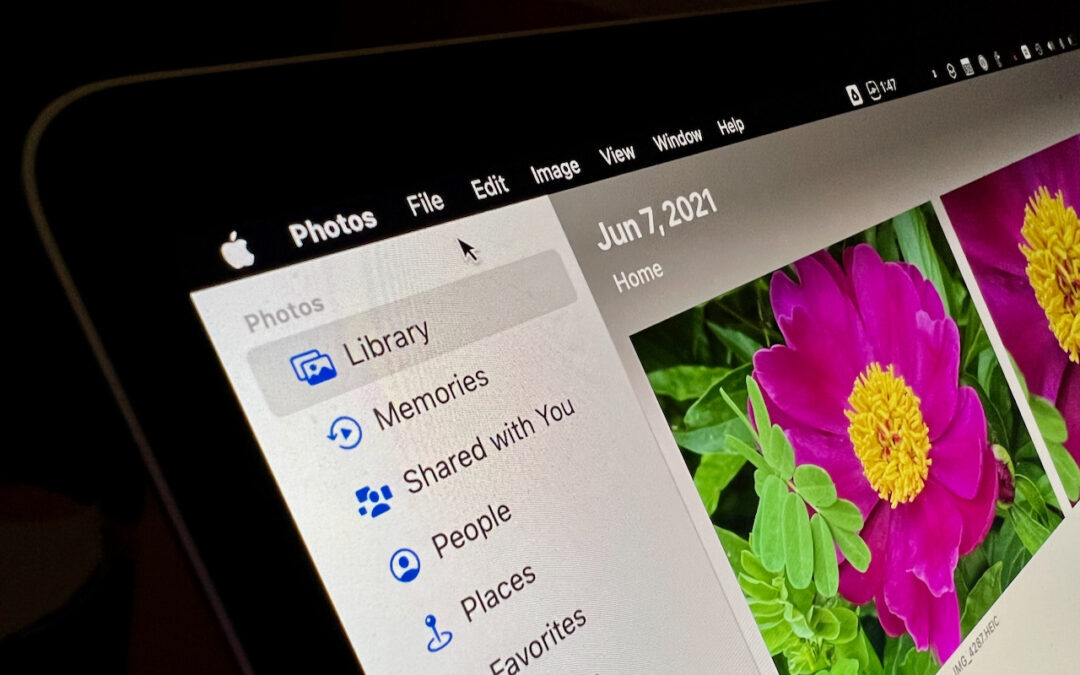
Keep the Menu Bar Showing in Full Screen in macOS 12 Monterey
In macOS 12 Monterey, Apple has added a setting to keep the menu bar visible at all times.
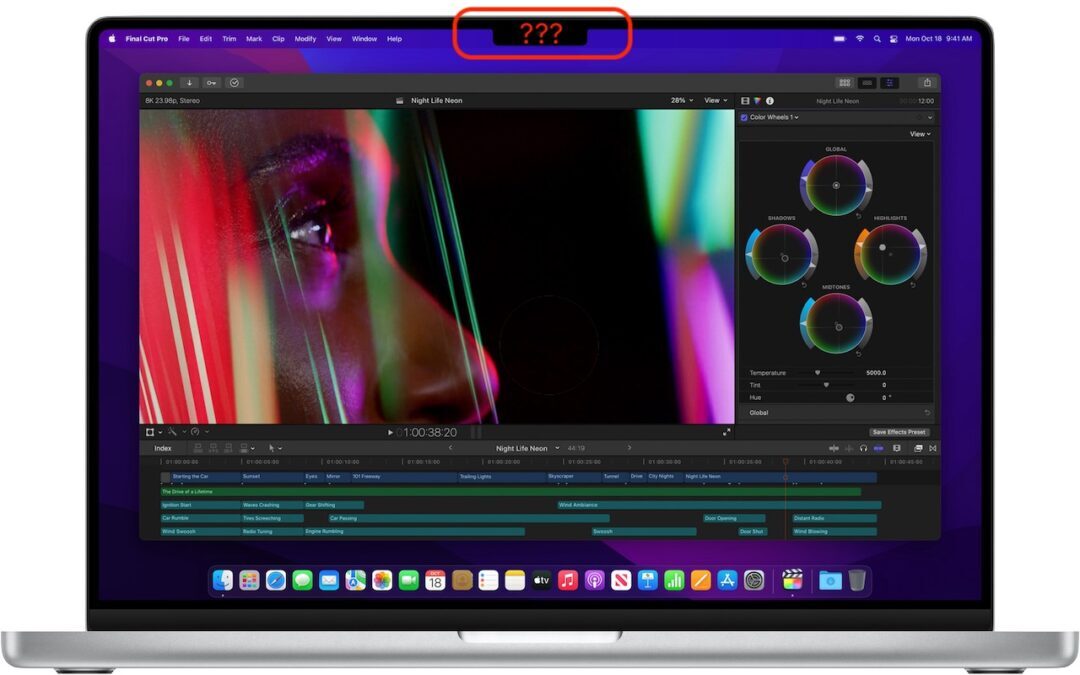
Shrink Apps to Prevent the MacBook Pro Notch from Obscuring App Controls
If you use an older app that doesn’t play nicely with the MacBook Pro notch, there’s a fix — learn more now.

Should You Use Apple’s New Password Manager in iOS 15, iPadOS 15, and macOS 12 Monterey?
Should you start using Apple’s built-in password manager? Most Apple users probably have at least some passwords stored there already, and our article explains who can benefit from it right away and how it differs from popular third-party password managers.
Useful walkthrough. The concrete examples made the workflow much easier to follow.
Saved my day
The note that Rosetta isn’t automatically restored after the macOS 27 Golden Gate upgrade is the part that would catch…
Useful note that Live Text needs an A12 Bionic or later on iPhone and iPad but works on any Mac…
Just found text to game by Tuvimo and it actually works for quick browser fun. Makes me want to revisit…