
The Austin MacWorks Official Blog
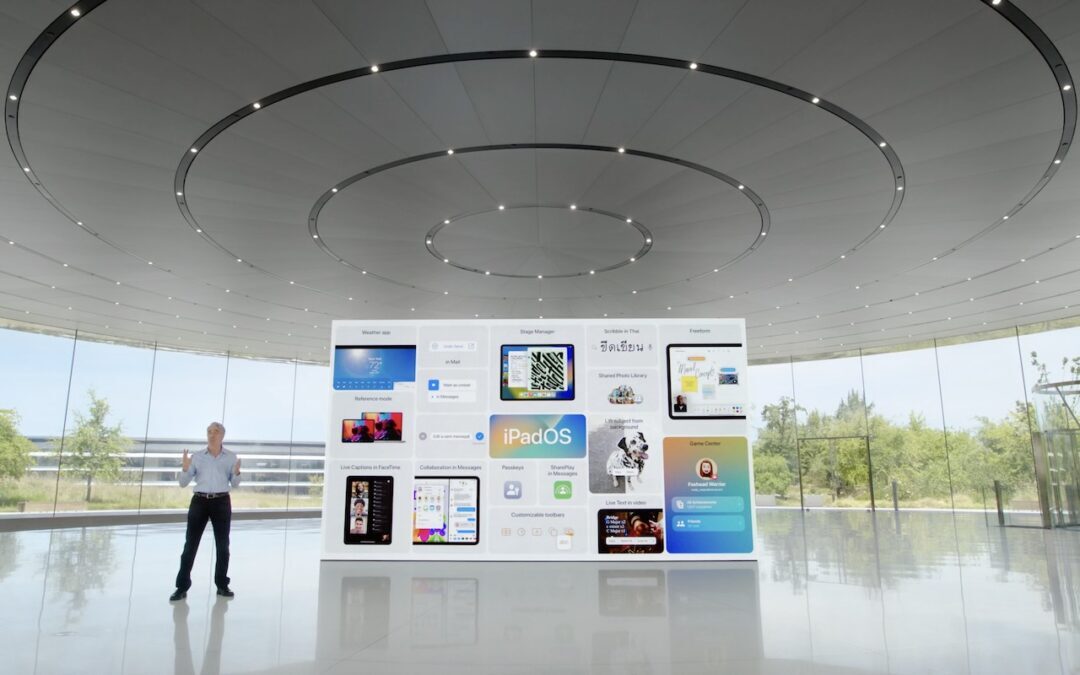
11 Features to Look Forward to in Apple’s 2022 Operating Systems
At its Worldwide Developer Conference keynote, Apple announced oodles of new features that we’ll see in macOS 13 Ventura, iOS 16, iPadOS 16, and watchOS 9 later this year. Here are the ten—no, eleven!—features we think you’ll most like:
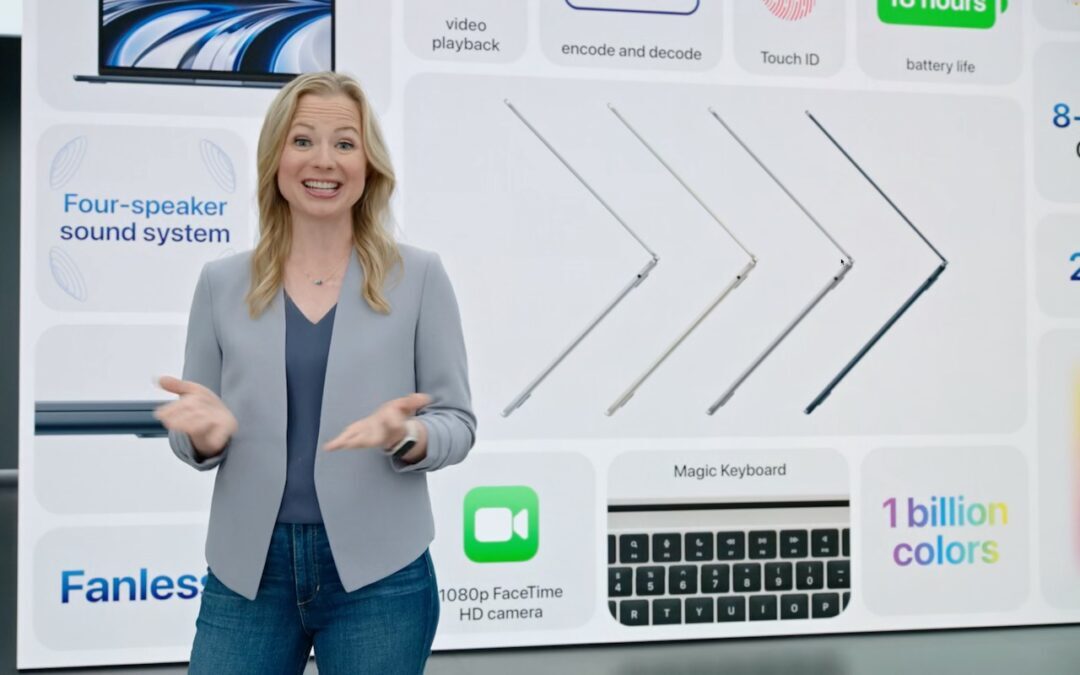
Apple Previews M2-Based MacBook Air and Updated 13-Inch MacBook Pro
At its WWDC22 keynote, Apple unveiled a completely redesigned MacBook Air and an updated 13-inch MacBook Pro, both powered by the next-generation M2 chip.

How to Recover from Overzealous Auto-Correct Curly Quotes
There are times when the curly quotes are awkward for some reason or actively wrong. Learn how to fix this issue.

Take Advantage of CarPlay in Rental Cars While Traveling
An iPhone is an essential tool when traveling these days, and if you’re lucky enough to rent a car that supports CarPlay, you can use Maps and Music through the car’s touchscreen and speakers.

Don’t Miss the List Views in the iPhone’s Calendar App
If you find the Calender App’s views frustrating, you may have missed the all-important list view options.

Understanding What “Vintage” and “Obsolete” Mean for Apple Products
It might be easier to repair vintage jeans than a vintage Mac. Read on if you want to understand Apple’s definitions of vintage and obsolete hardware and what they mean for support and repair.
A week might be too short if IT approval is still pending. I'd treat "keeping your old iPhone for a…
Awesome tech breakdown on "When Should You Upgrade to macOS 27 Golden Gate, iOS 27, iPadOS 27, watchOS 27, tvOS…
I’ve used Chrome’s built-in screenshot tool, but opening DevTools every time gets a bit tedious. I recommend FullPage Capture, it’s…
This is such an important reminder. I've been in meetings where an AI notetaker silently joined and recorded everything, and…
Awesome tech breakdown on "When Should You Upgrade to macOS 27 Golden Gate, iOS 27, iPadOS 27, watchOS 27, tvOS…