
The Austin MacWorks Official Blog
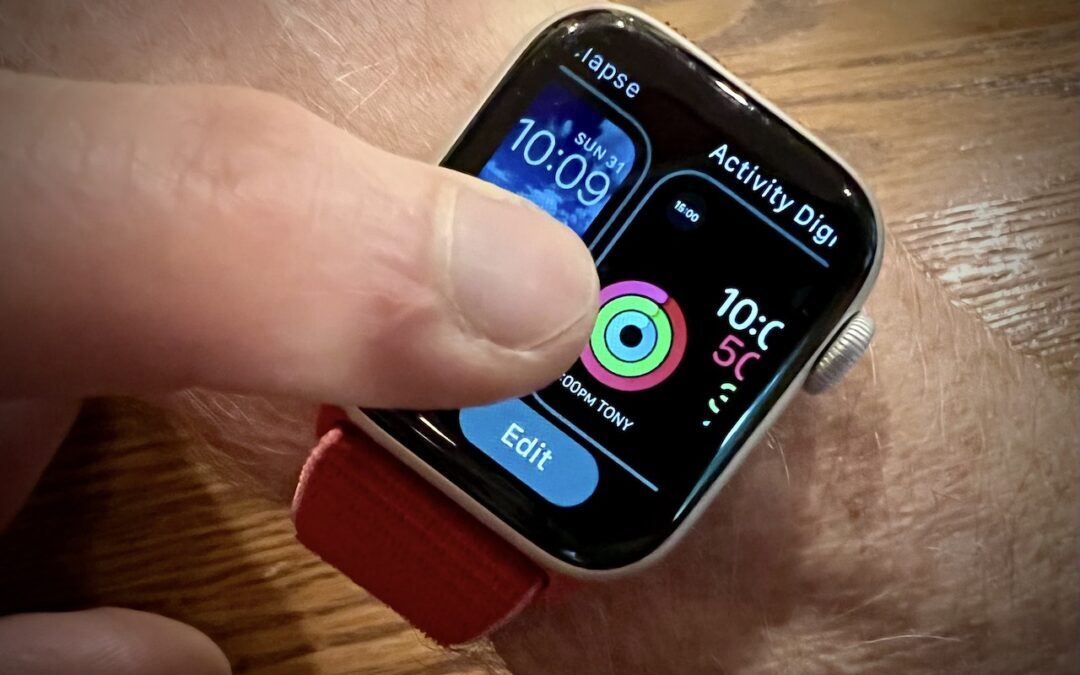
With Apple Watch Faces, Too Much Choice Can Be Confusing
If all the bells and whistles of the Apple Watch face are overwhelming to you or a loved one, you can use the Watch app to delete all but the preferred watch face.

Avoid Unusual Top-Level Domains in Custom Domain Names
Tempted to get a short, memorable domain name ending in .xyz or .shop? As we explain, that’s a bad idea if you care about user perception, email and text message deliverability, and not being blocked by social media and firewalls.

Apple Provides Temporary iCloud Backup Space for New Device Transfers
For devices running iOS 15 or iPadOS 15, Apple just introduced the option to create a temporary iCloud backup that’s larger than the available space.

Need to Resize Images in Various Ways? Give Preview a Try
If you need to work with graphics occasionally but lack professional tools and experience using them, give Preview a try. It’s on every Mac and is surprisingly capable. Follow along with our tutorial at:

Use Visual Look Up in Photos in iOS 15 to Identify Plants, Pets, and More
In iOS 15 and iPadOS 15, Apple added a new AI-driven feature called Visual Look Up that provides more information about photos of plants, flowers, pets, books, artworks, and landmarks.

Safari 15.1 Reverses Course, Reverts to Old Tab Interface
By the time Safari 15 shipped, Apple pulled back on more radical changes, offering the Compact Tab Bar layout & colorized tab bar as options.
Super insightful and fresh perspective.
Well explained and easy to follow.
So glad I stumbled upon this.
Looking forward to your next post!
Truly a masterpiece of content.