
The Austin MacWorks Official Blog

Want an Event List in Apple’s Calendar App? Try This Trick
Want to see all your upcoming events in a list in Apple’s Calendar app on the Mac? It doesn’t have a built-in list view, but there’s a workaround.

Take Advantage of the Reference Library in Your Mac
When you’re reading on your Mac, there’s no excuse for not knowing what a word means, even when it’s in another language. Apple provides several shortcuts for looking up any word in macOS’s reference books.

Use 1Password to Enter Your Mac Login Password
1Password is tremendously helpful for entering website passwords, but a little-known feature also enables it to enter your Mac login password for changing system settings, installing apps, and more.

Send Photos in Messages Faster with This Hidden Shortcut
It’s not hard to add a photo to a conversation in Messages, but with this tip, it’s even faster and easier!
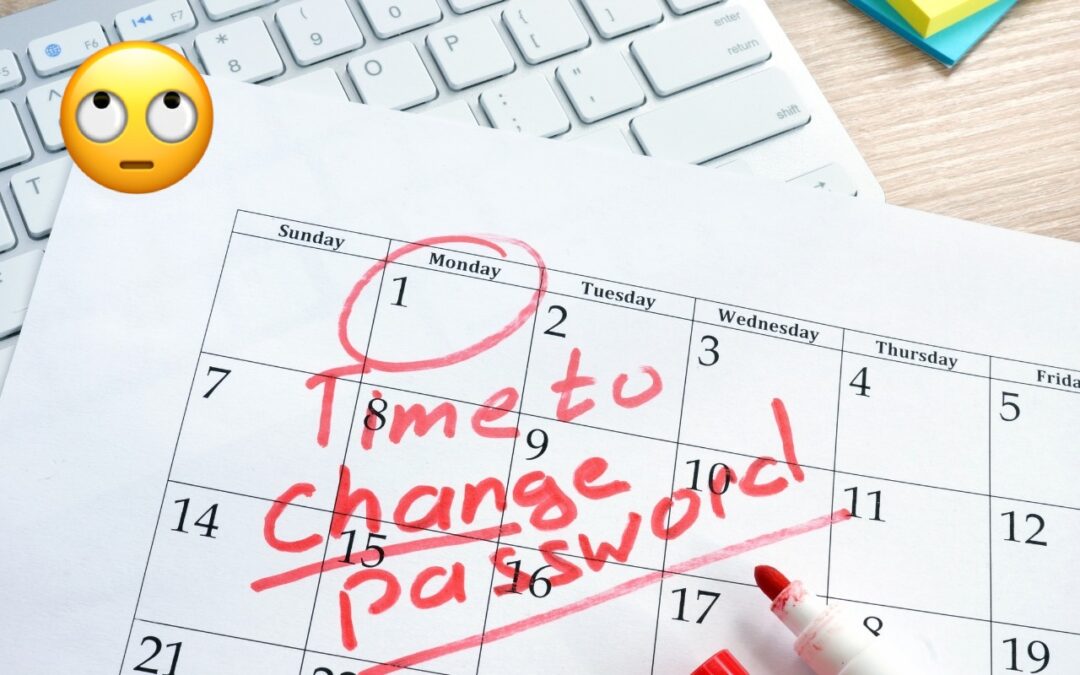
Changing Passwords Periodically Doesn’t Increase Security
Security experts no longer recommend password expiration policies that require users to change their passwords periodically. Here’s why.

Use the Command Key to Rearrange and Remove Menu Bar Icons
If your Mac’s menu bar is a mess, you can use the Command key to rearrange the icons and remove those you never use.
A week might be too short if IT approval is still pending. I'd treat "keeping your old iPhone for a…
Awesome tech breakdown on "When Should You Upgrade to macOS 27 Golden Gate, iOS 27, iPadOS 27, watchOS 27, tvOS…
I’ve used Chrome’s built-in screenshot tool, but opening DevTools every time gets a bit tedious. I recommend FullPage Capture, it’s…
This is such an important reminder. I've been in meetings where an AI notetaker silently joined and recorded everything, and…
Awesome tech breakdown on "When Should You Upgrade to macOS 27 Golden Gate, iOS 27, iPadOS 27, watchOS 27, tvOS…