
The Austin MacWorks Official Blog

With Storms Increasing, Protect Your Tech Gear from Damaging Power Fluctuations
How can you protect your tech gear from unexpected power fluctuations? A UPS is best in some scenarios, but a not-too-old surge protector is often sufficient. You can also let your Apple chargers do their job without worrying about what they are plugged into.

Apple Announces iPhone 15 Lineup, Apple Watch Series 9, and Apple Watch Ultra 2
At its Wonderlust event, Apple introduced the iPhone 15 lineup, the Apple Watch Series 9, and the Apple Watch Ultra 2. For the most part, they’re incremental upgrades, making them most compelling to those upgrading from much older devices.
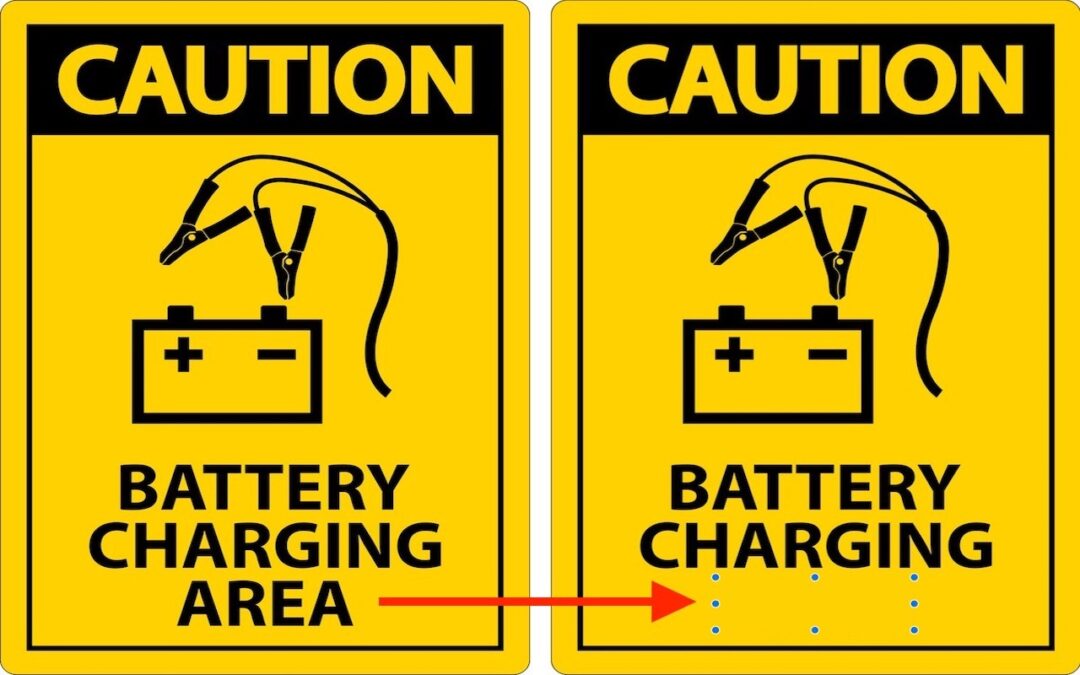
Erase Image Content in Preview with Copied Color Blocks
Have you ever needed to remove some content from a screenshot or other illustration? There’s no need for a fancy graphics app—you can do it quickly in Preview with this little-known trick.
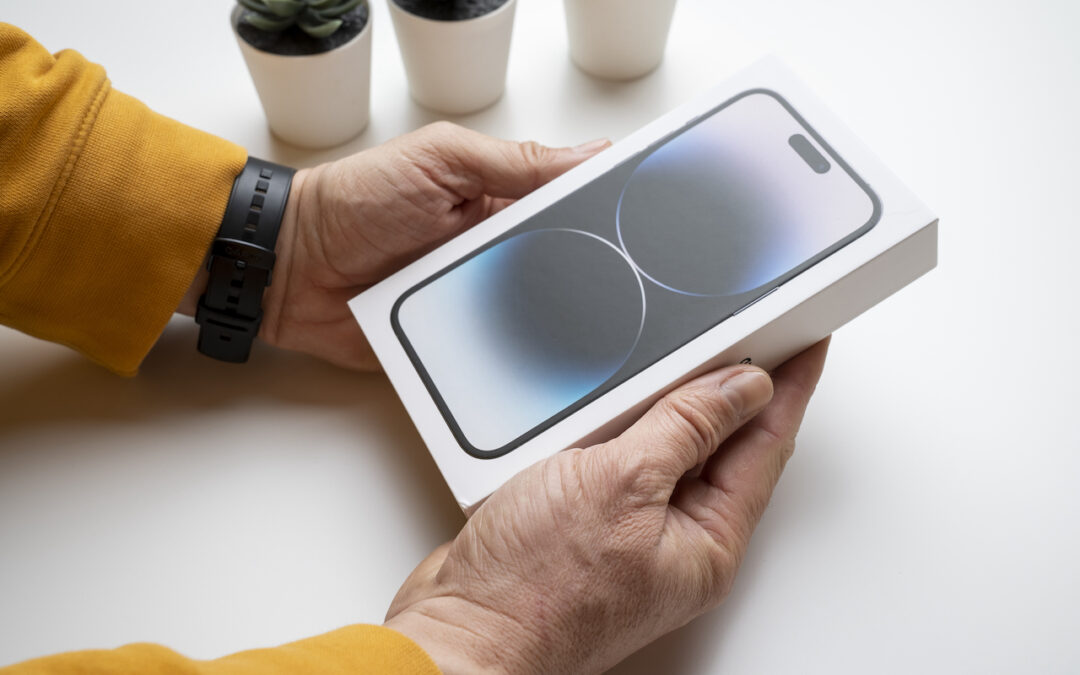
Things You Need to Know Before Moving to a New iPhone
It’s exciting to get a new iPhone, but take a few minutes to read our advice on what you need to do before—and after—transferring your data from your old iPhone.
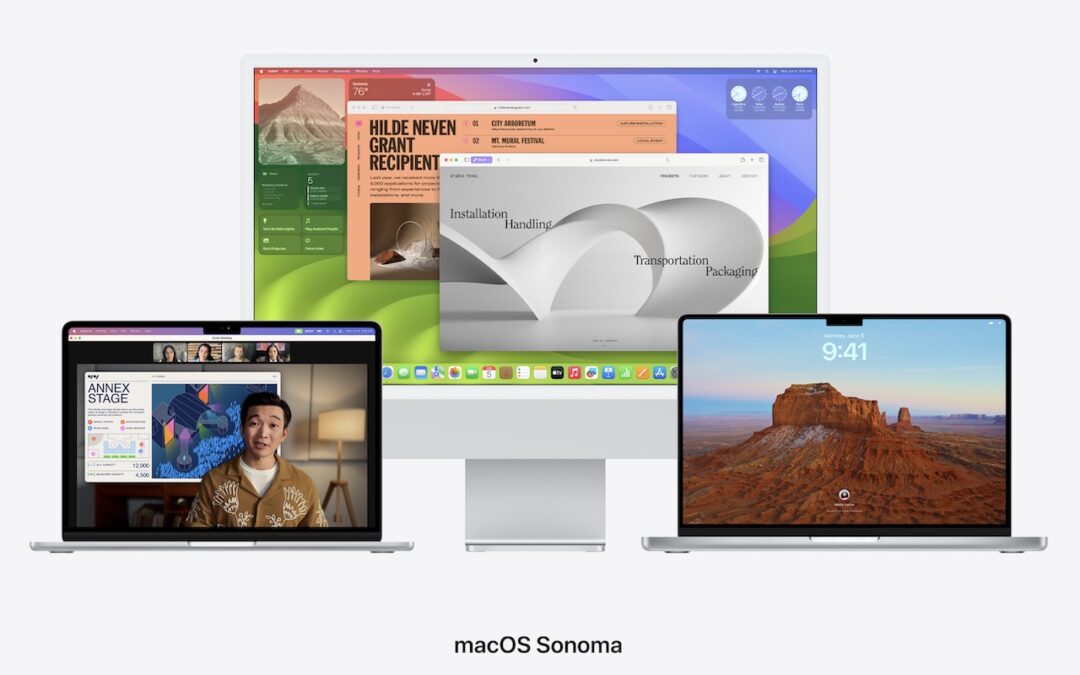
When Should You Upgrade to macOS 14 Sonoma, iOS 17, iPadOS 17, watchOS 10, and tvOS 17?
Apple is gearing up to release macOS 14 Sonoma, iOS 17, iPadOS 17, watchOS 10, and tvOS 17. We briefly examine the features worth upgrading for and suggest when to upgrade each of your Apple devices.

Use the Hidden Album in Photos to Hide Private Images
Although it’s safest to keep all NSFW images off your iPhone entirely, if you have photos that could be embarrassing or legally troublesome if the wrong person were to stumble across them, protect them using the Hidden album in Photos.
Super insightful and fresh perspective.
Well explained and easy to follow.
So glad I stumbled upon this.
Looking forward to your next post!
Truly a masterpiece of content.