
The Austin MacWorks Official Blog

Prepare for macOS, iOS, and iPadOS OS 27 by Updating to 26.6
We recommend updating to macOS 26.6 Tahoe, iOS 26.6, and iPadOS 26.6, not just for the many security fixes, but also because they promise to optimize Spotlight performance for the forthcoming version 27 upgrades.

Don’t Delay Mac Purchases to the Last Minute
Global memory shortages caused by AI data center demand are hitting Mac buyers with higher prices and longer delivery times. Here are strategies to reduce the pain for both individuals and organizations.
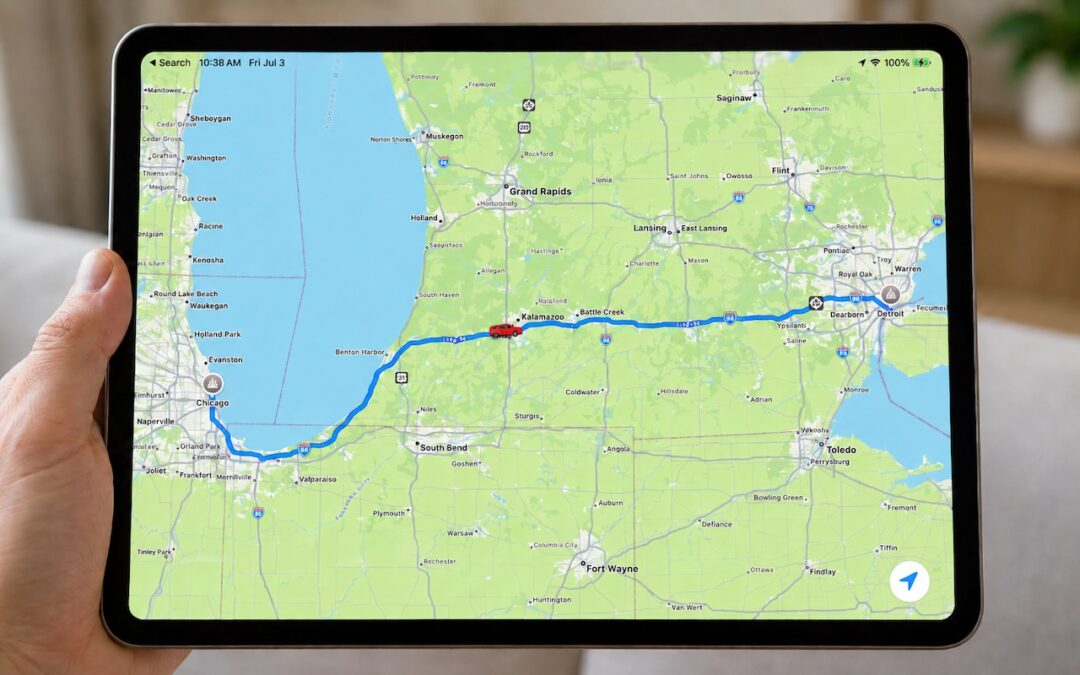
Share Your Location Temporarily While Traveling
Put an end to the “where are you now?” texts. iOS lets you temporarily share your location with friends and family while traveling—here’s how to set it up in Messages.

Understanding AI Today: No Longer Just a Chatbot
Still thinking of AI as just a chatbot? Today’s tools search the Web, run code, access your files, and can even take actions—all triggered from the same chat interface. The results are better but come with new responsibilities.
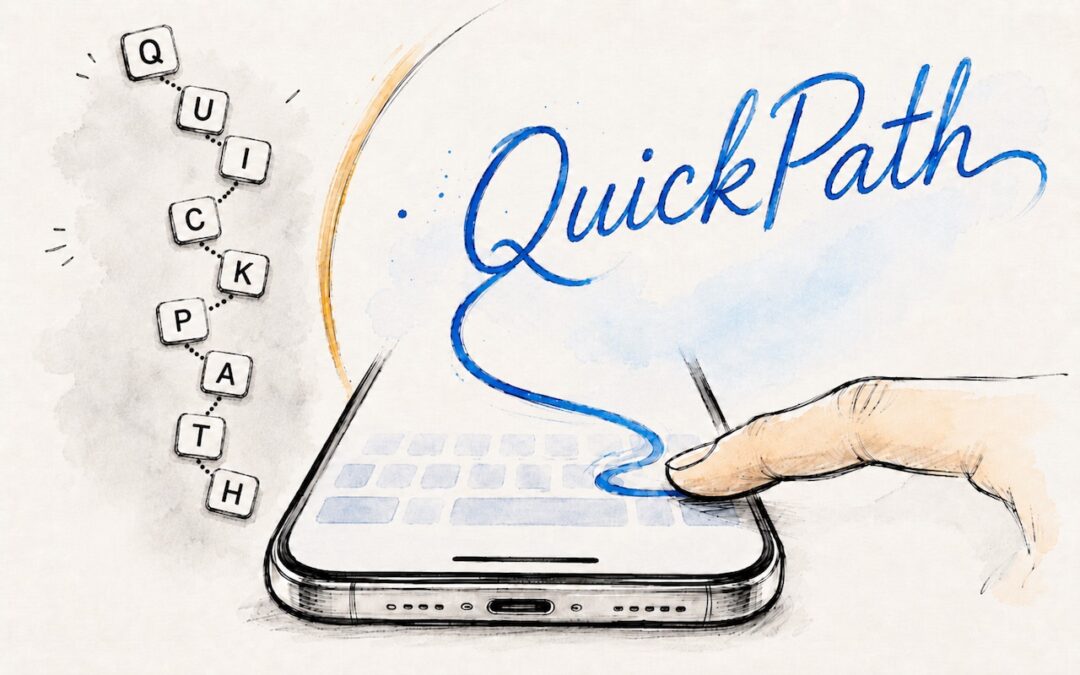
Try Swipe Typing with QuickPath on the iPhone
Tired of hunt-and-peck typing on your iPhone? Try QuickPath—just drag your finger across each letter in a word to swipe-type it. It’s surprisingly accurate and worth learning.
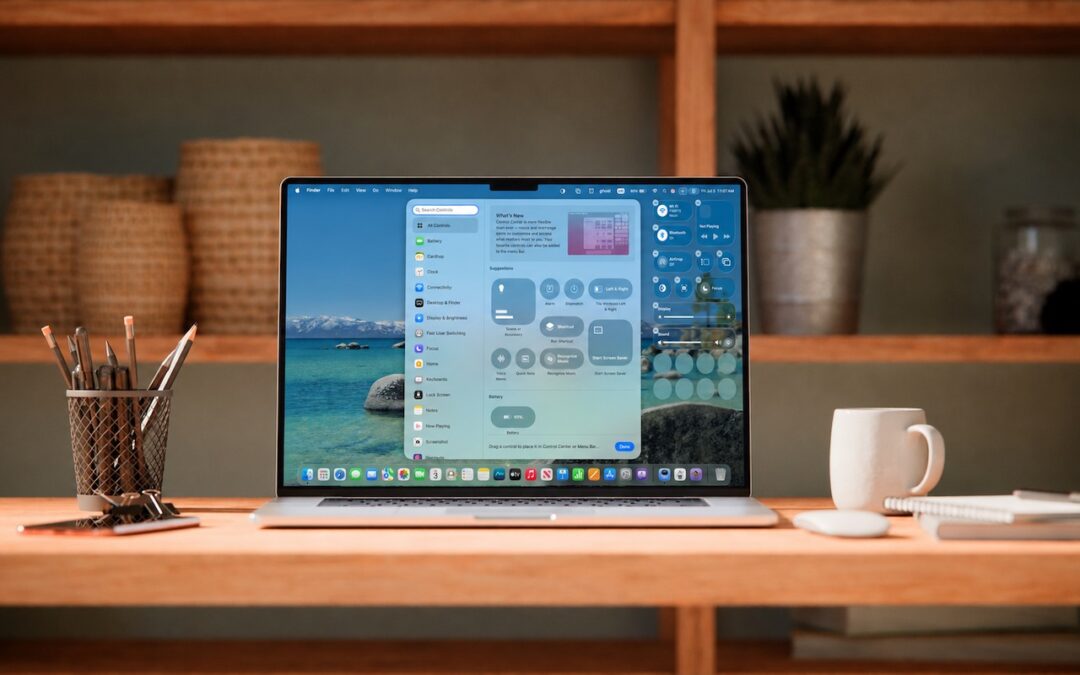
Control Center Is Improved—and Highly Customizable—in macOS 26 Tahoe
Stop wasting menu bar space. macOS 26 Tahoe’s revamped Control Center lets you add, remove, resize, and rearrange controls—including third-party ones—to fit your needs.
A week might be too short if IT approval is still pending. I'd treat "keeping your old iPhone for a…
Awesome tech breakdown on "When Should You Upgrade to macOS 27 Golden Gate, iOS 27, iPadOS 27, watchOS 27, tvOS…
I’ve used Chrome’s built-in screenshot tool, but opening DevTools every time gets a bit tedious. I recommend FullPage Capture, it’s…
This is such an important reminder. I've been in meetings where an AI notetaker silently joined and recorded everything, and…
Awesome tech breakdown on "When Should You Upgrade to macOS 27 Golden Gate, iOS 27, iPadOS 27, watchOS 27, tvOS…