
The Austin MacWorks Official Blog
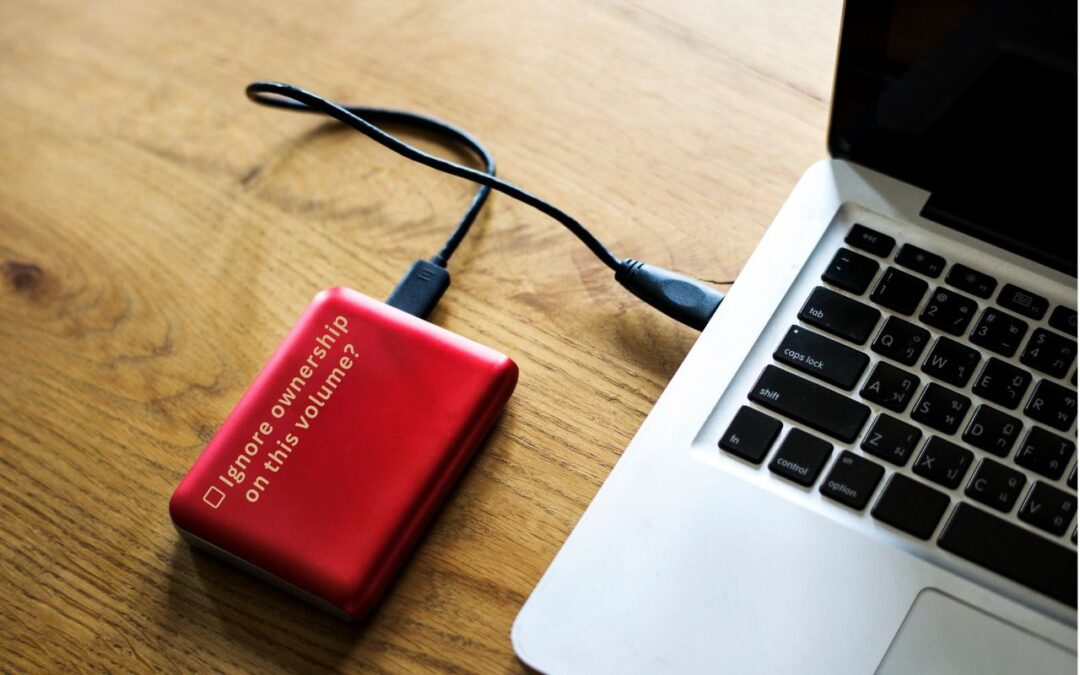
When Should You “Ignore Ownership” on an External Drive?
Permissions are an essential aspect of the Unix underpinnings in macOS, but on some external drives, they can be problematic. Learn when you should and should not enable “Ignore ownership on this volume.”
Protect Domains That Don’t Send Email from Email Spoofing
If you have parked domains that never send email, it’s important to set up SPF, DKIM, and DMARC so scammers can’t forge legitimate-looking email from those domains.
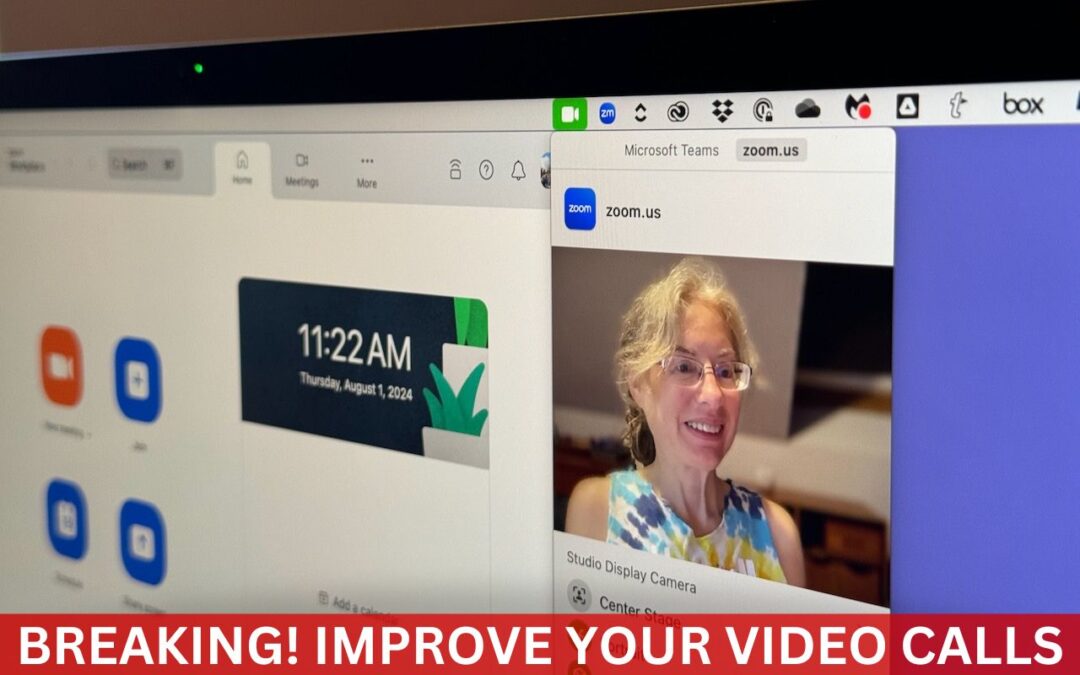
Make the Most of the Mac’s Videoconferencing Capabilities
Although videoconferencing has become a part of everyday life for lots of us, many people don’t realize that macOS provides helpful options for improving our video, audio, and presentations.

Missed an Alert? Check Notification Center
If a temporary banner disappears from your iPhone, iPad, or Mac before you have a chance to read it, you can find it in Notification Center.
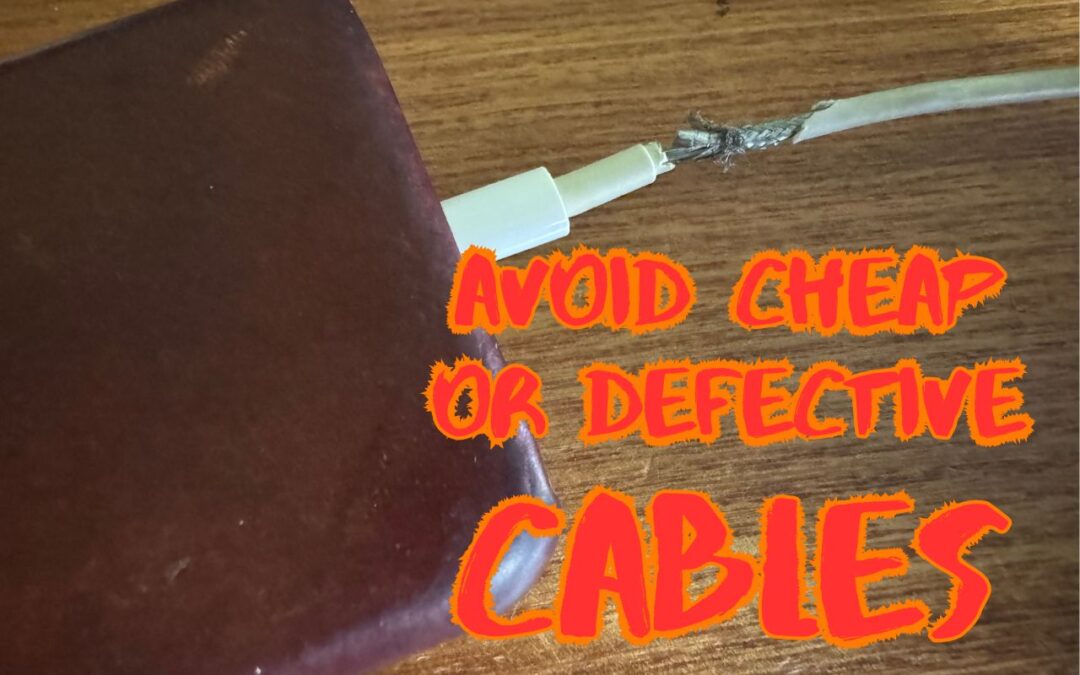
Use High-Quality Cables for Optimal Performance and Safety
It’s tempting to buy cheap USB-C and Lightning cables, but non-compliant, counterfeit, and defective cables can damage your hardware or even cause fires. Read on for more about keeping your cables working in the long run.

Be Careful When Scanning Unknown QR Codes
QR codes—those blocky squares you scan with your iPhone camera—are an easy way to open a Web page. Unfortunately, scammers also use them to trick people into visiting malicious websites, so read our tip about scanning these codes safely.
Super insightful and fresh perspective.
Well explained and easy to follow.
So glad I stumbled upon this.
Looking forward to your next post!
Truly a masterpiece of content.