
The Austin MacWorks Official Blog
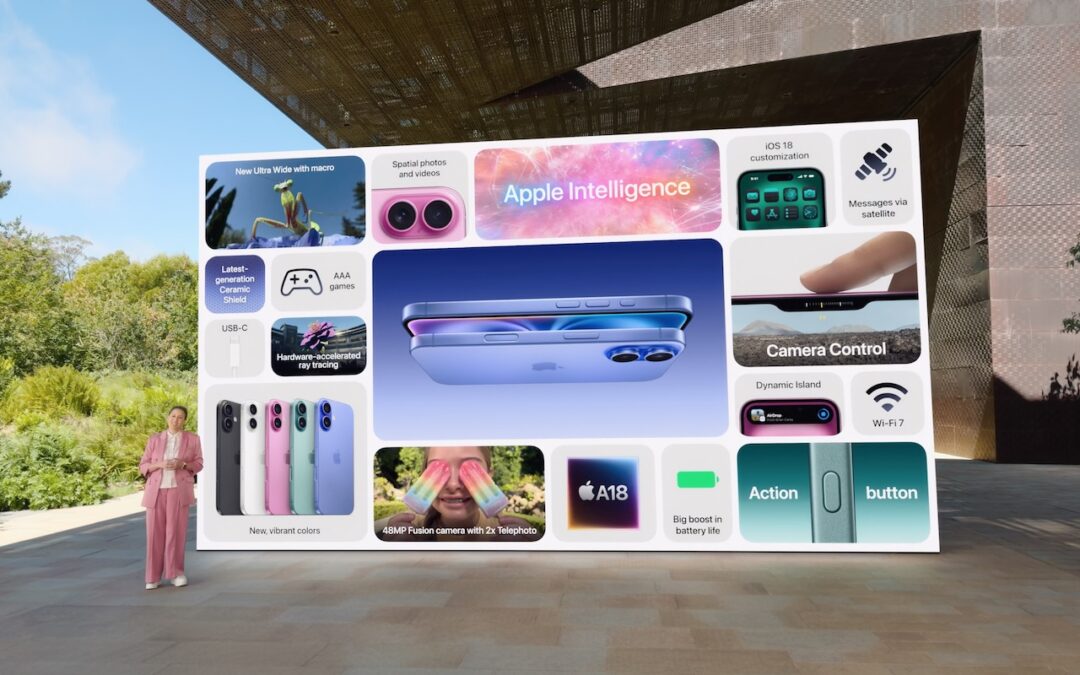
Apple Announces iPhone 16 Lineup, Apple Watch Series 10, and AirPods 4
Apple has introduced the iPhone 16 lineup, the Apple Watch Series 10, and two models of the AirPods 4, plus smaller changes. The upgrades are welcome but incremental, making them most compelling to those upgrading from much older devices.
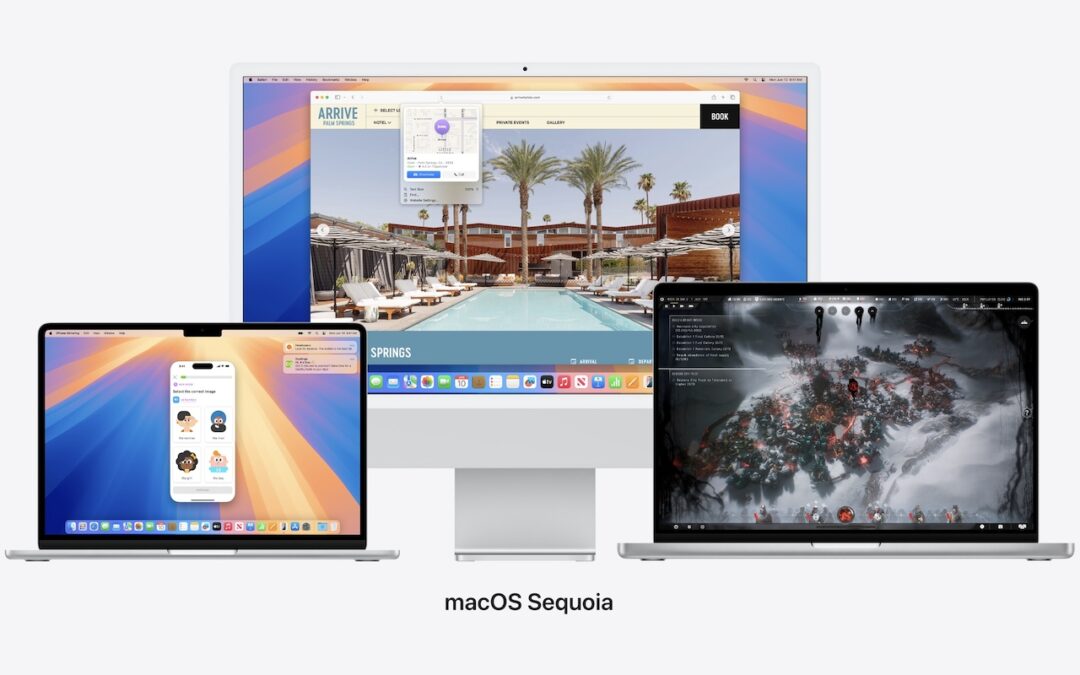
When Should You Should Upgrade to macOS 15 Sequoia, iOS 18, iPadOS 18, watchOS 11, tvOS 18, and visionOS 2?
Apple is gearing up to release macOS 15 Sequoia, iOS 18, iPadOS 18, watchOS 11, tvOS 18, and visionOS 2. We briefly examine the features worth upgrading for and suggest when to upgrade each of your Apple devices.
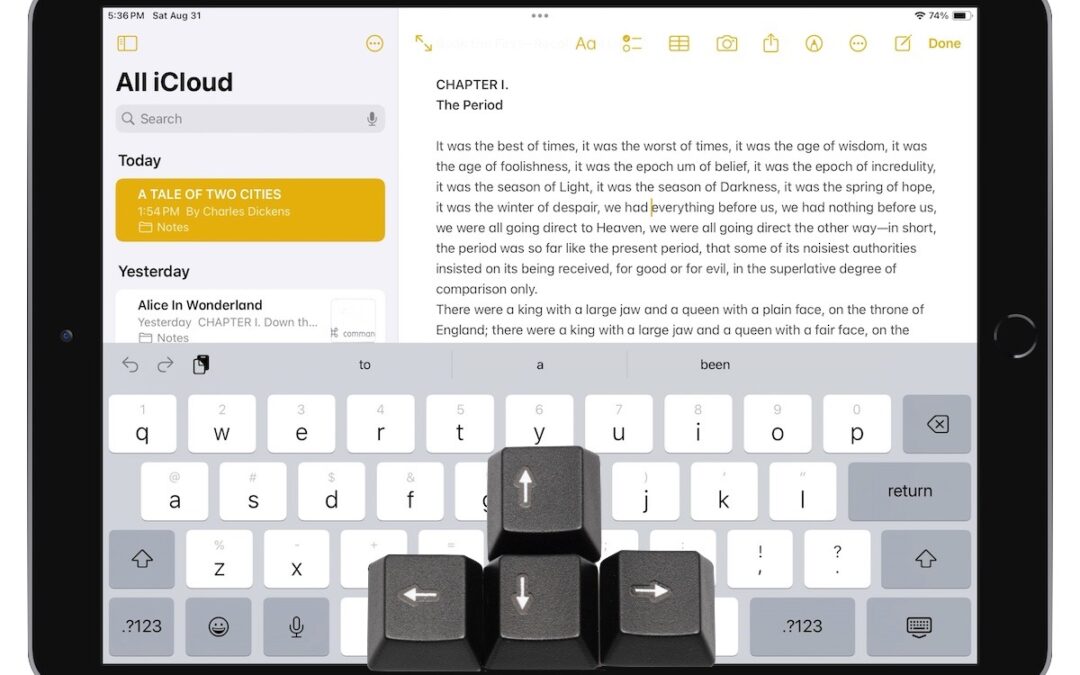
Five Quick Tips to Ease iPhone and iPad Text Editing and Amaze Your Friends
A friend recently expressed astonishment when she saw us using trackpad mode while editing text on an iPhone. (It works on the iPad, too!) So, even if you already know these tips, do your friends a favor and show them: Tap once to position the insertion point at the start or end of a word. […]

NPD Breach Reveals Data on Hundreds of Millions, Here’s How to Respond
Hundreds of millions of people had their names, addresses, and Social Security numbers revealed in the massive NPD breach. There isn’t much you can do to protect yourself, but we explain the one thing everyone should do.

Understanding the Key Differences Between Personal and Managed Apple IDs
There are actually two types of Apple IDs: personal and managed. Regular users have personal Apple IDs; those who use employer-provided devices are often required to use managed Apple IDs. Learn more about both.

Having Trouble with a Public Wi-Fi Network’s Captive Portal Login Page?
When you connect to a public Wi-Fi network, you often must authenticate or agree to terms on a captive portal login page. Here’s the solution if that page doesn’t appear.
Super insightful and fresh perspective.
Well explained and easy to follow.
So glad I stumbled upon this.
Looking forward to your next post!
Truly a masterpiece of content.