
The Austin MacWorks Official Blog

How to Minimize Downtime and Lost Work from Tech Failures
Macs may be more reliable than ever, but they still suffer from hardware and software failures. Follow our advice to minimize the impact of inevitable failures.
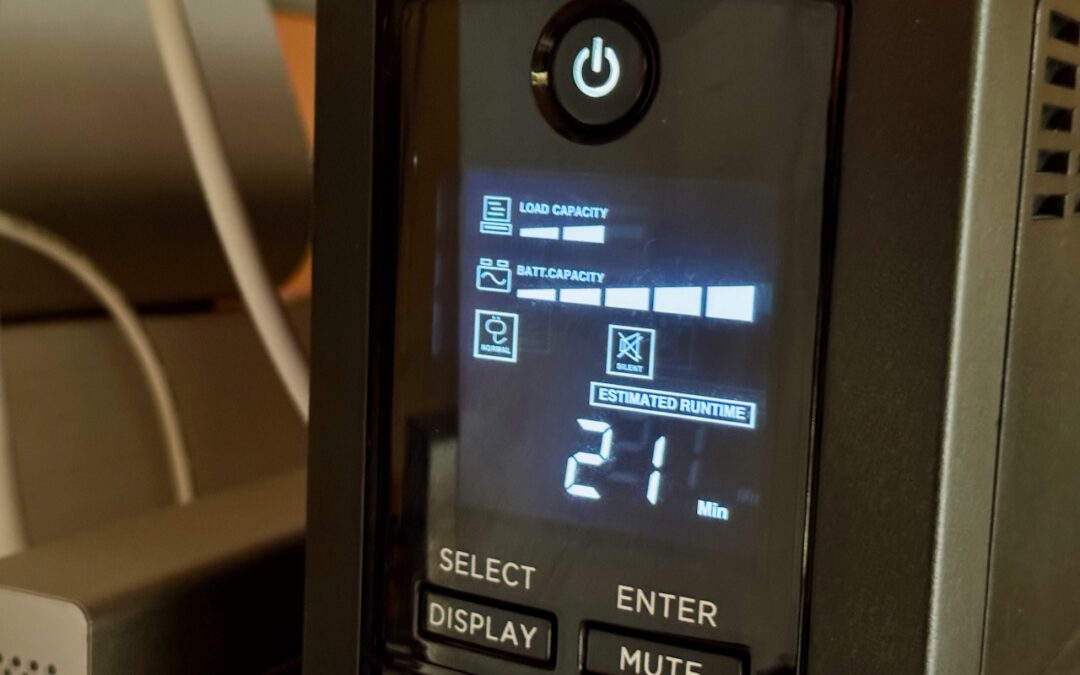
Energy Saver Can Shut Down Your UPS-Equipped Mac in a Power Outage
If you connect your Mac to your UPS with a USB cable, you can use Energy Saver to shut your Mac down automatically in the event of a power failure… before the UPS battery runs out.
No More Ransom Website Offers Ransomware Decryption Tools
Ransomware primarily affects Windows and Linux computers, but if you, or anyone you know, falls prey to it, visit the No More Ransom website for advice and decryption tools.
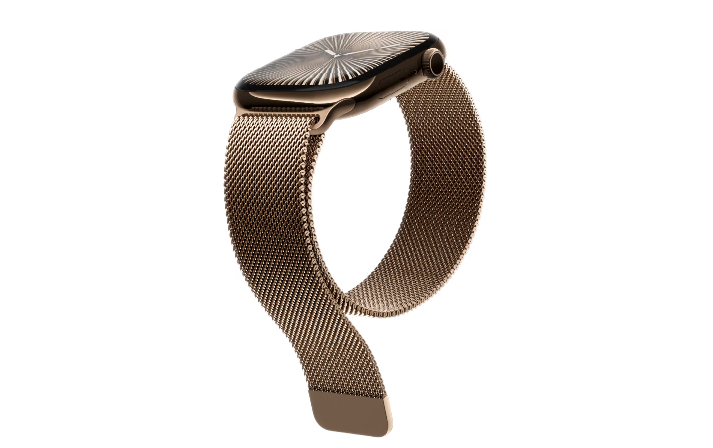
Apple Announces Apple Watch Series 10
Apple Watch Series 10 features a thinner, lighter design that still provides a larger, brighter screen and works with all existing bands.

Set macOS to Require a Password after Screen Saver Start or Display Sleep
Don’t forget about local security on your Mac. Make sure to require a password shortly after the screen saver starts or the display sleeps to prevent people from riffling through your email, photos, messages, and more.
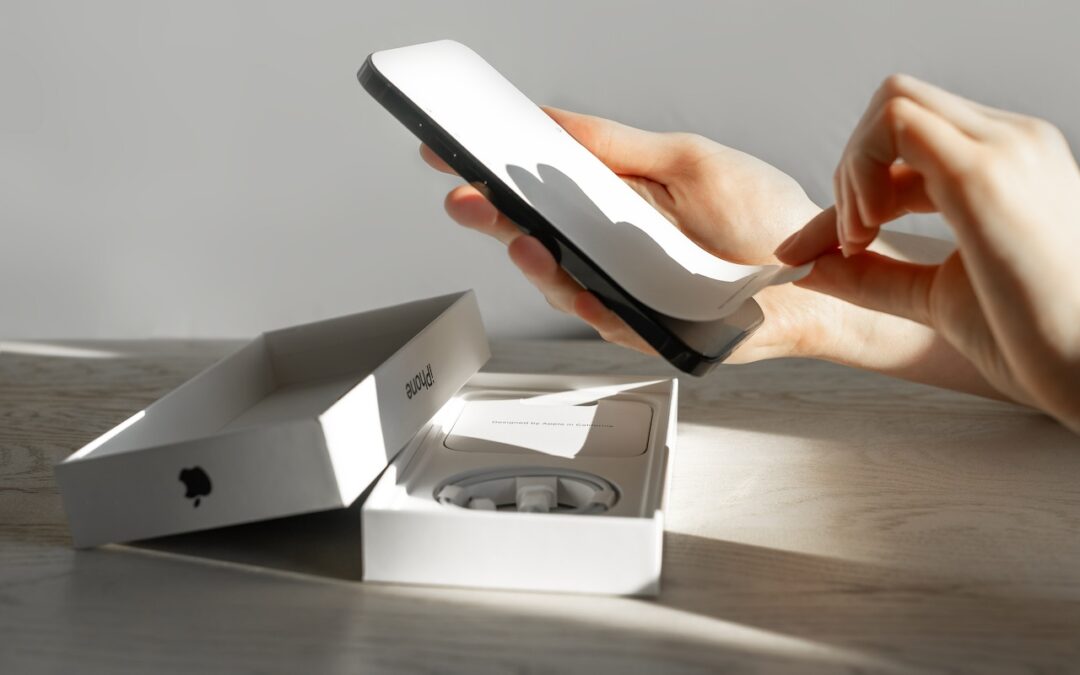
What You Need to Know Before Switching to a New iPhone
It’s exciting to get a new iPhone, but take a few minutes to read our advice on what you need to do before—and after—transferring your data from your old iPhone.
Super insightful and fresh perspective.
Well explained and easy to follow.
So glad I stumbled upon this.
Looking forward to your next post!
Truly a masterpiece of content.